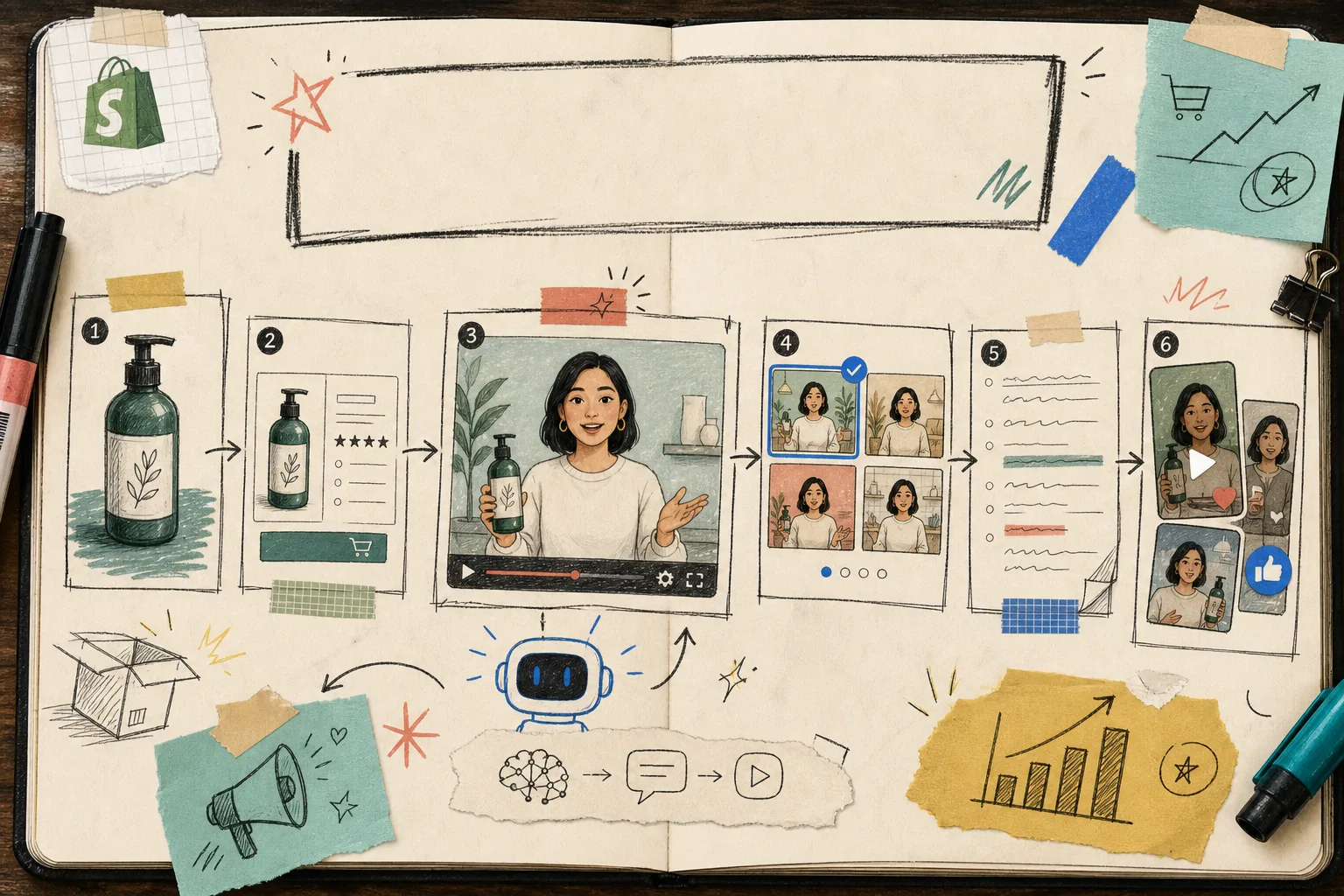
How to Turn One Shopify Product Into Five UGC Video Ads
I keep seeing the same problem in Shopify stores: there is one good product, one decent asset folder, and a lot of pressure to make more video. The quickest fix I have found is not a bigger shoot. It is a smaller system.
Supra UGC Maker is the tool I would use when I need UGC-style product videos with AI avatars, scenes, scripts, speech, and product references. It gives me a way to build one base concept and then branch it into multiple ad angles without hiring influencers, videographers, or editors every time I want a new variation.
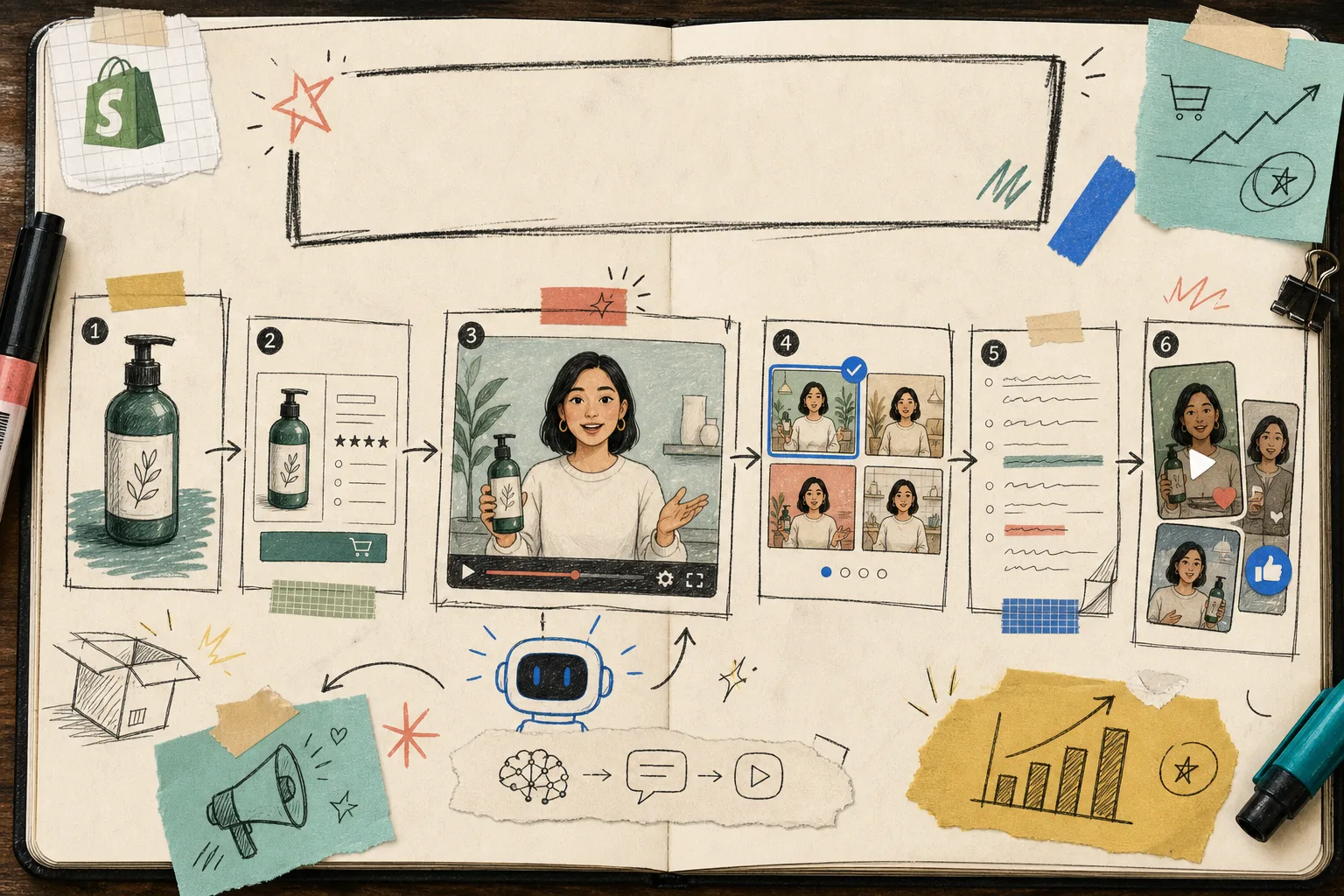
Start With The Decision, Not The Footage
Before I generate anything, I try to answer one simple question: what do I want the shopper to believe after 10 seconds?
That question is the whole game. If I cannot answer it, the video turns into generic product noise. If I can answer it, the rest gets much easier.
For a single Shopify product, I usually want to lock these things first:
- The promise: what problem the product solves.
- The viewer: who should feel seen by the script.
- The scene: what setting makes the product feel believable.
- The voice: whether the delivery should feel calm, energetic, direct, or conversational.
- The CTA: what I want the viewer to do next.
That is where Supra UGC Maker helps. I can choose a preset avatar or create a custom AI model, pick a scene, add the product, write the script, and then generate a video that feels specific instead of assembled from random ecommerce stock.
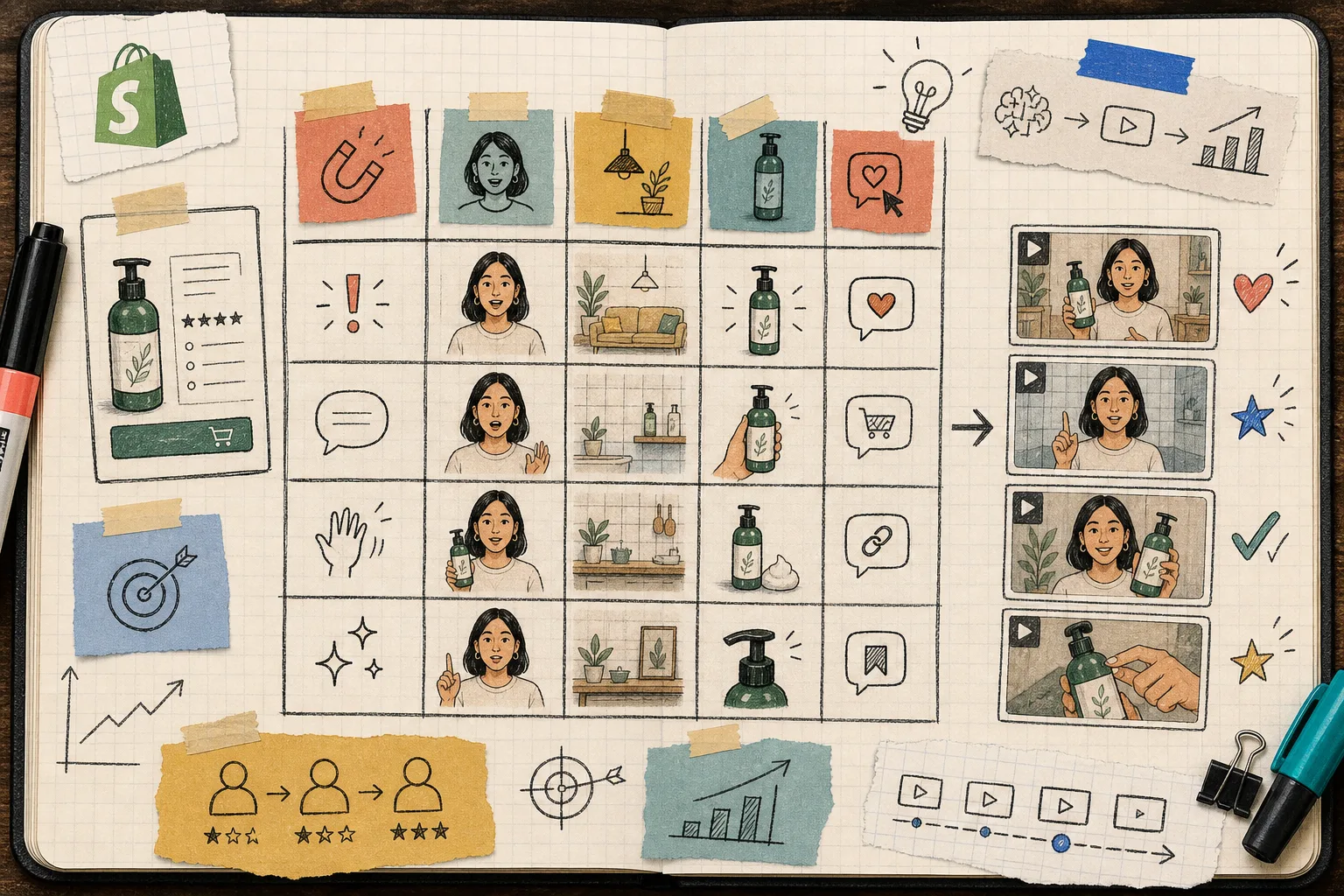
The Five Variations I Would Build From One Product
If I only had time to make five clips, I would make these.
1. The Problem Hook
Start with the annoyance or friction the buyer already feels. This version is for people who have not decided they need the product yet, but know they are tired of the old way.
Keep the first line blunt and practical. A UGC-style video works best here when it sounds like someone explaining why they switched, not like a brand announcing a launch.
2. The Product Walkthrough
This is the most straightforward ad variation. The avatar introduces the product, shows it in context, and explains what makes it useful.
I like this version because it usually does double duty: it can run as a paid ad and also live on a product page or landing page. If a shopper is already warm, the walkthrough gives them enough clarity to act.
3. The Comparison Angle
This version is for the shopper who is still comparing options. The script should contrast the product with the manual, slower, or messier alternative.
That comparison does not have to be dramatic. It just has to be clear enough that the buyer understands why this product exists.
4. The Social Proof Angle
Not every product needs a testimonial, but most products benefit from the feeling of one. A short AI avatar clip can simulate a casual recommendation, a reaction, or a quick “this is why I kept using it” moment.
The key is not to overplay authenticity. I treat this as a scalable UGC-style creative, not a replacement for a real creator when a real creator is the better fit.
5. The Seasonal Or Offer Angle
This is the version I would keep ready for launches, promos, or deadline-based campaigns.
It is the easiest clip to refresh because the product can stay the same while the hook, tone, and CTA shift with the calendar. That makes it useful for testing ads without rebuilding the entire project.
The Small Rules That Keep The Videos Usable
The line between useful and fake is usually pretty thin. These are the rules I would keep on my desk.
- Keep the script short. A UGC-style ad should get to the point fast.
- Match the scene to the product. A good setting makes the product feel like it belongs there.
- Use the product reference deliberately. The viewer should know what is being sold without guessing.
- Review the preview before you generate the final clip. That is easier than trying to rescue a weak concept after the fact.
- Reorder, trim, update, and regenerate clips inside the same project instead of rebuilding from scratch.
- Save the good scenes and projects so the next variation starts from something proven.
That last part matters more than people think. The best workflow is not “make one video.” It is “keep one project alive and keep branching it.”
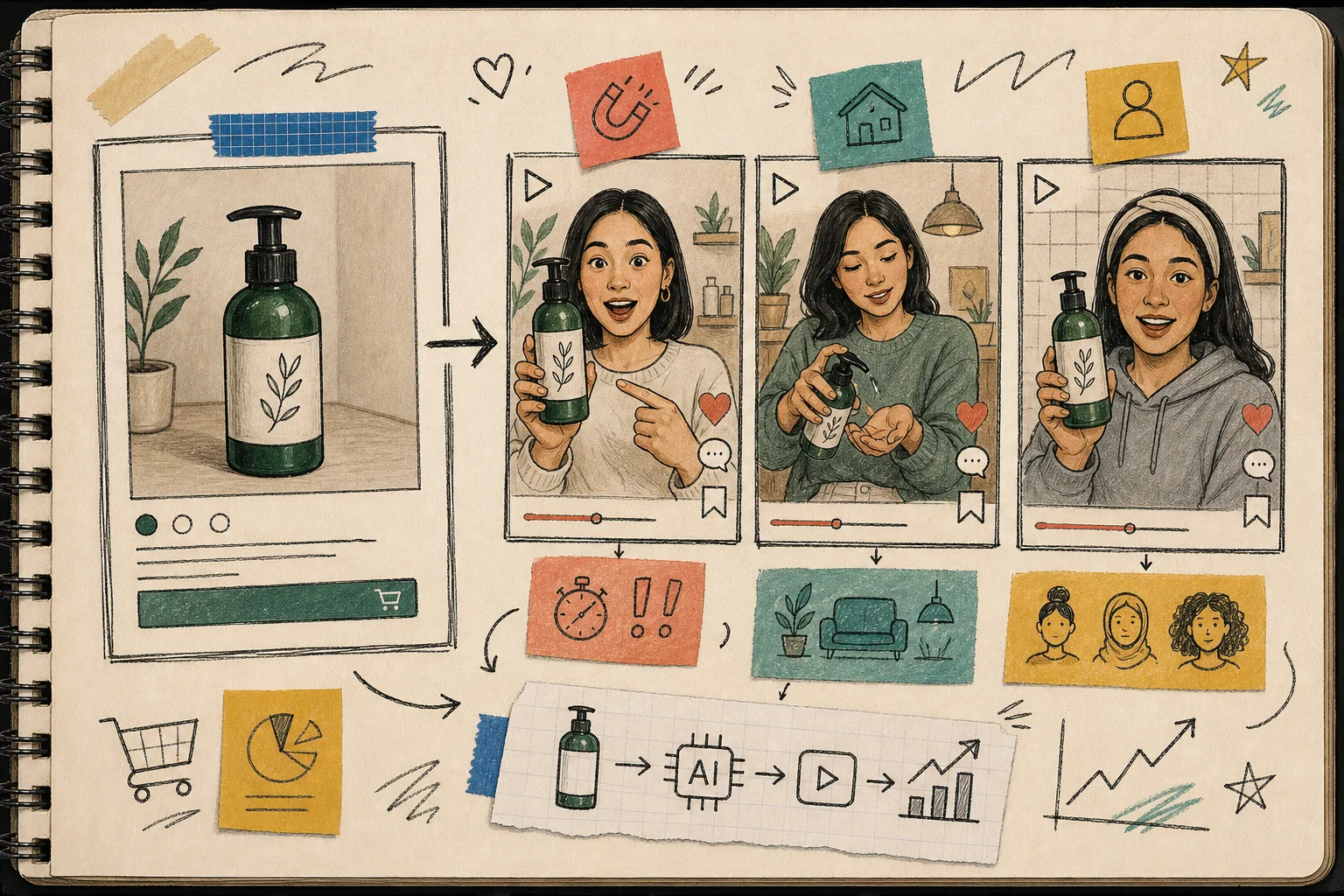
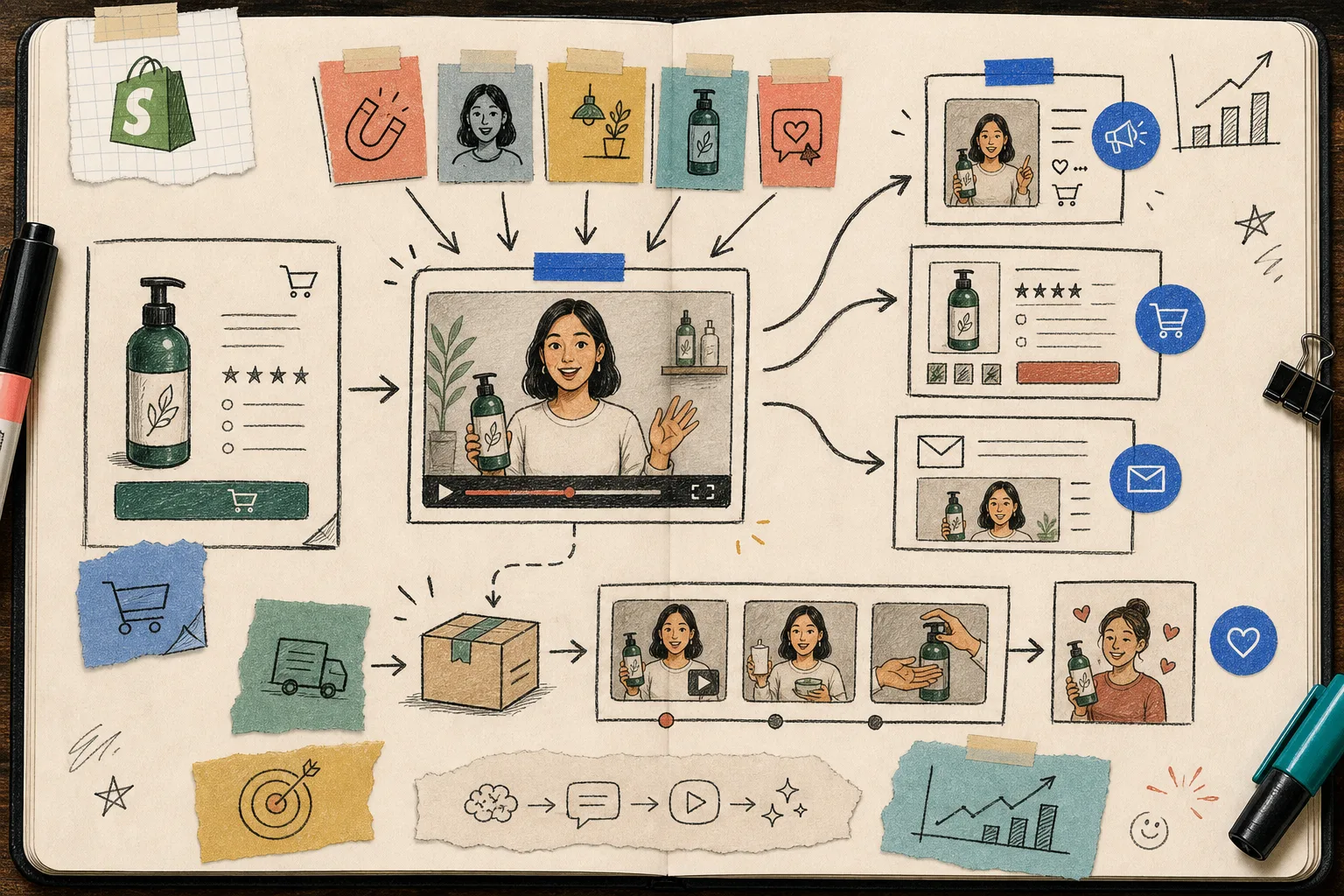
Where I Would Use The Videos In A Shopify Funnel
Once the first batch is done, I would not treat the clips like isolated assets. I would place them where they can do work.
- Paid social ads for TikTok, Instagram Reels, and Facebook.
- Product pages where the buyer needs more context than images alone can give.
- Launch emails that need a quick visual hook.
- Seasonal promotions that need a faster refresh than a photo shoot can provide.
- Post-purchase education when the product needs a little explanation.
That is the real upside of an AI UGC video generator: it gives a Shopify store enough short-form creative to support multiple parts of the funnel without starting from zero every time.
Where This Approach Stops
I would not use AI UGC as a universal answer.
It is strong when the goal is scalable creative testing, product explainers, and fast campaign production. It is weaker when you need a real creator’s community trust, a lived-in testimonial, or a personal story that only a human can tell well.
That distinction is useful because it keeps the tool in the right lane. Supra UGC Maker is good when you need more product videos, more variants, and less manual production drag.
Related Reads
- How to Create UGC-Style Shopify Product Videos Without a Shoot
- How to Turn Product Data Into MP4 Videos with VideoFlow
- How to Build a Product-Aware Shopify Blog Workflow That Publishes on Schedule
- How to Keep a Shopify Blog Publishing Without Generic AI Drafts
Conclusion
If you want a practical way to make more Shopify video ads without turning every new idea into a full production cycle, start with one product, one avatar, one scene, and five hook variations.
That is enough to see whether the workflow is useful. If it is, the next step is simple: open Supra UGC Maker, build the first reusable project, and try the free plan on your strongest product first.