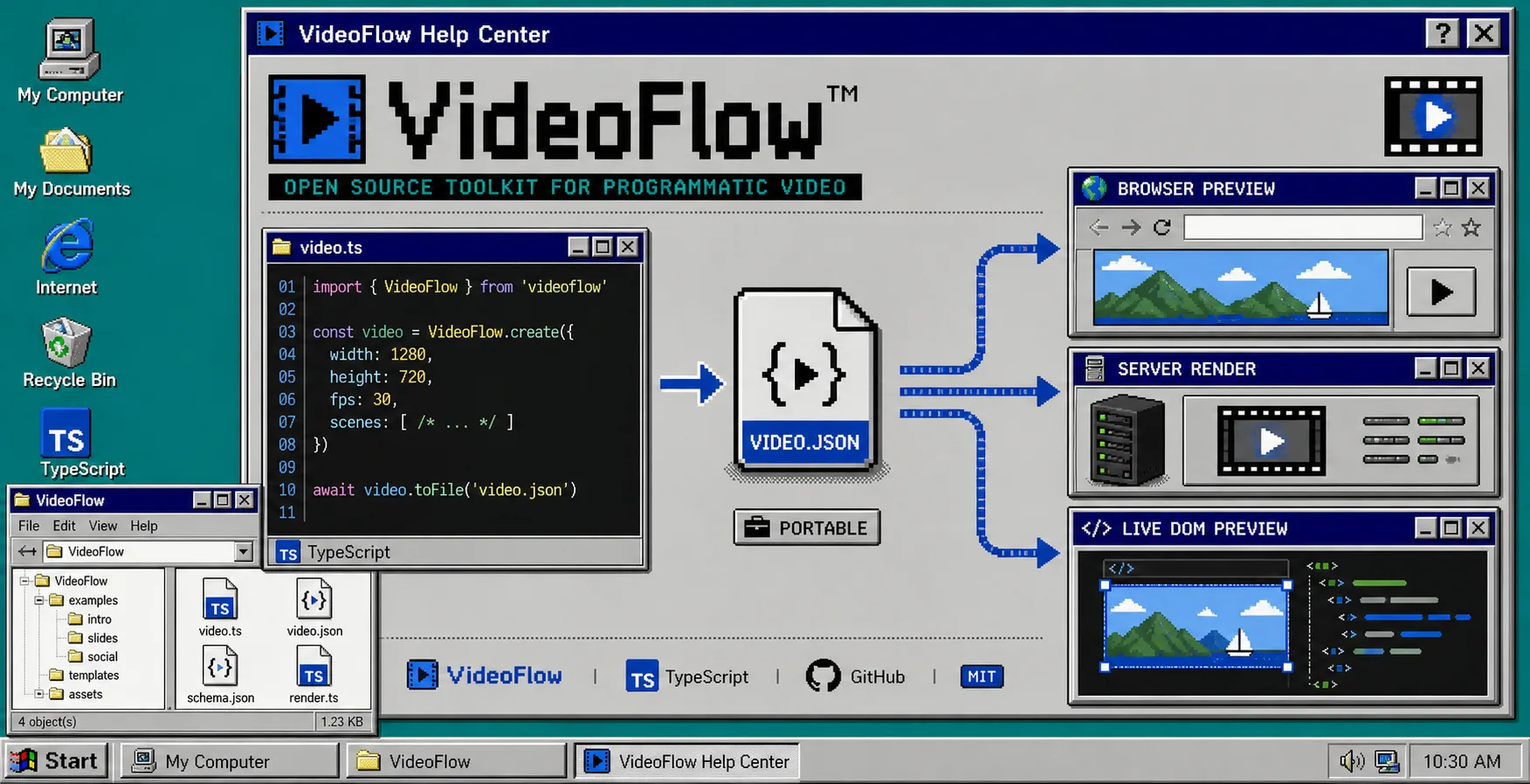
If your browser preview, server export, and editor keep drifting apart, the problem is usually not the renderer. The problem is that the video itself is not the shared source of truth.
VideoFlow fixes that by letting you author a video as portable JSON, render it in the browser, on a server, or inside a live preview, and keep the React editor on top of the same data. Start with the official VideoFlow site, then check the docs, core, renderers, React video editor, playground, and GitHub repo when you want to test the shape before you ship it.
1. Model the scene once
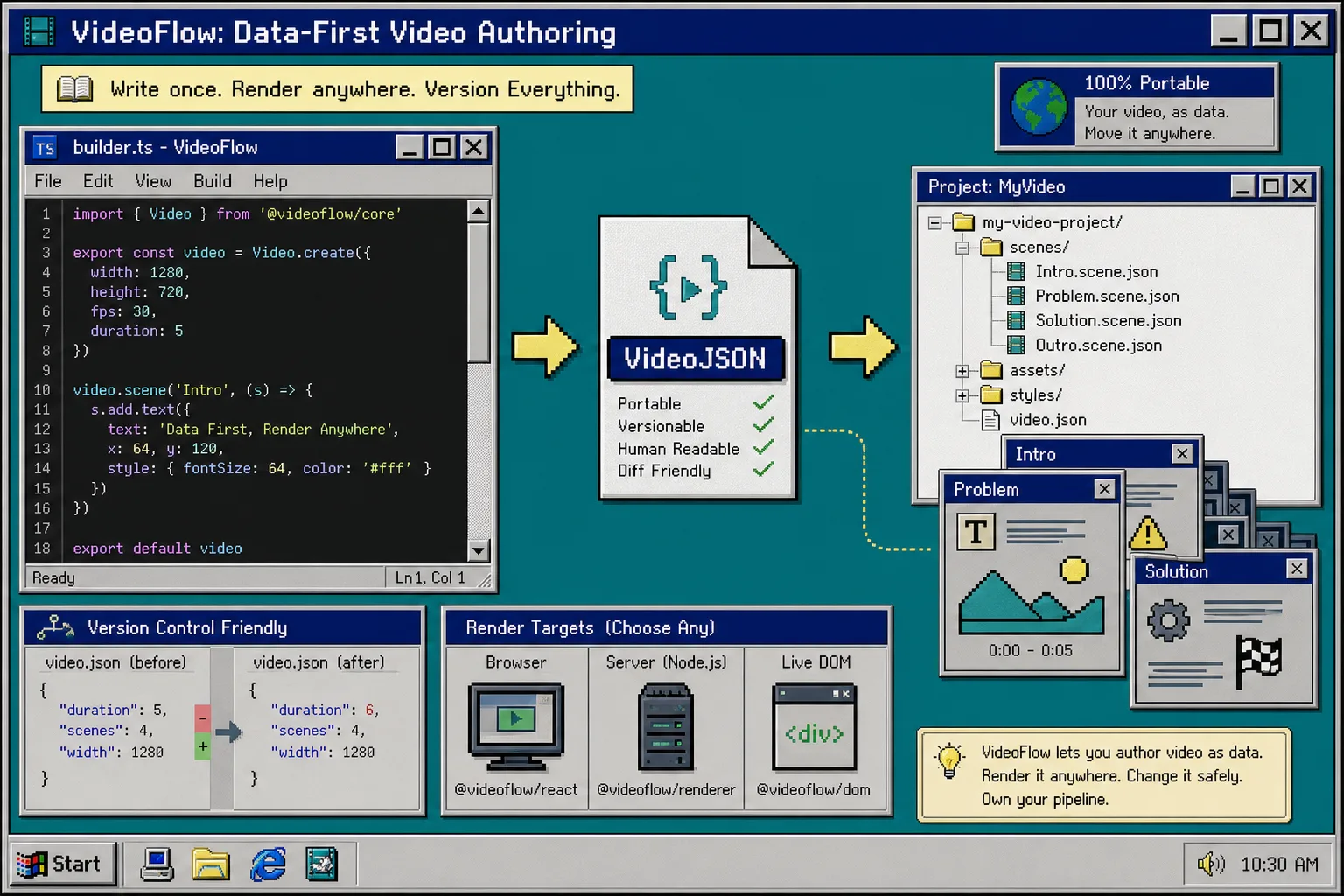
Install the core package and define the scene in one place. That gives you one object to compile, store, diff, and rerender later.
npm install @videoflow/core

import VideoFlow from "@videoflow/core";

const $ = new VideoFlow({
  name: "Promo Video",
  width: 1920,
  height: 1080,
  fps: 30,
});

$.addText(
  { text: "Hello, VideoFlow!", fontSize: 7, fontWeight: 800 },
  { transitionIn: { transition: "overshootPop", duration: "500ms" } }
);

const json = await $.compile();
Use the fluent API for the parts that need structure: wait, parallel, animate, and $.group() for layered scenes. The resolution model is practical too: 1em maps to 1 percent of project width, so the same scene stays readable when you move between 720p, 1080p, and 4K.
After this step, you should have one JSON object in Git instead of a timeline file that only one tool can read.
2. Pick the renderer last
Only install the renderers after the scene is stable. That keeps the source format separate from the environment that will eventually render it.
npm install @videoflow/renderer-browser @videoflow/renderer-server @videoflow/renderer-dom
Use the browser renderer when export should stay close to the user, the server renderer when the job needs a queue or API, and the DOM renderer when you want a live scrubbable preview inside a dashboard or editor. I wrote more about that split in How to Build a Three-Renderer Video Workflow With VideoFlow and How I Keep One Video JSON Working Across Three Renderers.
If you want the same mental model from a slightly different angle, How I Keep One Video Workflow Portable Across Browser, Server, and React is the companion I would read next.
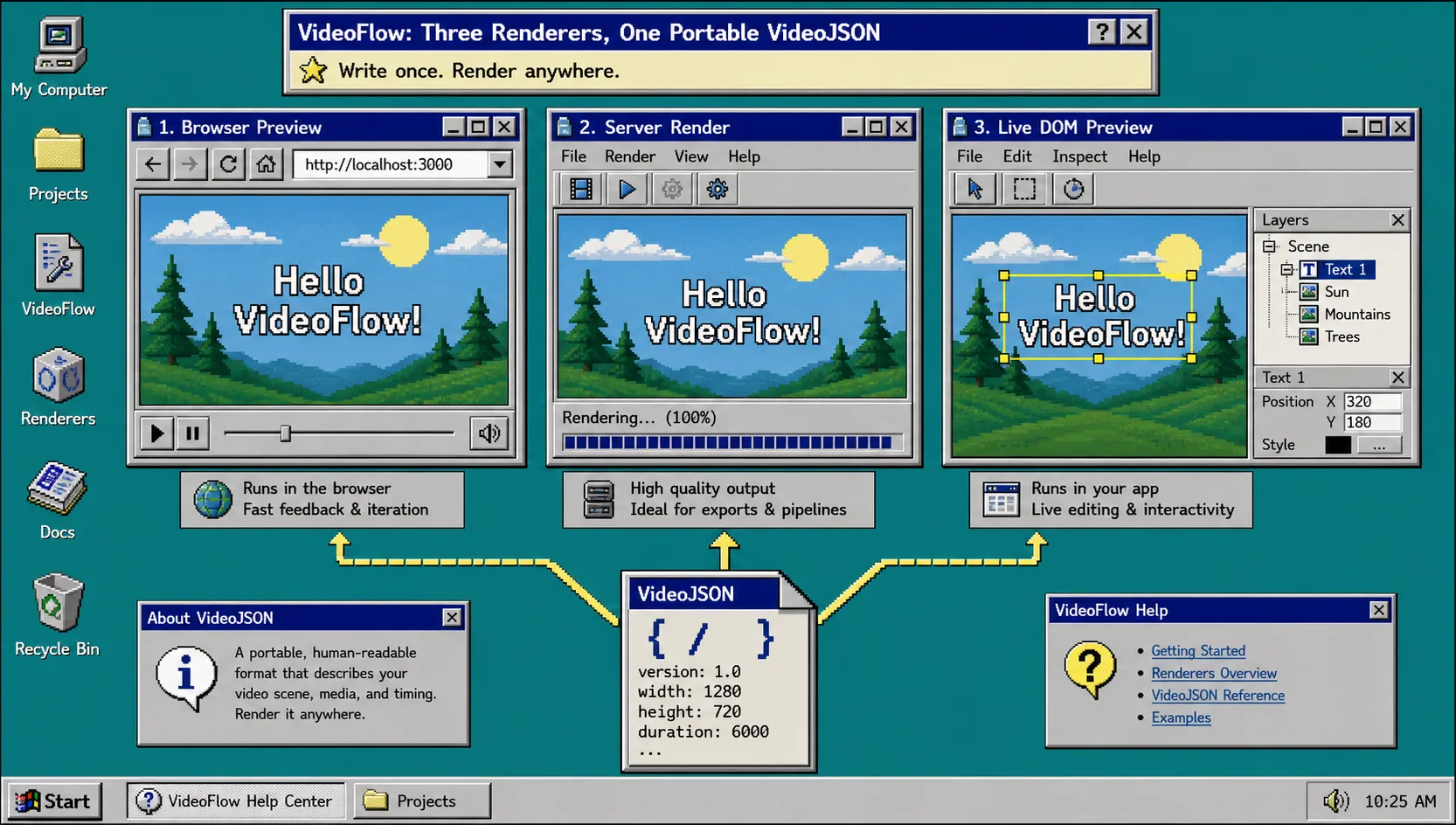
After this step, you should be able to point the same scene at different back ends without copying the project.
3. Wire the editor into the same data
Put the React editor on top of the same JSON instead of inventing a second format. The editor should be a view over the scene, not a fork of it.
npm install @videoflow/react-video-editor

import { VideoEditor } from "@videoflow/react-video-editor";
import "@videoflow/react-video-editor/style.css";

export default function App() {
  return (
    <VideoEditor
      video={videoJSON}
      onChange={(next) => saveToServer(next)}
      onSave={async (next) => await persist(next)}
      onUpload={async (file) => await upload(file)}
      theme="dark"
    />
  );
}
VideoFlow exposes a multi-track timeline, keyframes, transitions, themes, undo and redo, and a preview that stays tied to the same portable structure. If your inspector changes the fields but the exported JSON still looks familiar, that is the right sign.
For the editor-specific angle, How to Add a React Video Editor Without Rewriting Your Video Pipeline and How I Keep Video Preview, Editing, and Export in Sync With VideoJSON both cover the same boundary from different sides.
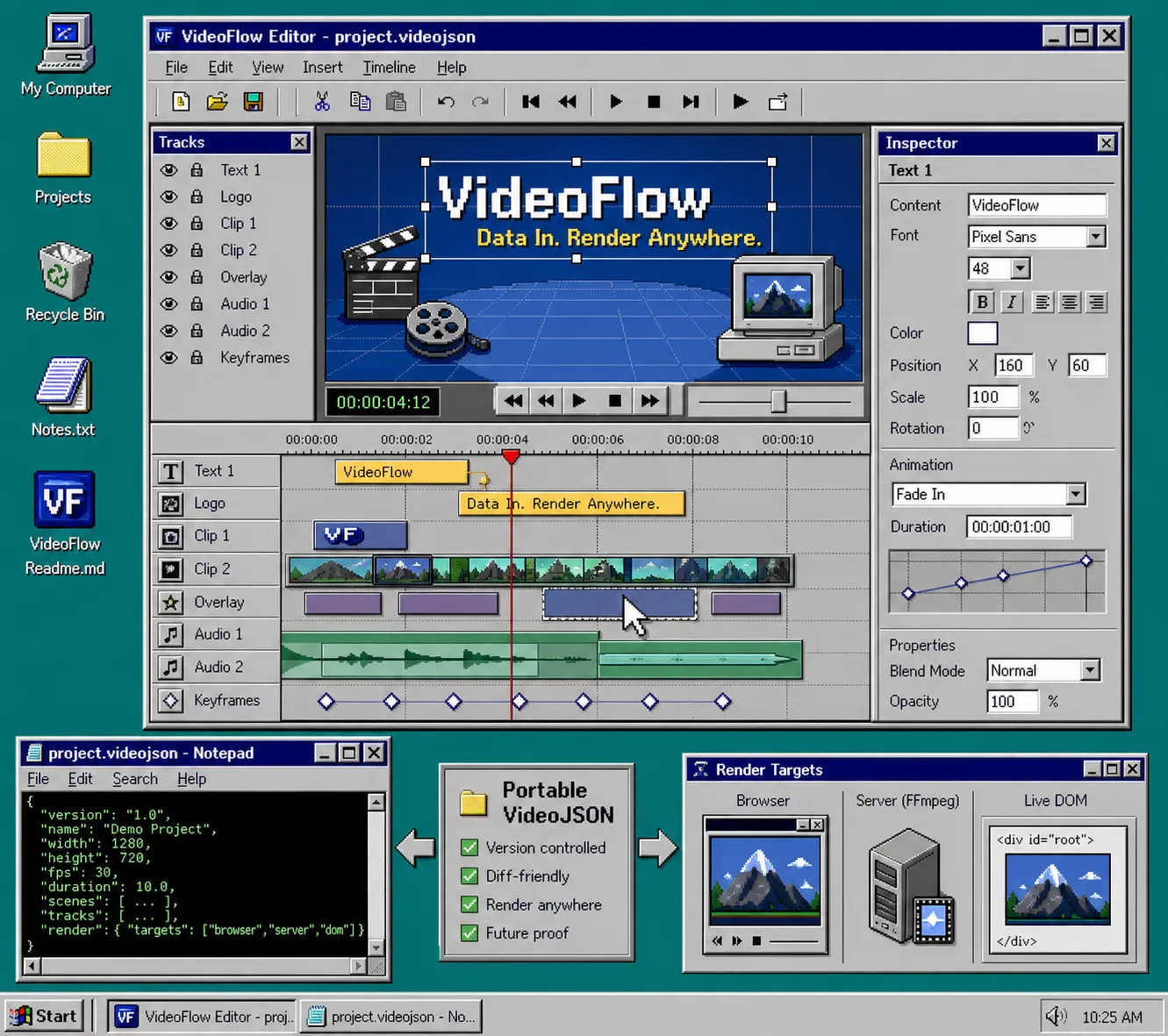
After this step, you should be editing the same JSON that the renderer uses.
4. Keep the template in Git
When the template is data, git diff should show scene changes, not re-exported media. That is the main reason the open-source core and renderers matter: the project stays inspectable, and you are not locked into one editing surface.
VideoFlow gives you enough structure to make that practical: wait, parallel, animate, $.group(), keyframes, transitions, and natural time formats all compile into a portable representation. That makes it easier to let humans and agents work on the same project without rewriting the pipeline every time.
How I Keep Video Templates Versionable in Git With VideoFlow is the post I would point to if you want the version-control side of the story.
When LLMs get involved, the safest shape is still structured data. Let the model draft VideoJSON or TypeScript builder code, then review the JSON like any other code review. That keeps the automation useful without letting it blur the source of truth.
After this step, you should review JSON diffs, not rebuilds, when the content changes.
5. Check for drift before you publish
Before you ship a render, run a short drift check:
- Is the scene defined in one place only?
- Do the browser and server outputs still match?
- Does the editor write back to the same JSON?
- Are all assets remote and stable, not local temp files?
- Are you patching the renderer, or should you fix the scene data instead?
If any answer is no, stop and repair the source of truth first. That is faster than chasing a mismatch through three pipelines.
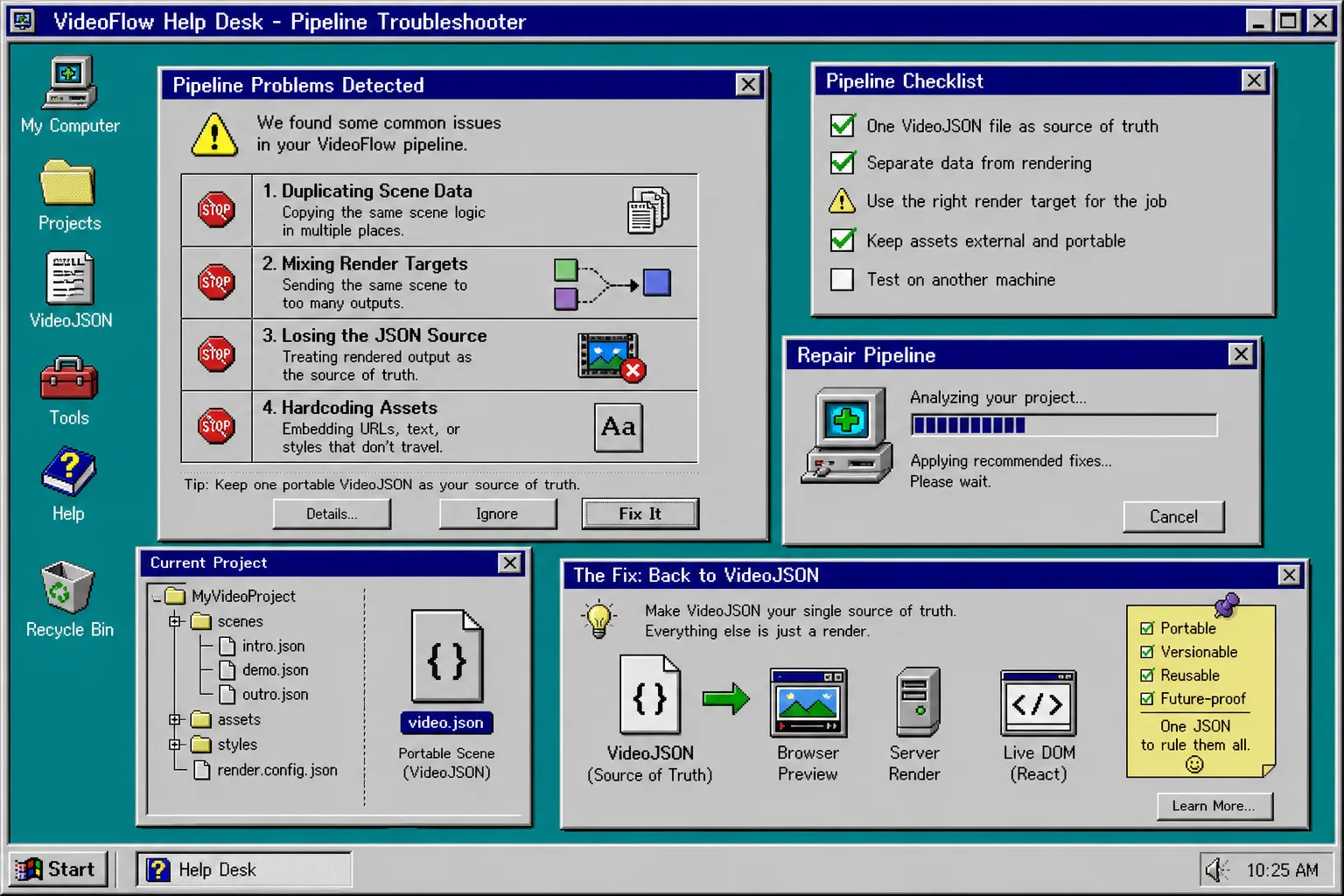
If the video still needs three separate edits, the pipeline is not separated enough yet.
Conclusion
The next move is simple: take one existing template, move the scene into portable JSON, and add the first renderer that matches your workload. Once that works, the rest is controlled expansion, not a rewrite.
If you want the next companion read, How to Add a React Video Editor Without Rewriting Your Video Pipeline and How I Keep One Video JSON Working Across Three Renderers are the two I would open next.