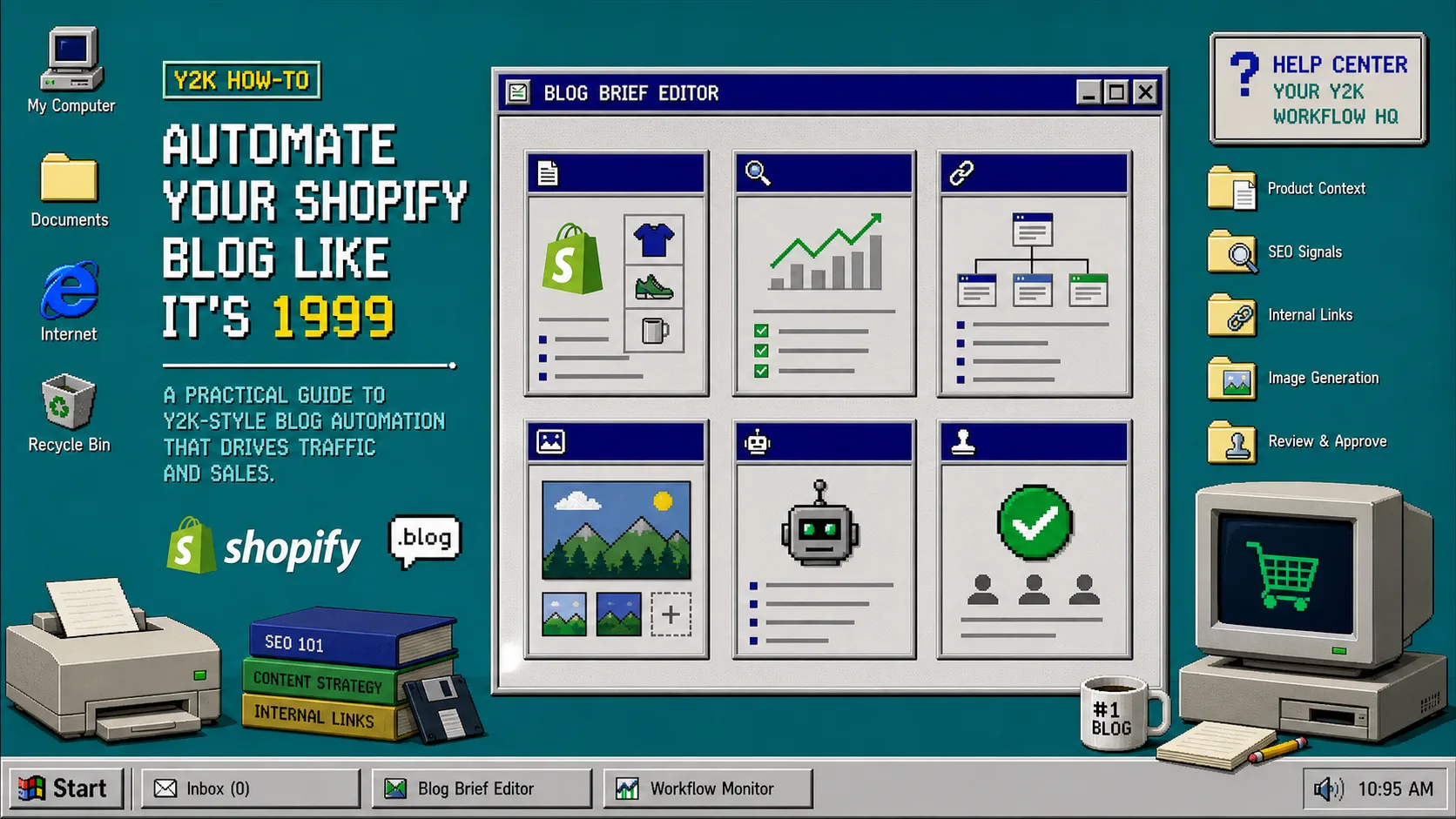
If a Shopify blog draft feels generic, the problem is usually not the writing model. It is the brief.
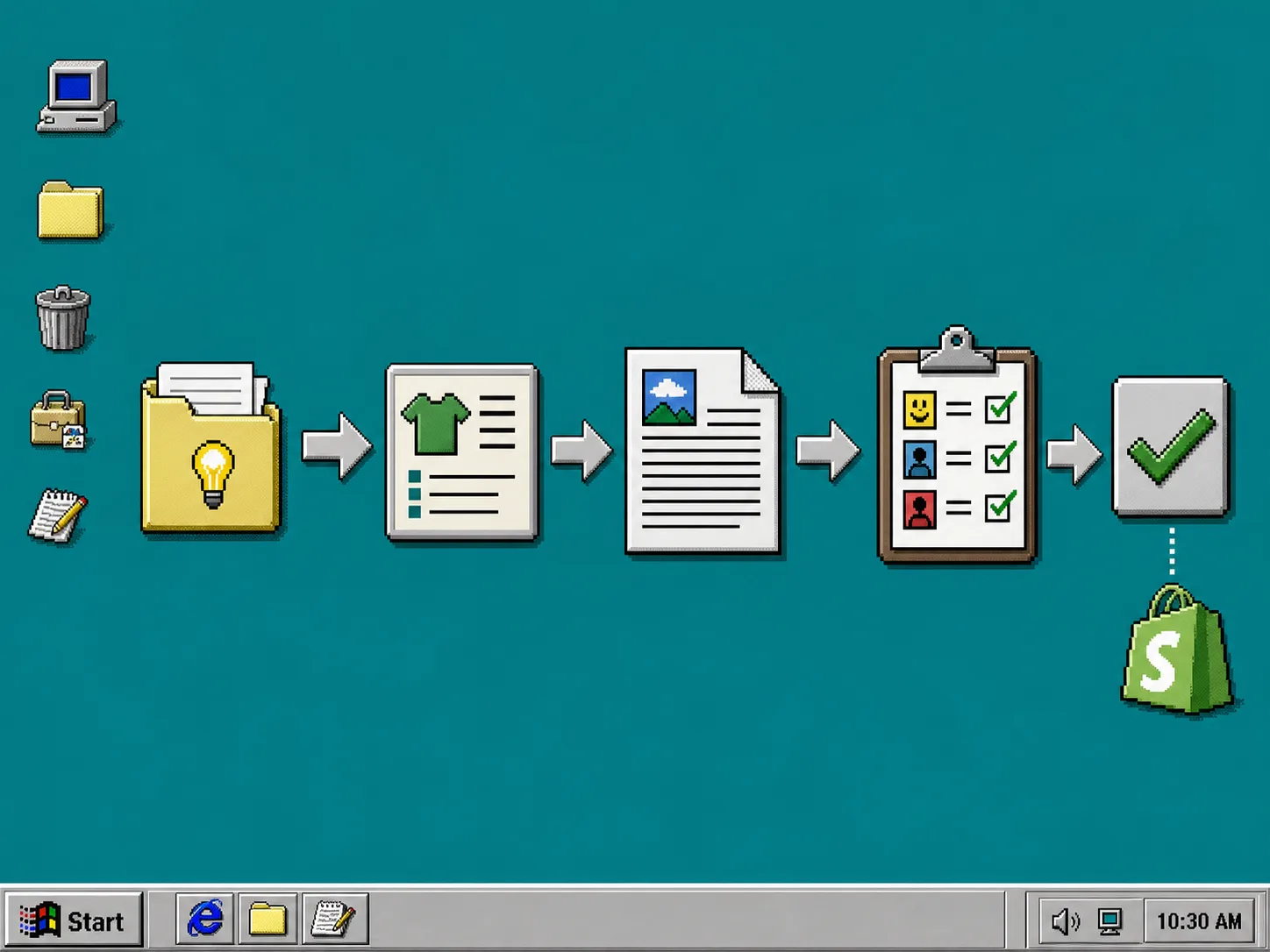
Supra Blog Automation can generate the post, shape the SEO structure, add internal links, and create visuals for you. But it still needs one clear job to work on. When I keep the brief narrow, the draft sounds like a real store owner wrote it. When I do not, it sounds like content assembled from a category page and a keyword list.
The fix is simple: start with one reader, one product context, and one outcome.
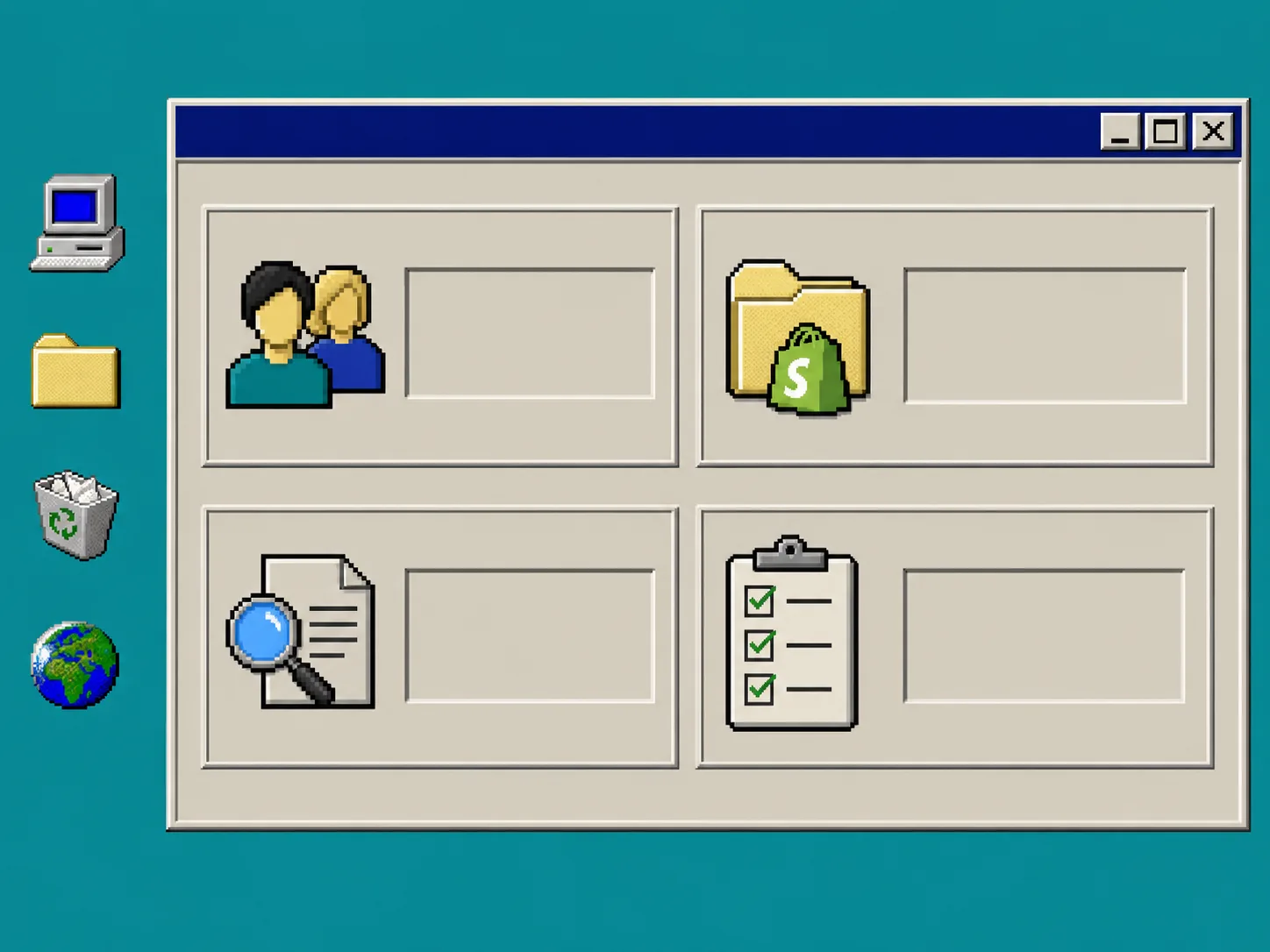
1. Start With One Reader And One Outcome
Before I touch the topic field, I decide who the article is for and what they should do after reading it.
That sounds obvious, but it is the part most automation workflows skip. “Write about this product” is too vague. “Write about this product for a shopper comparing options before they buy” is much better. So is “write for a merchant who wants a publishable draft for a seasonal collection post.”
I write the goal in one sentence and keep it tight. For example:
- explain why this product solves a specific problem
- support a collection page with search-friendly context
- answer the question a shopper is already asking
- create a draft that a human can review quickly and publish safely
If I need a broader system for keeping ideas coming, I pair this with How to Keep a Shopify Content Calendar Full Without Inventing Topics. That post is the right companion when the real problem is not drafting. It is topic selection.
2. Feed The Product Context, Not The Whole Catalog
The next mistake is dumping in too much product information.
Supra Blog Automation is product-aware, which means it works best when you give it a specific product, collection, or launch context. That does not mean you should paste the whole catalog into the prompt. It means you should tell it what matters:
- which product or collection the post should support
- what makes it worth reading about
- which audience segment cares about it
- what problem the product helps solve
- what related products or pages should be mentioned naturally
That is the part I tried to improve in How I Turn Product Updates Into Reviewable Shopify Blog Drafts. The key lesson was that “product context” is not a pile of notes. It is a filter.
The stronger the filter, the less the draft drifts.
3. Add SEO Signals Before You Generate
The SEO part works better when it is part of the brief instead of a cleanup step.
I usually define three things before I generate anything:
- the search phrase I want the post to lean on
- the question or pain point the heading should answer
- the internal links that should appear if they fit naturally
That is enough to give the article shape without forcing it into a rigid template. Supra Blog Automation already supports SEO-focused structure, internal links, and topic focus, so the job is not to micromanage every heading. The job is to steer the draft toward one useful search intent.
If you want a stricter version of that process, How to Automate a Shopify Blog With Product Review and SEO Checks shows the same idea from a more checklist-driven angle.
4. Decide What Must Be Human-Reviewed
Automation gets into trouble when it is asked to make judgment calls it should not own.
I still review the first draft for:
- claims that sound too strong
- pricing or availability statements
- brand voice and tone
- legal or compliance-sensitive wording
- whether the call to action is useful instead of noisy
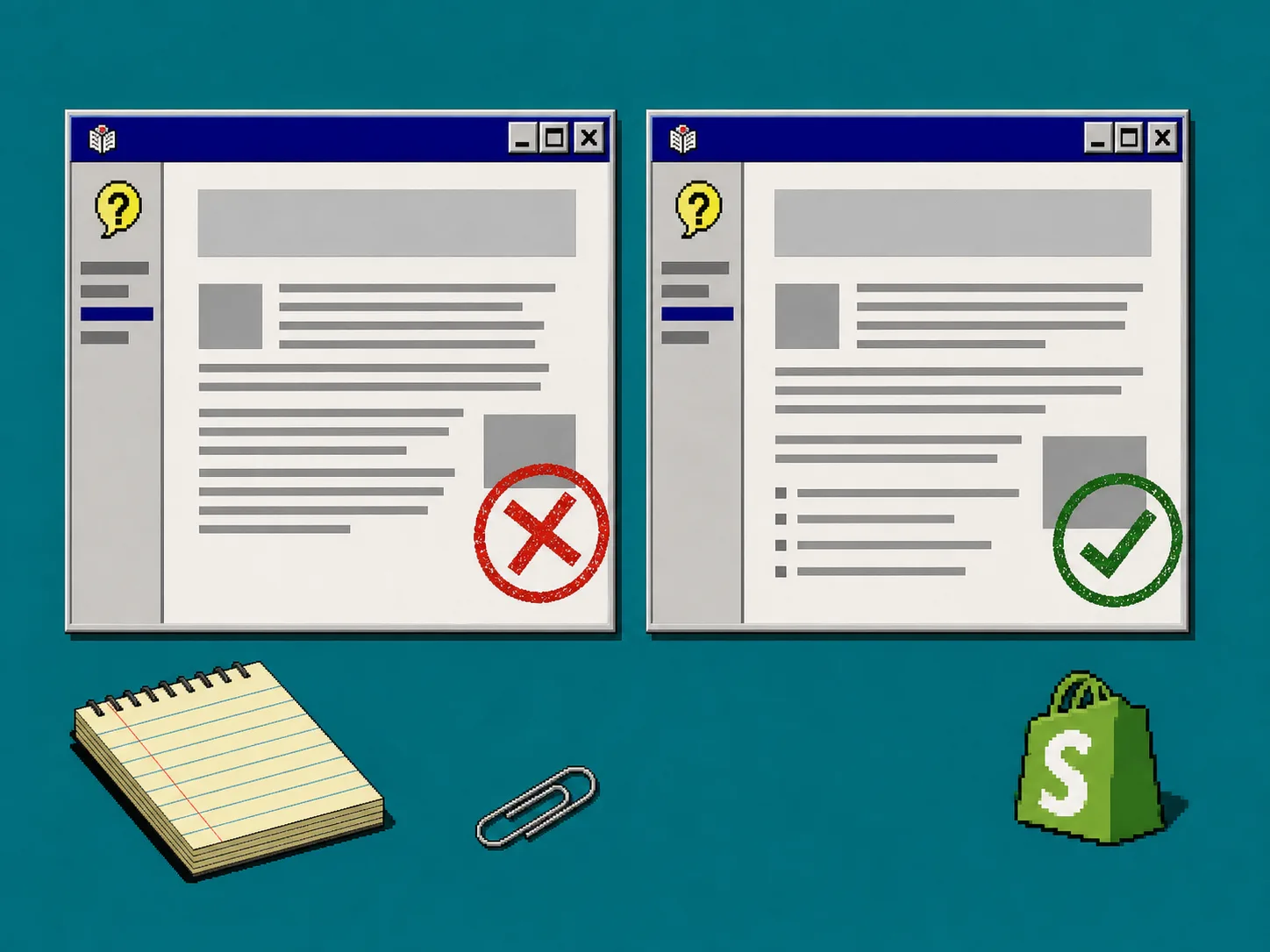
That is why I prefer a draft-and-review workflow for most posts. The app can publish immediately or save a draft, and that flexibility matters. Some posts are safe to schedule once they are checked. Others need a human pass because the product detail, seasonal timing, or brand phrasing needs a second look.
This is the same reason I keep referring back to How to Keep Shopify Blog Drafts Product-Aware and Reviewable. If the brief is specific, review becomes faster. If the brief is vague, review becomes editing from scratch.
5. Choose Visual Rules Before You Generate The Post
The visual brief matters just as much as the text brief.
Supra Blog Automation can use AI-generated visuals, stock images, or product-based visuals. That sounds flexible, but flexibility still needs direction. I get better results when I decide early:
- whether the post needs a product shot, an abstract system image, or a simple workflow diagram
- whether the visuals should feel editorial, promotional, or instructional
- whether one image should explain the process and another should show the outcome
For recurring content, this is where the automation starts to feel durable. I can keep a content rhythm without inventing new themes every week, which is why How to Keep a Shopify Content Calendar Full Without Inventing Topics is still one of the most practical patterns I have used.
If you are also managing other publishing systems, the same review-first thinking shows up in How I Build a Reviewable Notion-to-Webflow Publishing Pipeline. The tools are different. The discipline is the same.
Troubleshooting
If the draft still feels generic, I usually check these four things first:
- The topic is too broad. Narrow it to one product, one collection, or one shopper problem.
- The prompt is too polite. Be explicit about the reader, the outcome, and the angle.
- The title sounds like marketing. Ask for a practical how-to or a specific problem-solution frame.
- The visuals are drifting. State the image style, composition, and what the image is supposed to prove.
If the calendar keeps falling apart, the issue is usually not the writer. It is the input system. A weak brief produces weak drafts, even when the model is capable.
The Part That Actually Matters
The goal is not to let automation decide everything. The goal is to move the work to the right place.
When I give Supra Blog Automation one clear reader, one product context, one SEO angle, and one review rule, the output is much easier to trust. It still needs a human. It just does not need a human to rebuild the whole article from zero.
If you want to try the same workflow, start with one product or collection in Supra Blog Automation and compare the draft against the Shopify App Store listing at apps.shopify.com/supra-blog-automation. The first pass should look like a useful starting point, not a finished answer.