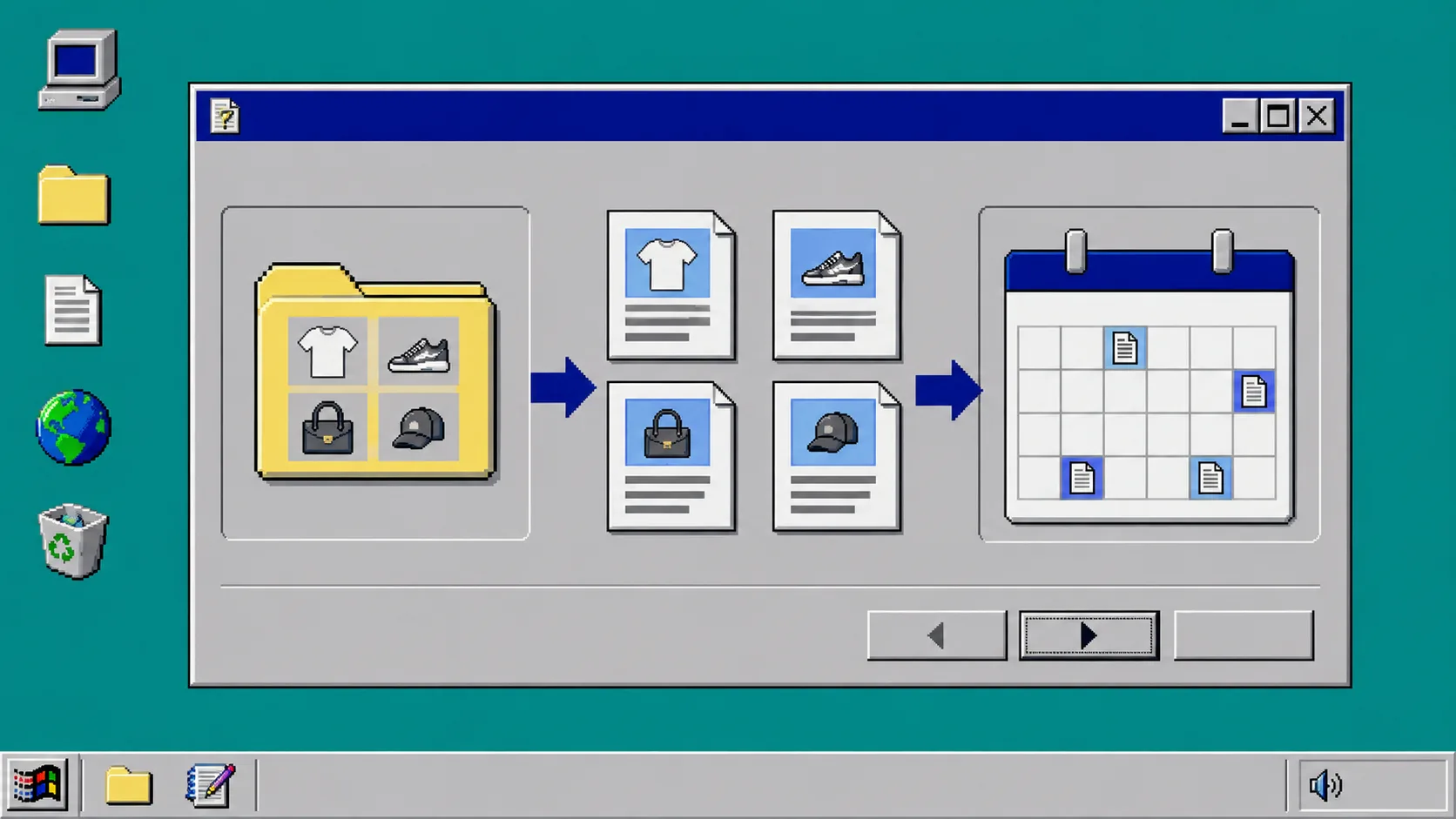
A Shopify collection can provide more than a category page. It can give you the raw material for several useful blog posts, as long as you do not treat the collection name as the topic. The goal is to turn what the collection actually sells into questions a shopper might ask before, during, or after buying.
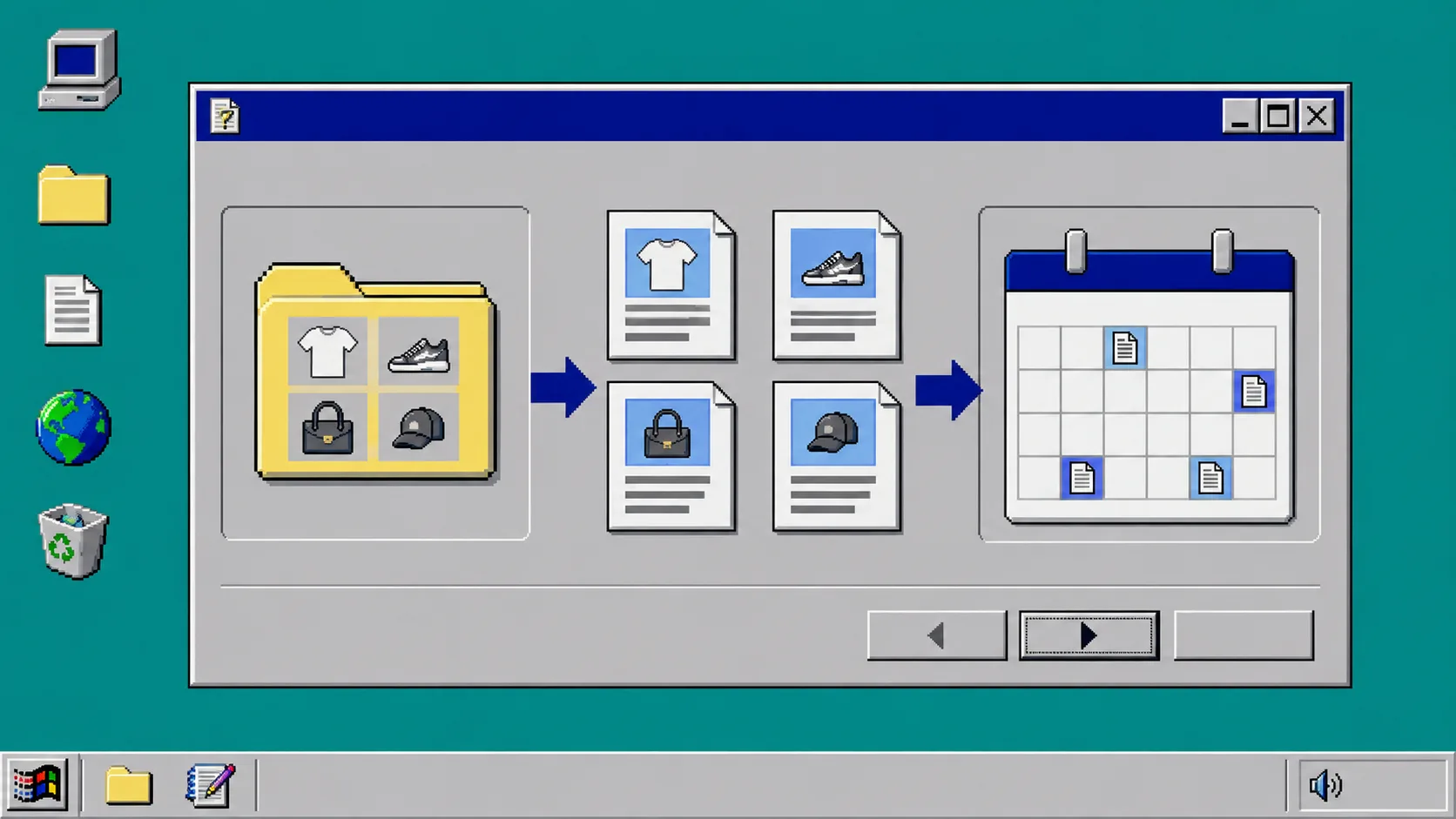
This guide uses a small content queue rather than a giant calendar. You will choose one collection, identify the questions around it, create a few distinct article cards, and use Supra Blog Automation to draft, review, and schedule the pieces that are genuinely ready.
Before you start
Choose a collection with enough real information to support a few different articles. A new collection with three nearly identical products may only need one strong guide. A collection with several materials, use cases, variants, or customer questions can support more.
Open the collection page and gather:
- The products included.
- The product features that repeat.
- The differences between products.
- Common size, care, setup, or compatibility questions.
- The pages you can naturally link to from a helpful article.
Do not begin with keywords alone. Start with the product reality, then look for the questions it creates.
1. Write down the jobs shoppers are trying to do
A collection title tells you what is for sale. It does not tell you why a person is hesitating. Look for the job behind the purchase.
For a collection of travel bags, a shopper may be trying to pack efficiently, fit an airline carry-on rule, choose a durable material, or compare sizes. For a skincare collection, they may be trying to build a routine, understand ingredients, or choose a product for a particular concern.
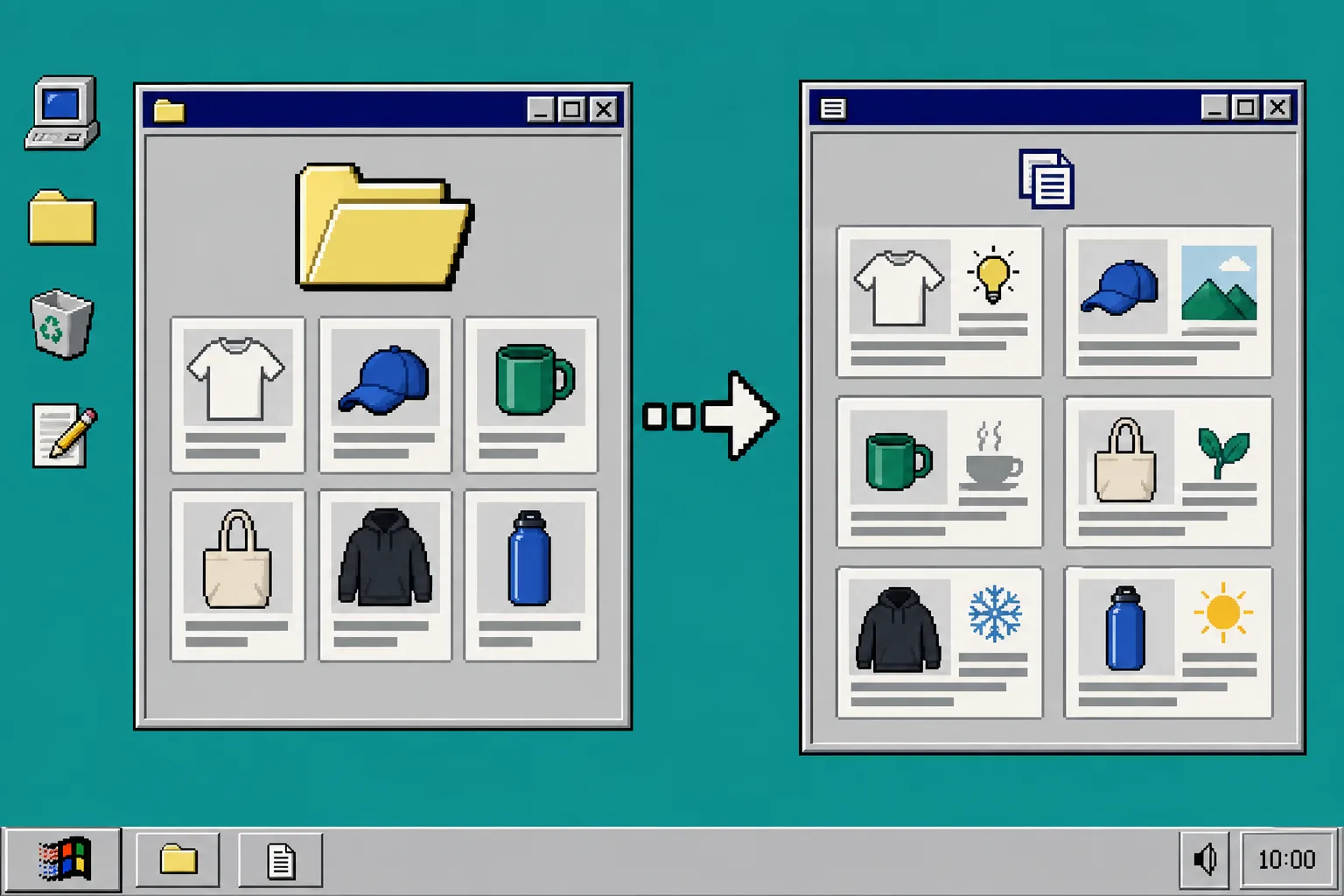
Write each job as a plain question. Good examples include:
- How do I choose the right size?
- What is the difference between these two materials?
- Which product is best for a specific use case?
- How do I care for the item after purchase?
- What should I check before ordering?
What you should see: a short list of customer questions that are more useful than a list of generic keywords.
2. Create four different article types from the same collection
Do not write four versions of “best products in this collection.” Give each card a separate job. A good first queue often includes:
- A buying guide. Help a shopper choose between the products or variants.
- A practical how-to. Explain setup, care, sizing, or usage.
- A problem-solving post. Answer a specific friction point or common question.
- A discovery post. Connect the collection to a broader occasion, season, or use case.
For example, a kitchen-tool collection could produce a guide to choosing a pan size, a care post about avoiding damage, a problem-solving post about uneven cooking, and a discovery post about assembling a small first kitchen. The products appear naturally because they belong to the answer.
Avoid inventing product claims to fill the queue. If a product detail is not in the store data, either verify it with the merchant or choose a different angle.
3. Mark each article card with its real inputs
Each queue card needs more than a title. Add the product or collection link, the key customer question, the internal pages it can reference, and the images or product media available.
This step prevents a common automation problem: a draft that reads smoothly but has nothing specific to say. Product-aware content needs actual product context. If a card does not have the details, images, or links it needs, leave it in the queue instead of forcing it onto the publishing calendar.
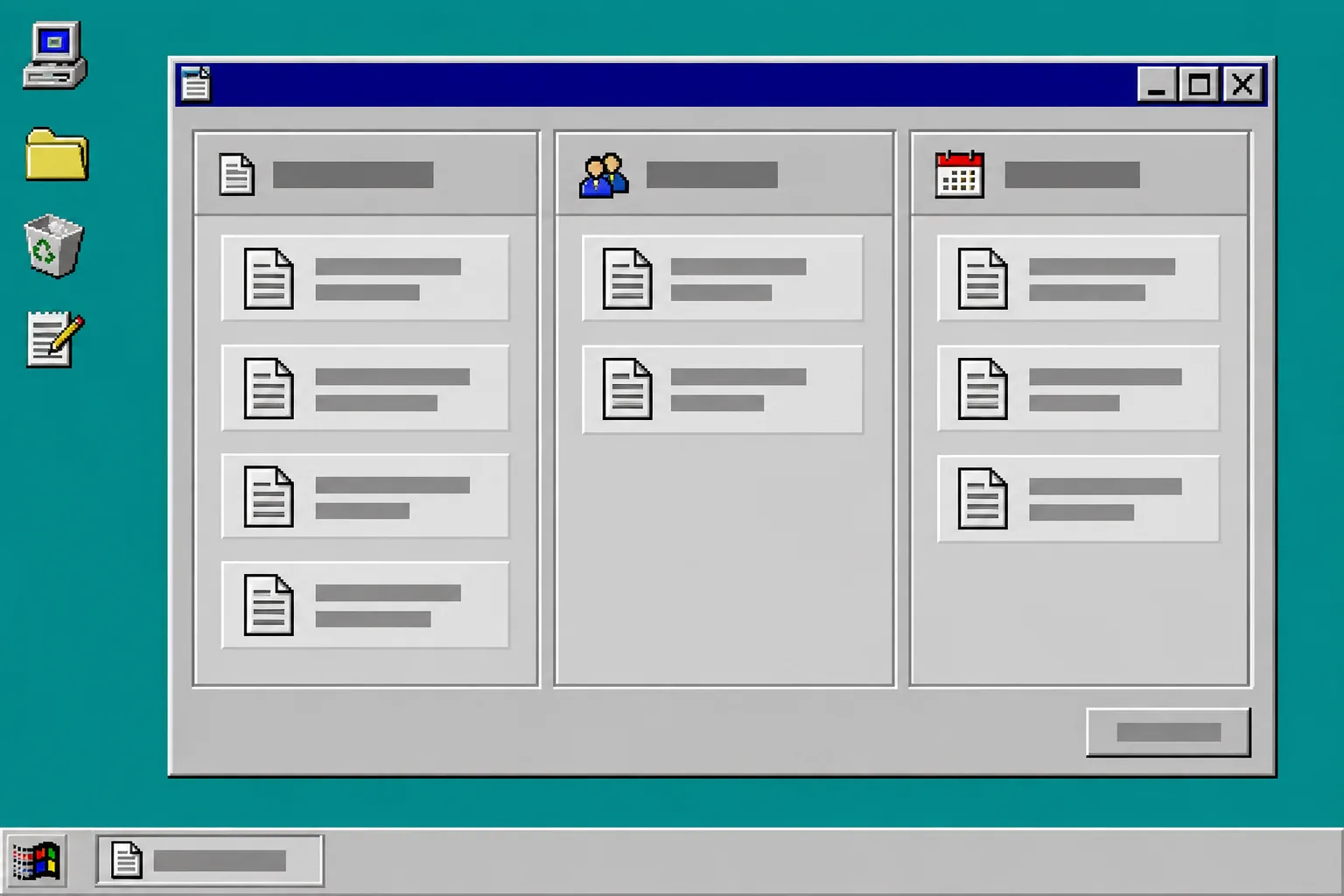
I use simple stages: idea, source material ready, draft, review, scheduled, and published. The stage tells me what is missing. A topic is not late just because it has not reached the calendar yet; it may simply need a product detail or a better answer.
4. Generate a draft with the collection context attached
When a card is ready, pass the topic, purpose, product context, internal links, and preferred image sources into the drafting workflow. Supra Blog Automation can generate a Shopify blog post with SEO structure, product mentions, internal links, and visuals, then publish it immediately or save it as a draft.
Use the draft option for the first few posts from a collection. Read the opening, the factual product references, the internal links, and the final recommendation. Check that the article answers its own question before it mentions a product.
A useful draft will usually make the collection easier to understand. A weak one will merely repeat the category name in different headings.
5. Review the queue before you schedule it
Scheduling is the last step, not the first. Put ready posts on dates that make sense for launches, seasons, stock availability, and campaign timing. Keep enough space between closely related topics so the blog does not read like one product page chopped into pieces.
Before a post moves to scheduled, check:
- The collection and product links are correct.
- The product claims are accurate.
- The article has one clear shopper question.
- Images match the article rather than filling space.
- The next action makes sense for the reader.
Troubleshooting
Every idea sounds like a buying guide. Return to the customer jobs. Add a care, setup, comparison, or problem-solving angle.
The drafts repeat the same products. Assign a primary product or subset to each article card. Not every post needs to mention every item.
The queue is full but nothing is ready. Separate source-material work from writing work. Add missing product details, images, or collection links before generating drafts.
Final recap
One Shopify collection can support a thoughtful content queue when you start with real customer questions, give each article a distinct job, attach actual product inputs, and only schedule the drafts that survive review. Supra Blog Automation can make the repeated assembly faster, but the collection becomes useful content only after you decide what a shopper truly needs help with.