How to Recover an Etsy Catalog Feed That Stops Updating in Meta
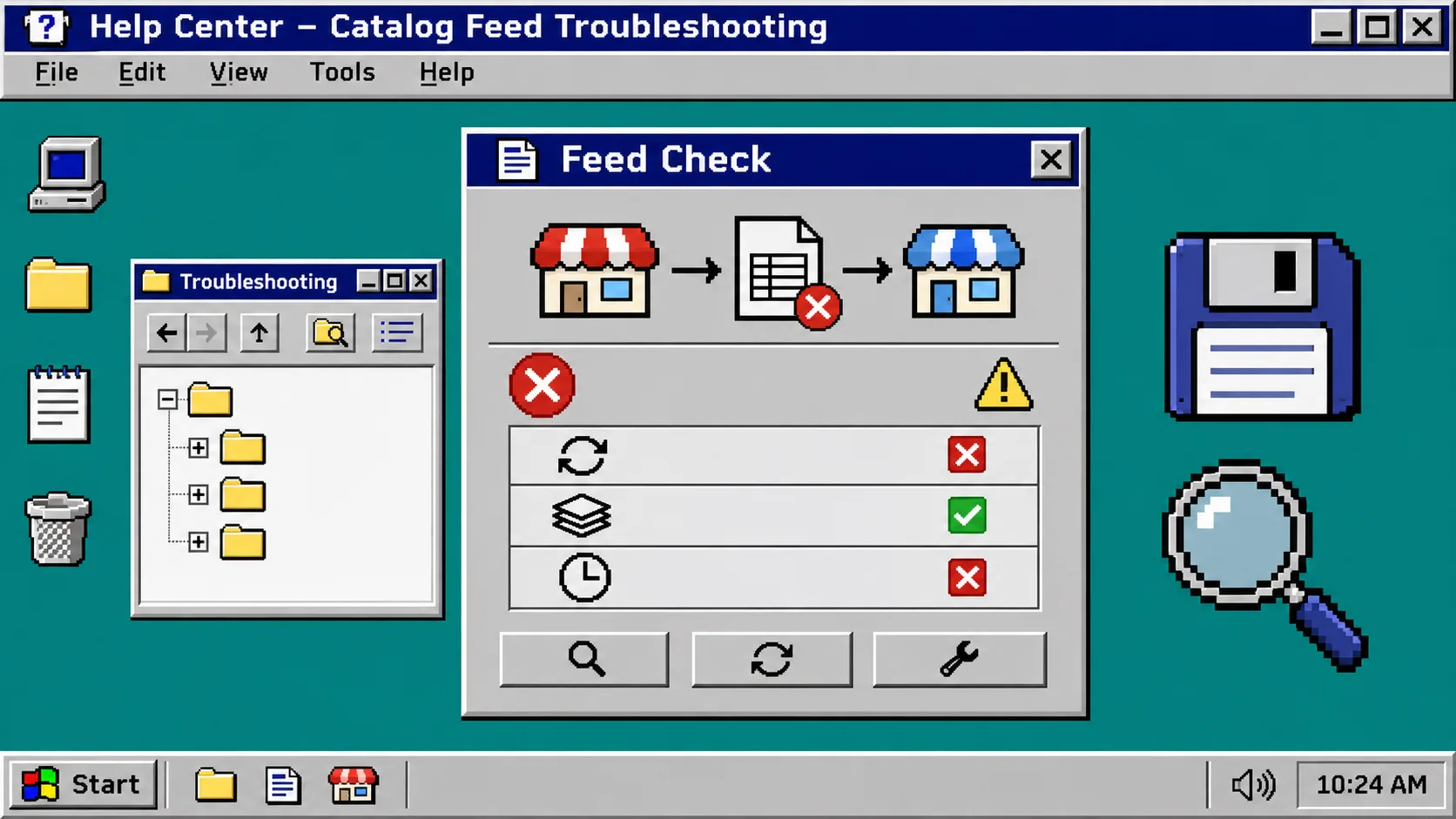
If your Etsy listings look current but your Meta catalog does not, do not rebuild the catalog first. Check one changed listing, the feed URL, and the last fetch result in that order; then make one small test change and wait for the next scheduled refresh. You need access to your Etsy shop, Catalog Generator, and the relevant Meta Commerce Manager account.
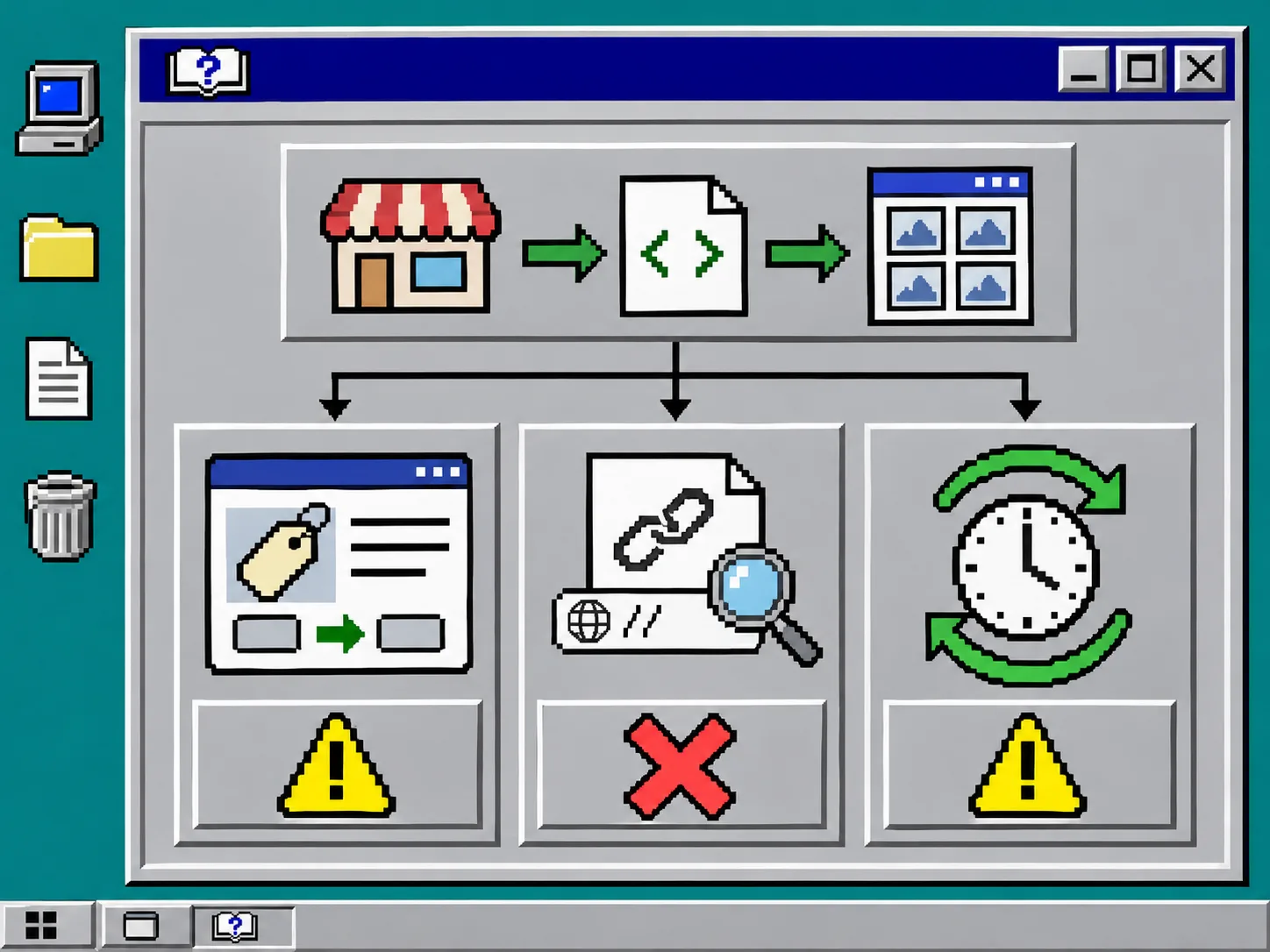
Catalog Generator reads an Etsy shop and produces a live feed for Meta or Google Shopping. Its current product page says it can represent variations and personalization, and that feed settings live in the feed URL. That makes a stalled catalog a troubleshooting job: prove which handoff—Etsy, the feed, or Meta—has stopped moving before changing any settings.
Keep this four-line recovery card open
Before touching Meta, write down these four things in a plain text file:
| Field | Write down | Why it matters |
|---|---|---|
| Test listing | One active Etsy listing with a distinctive price, title, or quantity | Gives you one fact to follow end to end |
| Expected change | The exact small edit you will make | Stops you from comparing vague memories |
| Feed URL | The exact URL Meta is scheduled to fetch | Confirms you are diagnosing the live source |
| Last successful fetch | Time and result shown in Commerce Manager | Separates a delayed refresh from a broken source |
Choose a listing that is active and safe to edit. A temporary title suffix such as “- feed check” is easier to spot than changing a price during a promotion. If the item has variations, note the exact variation too: Catalog Generator says each priced variation can become its own catalog row, so a parent listing and a purchasable variation may not behave like the same record.
1. Confirm the Etsy source changed
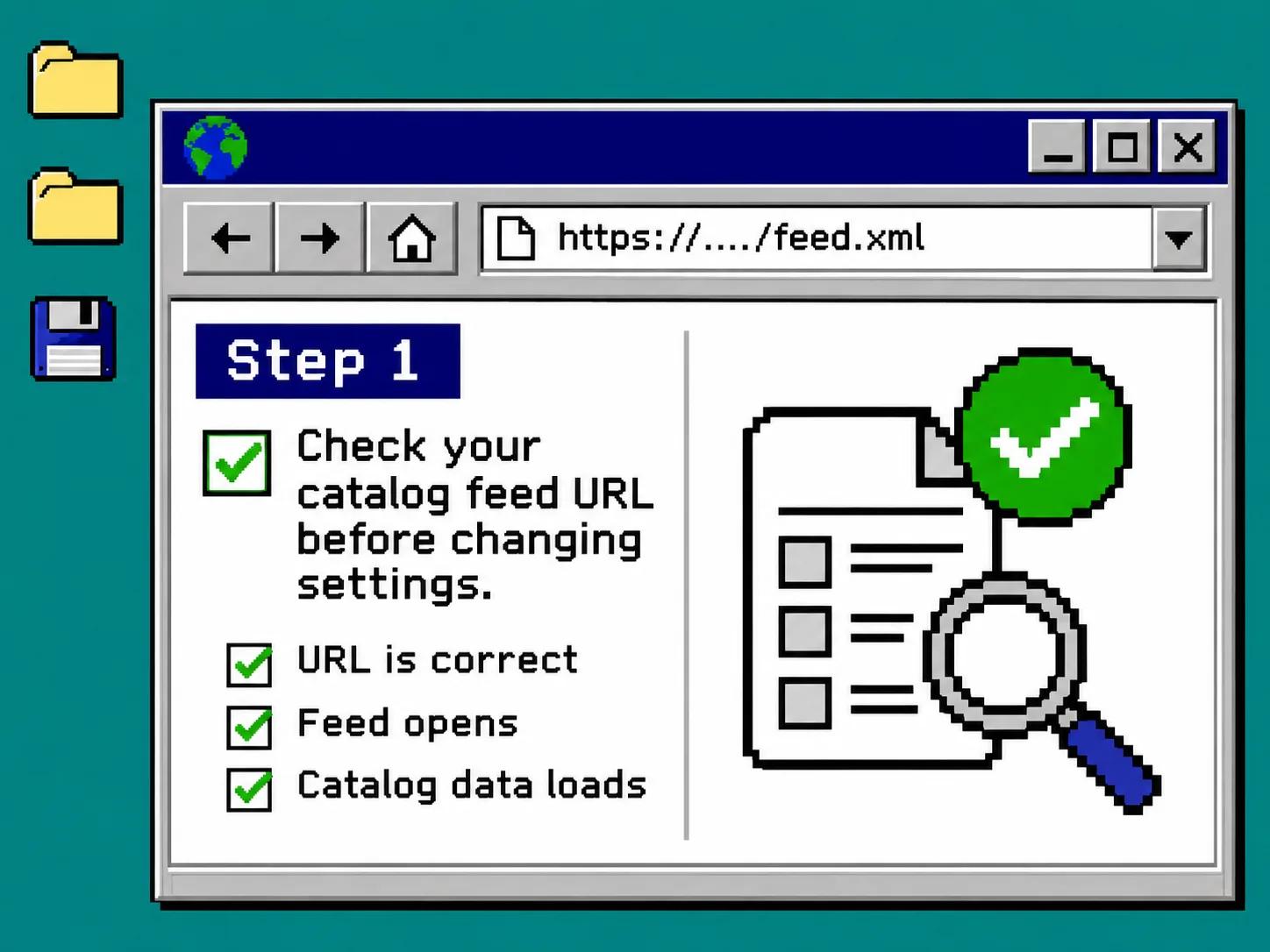
Open the test listing in Etsy’s Shop Manager, make the one small change from your recovery card, save it, then reopen the public listing in a private browser window. You should see the new value there.
If the public Etsy page does not show it, stop here. Meta cannot receive a change that Etsy has not published. Check the listing’s state, the variation you edited, and whether the change was actually saved. This same “one visible record first” habit is useful when you audit an Etsy feed before a seasonal sale.
Do not use a draft or inactive listing as your first diagnostic unless you intentionally configured the feed to include it. Catalog Generator’s current settings can include drafts or inactive listings, but that is a feed choice—not a safe assumption.
2. Open the feed URL before you edit the catalog
In Catalog Generator, copy the feed URL associated with the shop and open it in a new browser tab. You are looking for a successful response and for the test listing or its changed value in the feed output. Do not paste the URL into a public chat, because it may contain configuration parameters.
What you should see:
- The URL opens without a browser error.
- The output contains the test listing or its variation.
- The changed value matches the public Etsy listing.
If the feed opens but the changed listing is absent, return to Catalog Generator’s configuration. Check variation expansion, personalization handling, and whether drafts or inactive items are included. The product’s official documentation page describes those choices as parameters on the feed URL, so capture the working URL in your recovery card before replacing anything.
If the feed URL itself fails, do not create a second catalog in Meta. Contact the app’s support channel with the shop name, time of the failure, and a redacted copy of the URL. A new catalog creates a second place for errors while leaving the original connection unresolved.
3. Compare the feed with Meta’s last fetch
Open Commerce Manager, select the catalog, then open its data source and recent fetch details. Compare the last fetch time with the moment you saved the Etsy change. A fetch that happened before your test cannot prove the update failed.
Use this decision table:
| What you find | Likely boundary | Next action |
|---|---|---|
| Etsy page is unchanged | Etsy source | Fix and republish the listing |
| Etsy changed; feed is unchanged | Feed configuration or app connection | Review feed options and contact Catalog Generator support |
| Feed changed; Meta fetch predates it | Schedule | Wait for the next scheduled fetch or run an available refresh |
| Feed changed; Meta fetched after it but catalog is stale | Meta processing or field match | Review the data-source diagnostics before changing the feed |
This is deliberately narrower than a general setup guide such as connecting Etsy listings to a Meta catalog with a feed URL. Here the goal is to preserve a working connection and isolate one failed handoff.
4. Run one controlled refresh test
Once the feed reflects the change, leave the test listing alone until Meta completes one fetch. Record the time, then check the catalog after the scheduled refresh. If Commerce Manager offers a manual fetch for that data source, use it only after you have confirmed the feed URL is correct; otherwise you are accelerating the wrong input.
When the catalog updates, remove the temporary test suffix and let the normal refresh carry the clean value through. Then check a second listing with a variation or personalization option. This catches the common mistake of proving only the simple listing path. For a larger rollback-minded workflow, keep the same cautious scope used in this Etsy bulk-edit test guide: one cohort, one expected result, one evidence record.
Troubleshooting: three mistakes that look like a feed outage
The wrong catalog is open. Teams often have a test catalog and a production catalog. Match the exact data-source URL, not just the catalog name.
A variation is being checked as a parent product. Choose the purchasable variation and its exact price or availability as the test fact.
The refresh window is being treated as an error. If the feed changed after Meta’s last fetch, wait for the configured schedule before making a second change. Multiple edits erase the evidence you need.
Also avoid treating a browser preview as the final proof. A feed can look correct in a tab while Meta reports a parsing or item-level issue in its data-source diagnostics. The proof sequence is always the same: public Etsy listing, feed URL, fetch record, catalog item.
Save the working state for the next incident
When the test passes, save your recovery card with the feed URL location, the normal refresh cadence, and the two listings you used. Catalog Generator’s feed is designed to avoid manual re-uploads; the useful operational habit is keeping a tiny record that lets the next person test it without guessing.
In short: verify Etsy first, verify the generated feed second, and only then judge Meta’s refresh. Start today by choosing one active listing and writing its current value in a four-line recovery card. If you need to rebuild confidence before a sales event, pair this with an Etsy catalog feed smoke test.