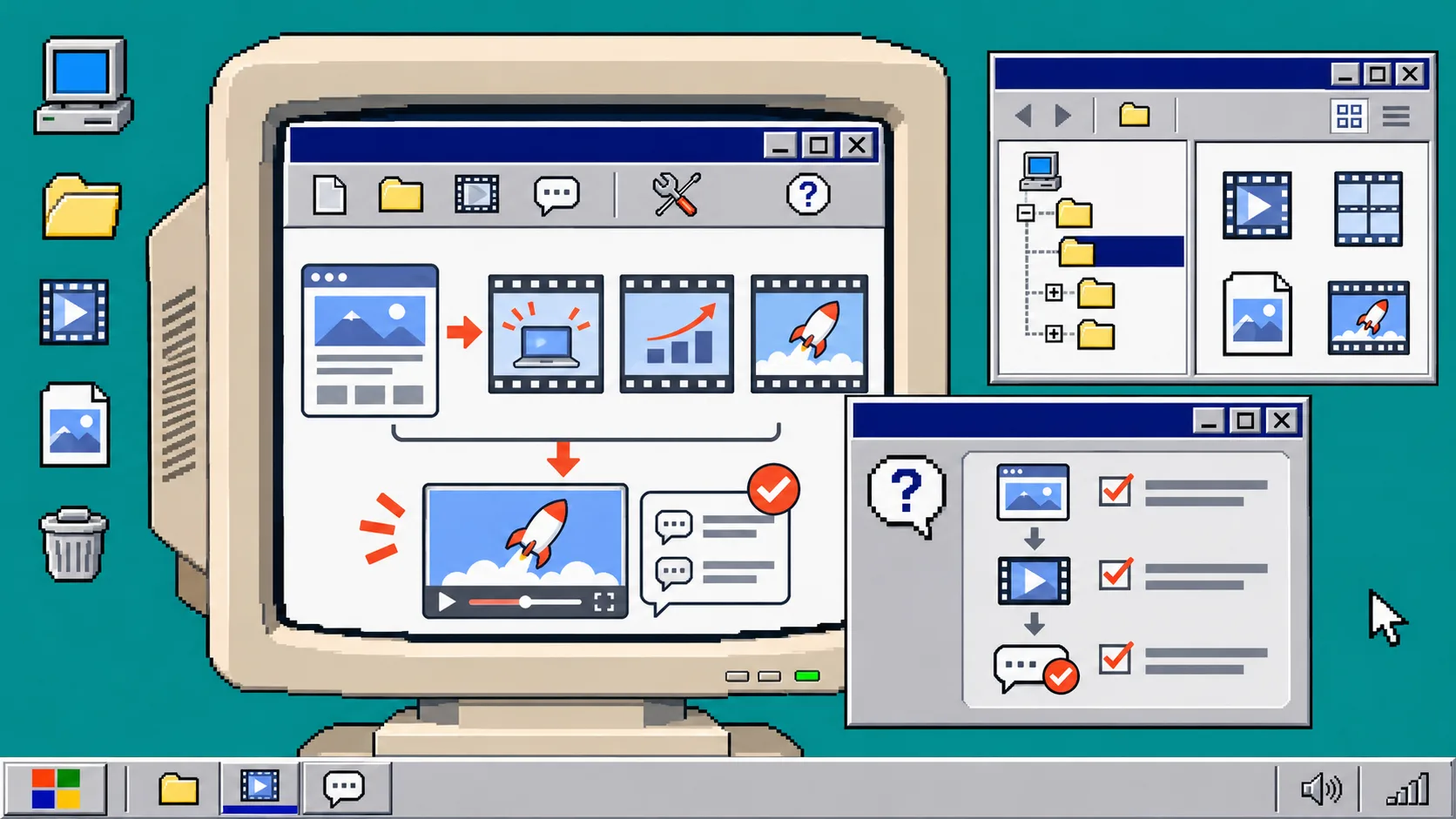
How to Turn a Website Into a Reviewable Startup Video
You can turn a startup website into a useful first-cut motion-graphics video without treating the first render as final. Start with a one-page brief, generate a structured draft, inspect the actual frames, then revise the same editable project. You need a public product URL, three approved facts or screens, and a person who can make the final message decision.
VideoFlow Studio is designed for this particular job: it can work from a URL through a terminal-based or hosted workflow, then keep the resulting film editable. It is not a substitute for every live-action or brand-film production. It is a practical way to get a reviewable product narrative when your source material is a website.
1. Write a five-line source brief before you generate anything
Open the site in one tab and a blank note in another. Write only these five items:
- Audience: who needs this product right now.
- Problem: what costs them time, money, or confidence.
- Promise: the one outcome you can support from the site.
- Proof: one interface, workflow, or result you can show.
- Action: the click, sign-up, or conversation the video should earn.
Do not paste an entire homepage into the request. A launch film needs a message spine, not a sitemap. If the team cannot agree on one promise, settle that first; a render cannot repair an undecided position. For a tighter starting point, use this three-scene message spine: problem, product moment, next action.
2. Choose the path that leaves room to review
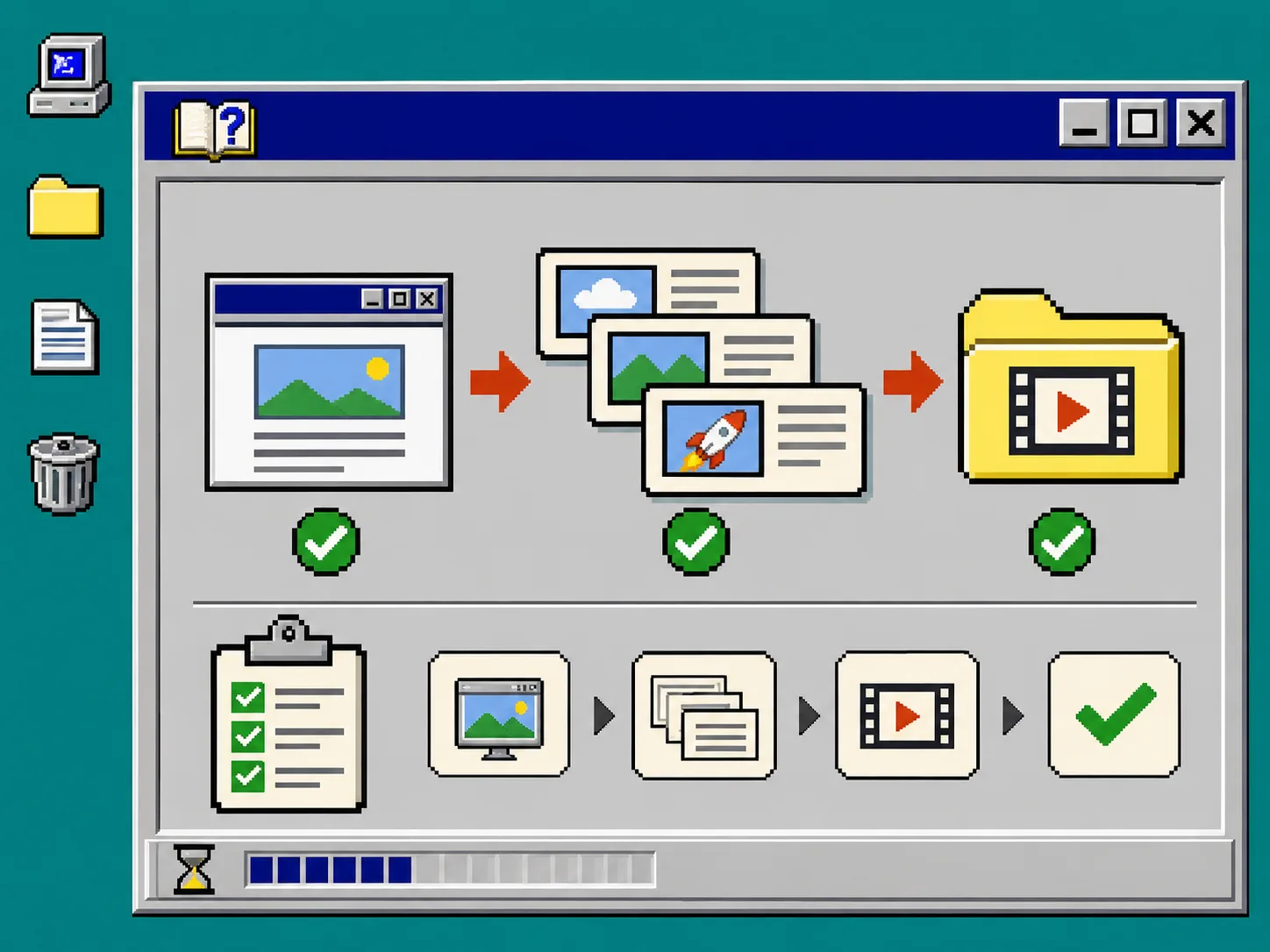
Use Studio’s terminal route when the person directing the work is comfortable with a local shell and an existing Claude Code or Codex subscription. The current command shown by Studio is:
npx @videoflow/studio@latest
Give it the product URL and the five-line brief. Studio describes a process that plans, builds, renders, and reviews the motion-graphics film; its site also says the same editable project can be opened in the browser editor. If installation is not suitable for the team, use its hosted route instead. Both routes should end with an editable project, not merely an MP4.
This distinction matters. The underlying VideoFlow engine represents structured video data and has separate renderers; Studio is the operator-facing product that turns the website and direction into the first cut. Keep your request focused on the launch story rather than asking it to act like a general-purpose video department.
3. Ask for a short storyboard, not a long commercial
Before approving a full build, use a three-scene structure:
| Scene | Job | Evidence to supply |
|---|---|---|
| 1 | Name the old, frustrating state | one familiar pain point |
| 2 | Show the product change | one screen or workflow |
| 3 | Make the next step obvious | a precise CTA |
A good request might be: “Create a 25-second motion-graphics launch video for founders. Open on the manual reporting problem, show our dashboard as the change, and end with a request for a demo. Keep the copy factual and leave the end card editable.”
That last instruction is important. A first cut is a decision object. It should be short enough that reviewers discuss the message, not forty seconds of transitions. If you are still deciding whether an agent-led or code-first workflow fits, compare the jobs in this agent-led versus code-first guide.
4. Inspect the rendered frames before you share a link
Play the video once with the sound off. Then pause at the opening, product reveal, and end card. Check these items in order:
- Can a viewer understand the problem in the first few seconds?
- Is every product name, price, claim, and UI state current?
- Do logos, thin lines, and small type remain legible at the intended size?
- Does each scene have one visual focal point?
- Does the last frame tell the viewer one next action?
Studio says it performs visual review on encoded frames, but keep a human approval pass in the loop. Automated inspection can catch certain visual defects; it cannot confirm that your positioning is true, that a screenshot is still current, or that the final call to action fits the campaign. For a broader first-cut review routine, see the four-card review workflow.
5. Revise the editable project with one change request at a time
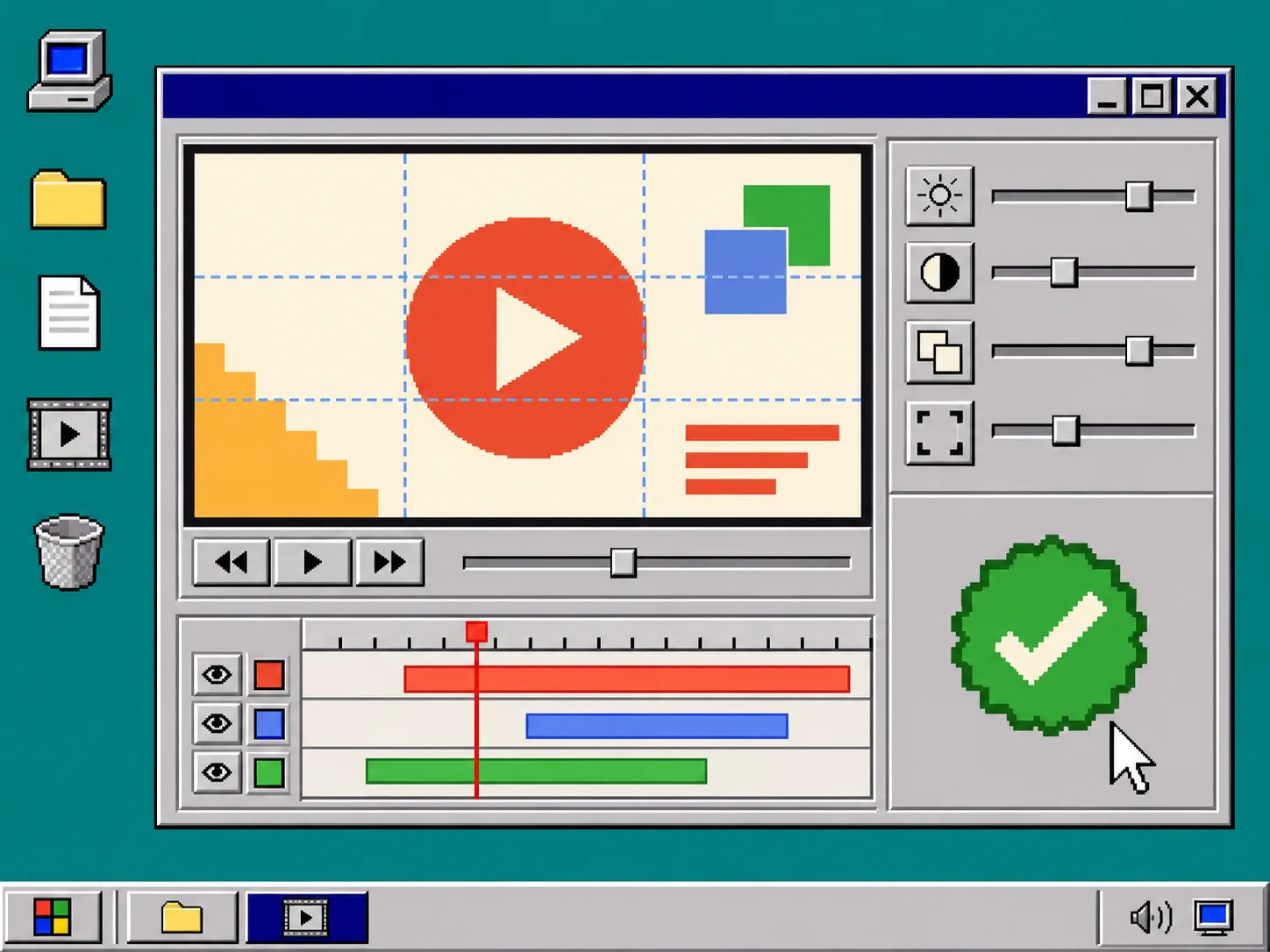
When you find a problem, name the location, the defect, and the intended result. For example: “In scene two, shorten the headline so the product screen remains the focus; keep the colors and timing otherwise unchanged.” Studio supports natural-language changes and also provides a built-in editor for manual layer, timing, color, and text changes.
Do not send a paragraph of unrelated corrections. Make one pass for message accuracy, one for visual hierarchy, and one for end-card details. This helps you see whether a revision solved the actual issue. It also protects the original brief from being buried under reactionary tweaks.
If a video must be shown to stakeholders before you commit to a wider campaign, set a bounded budget for that first decision. This first-cut budget approach is a useful companion: decide what the first cut needs to prove before asking it to carry the whole launch.
Troubleshooting: fix the source before you fix the animation
The video feels generic. Narrow the brief to one audience and one product moment. A URL alone rarely gives a strong priority order.
The copy is inaccurate. Replace the source claim or screen, then regenerate the affected scene. Do not retouch a false claim into something less visible.
The end card is crowded. Keep one action, one destination, and only the details needed to take that action.
The team is debating the tool instead of the message. Freeze the storyboard and review it as three cards. The decision should be whether the narrative is clear, not whether every transition is final.
6. Export only after the approval record is clear
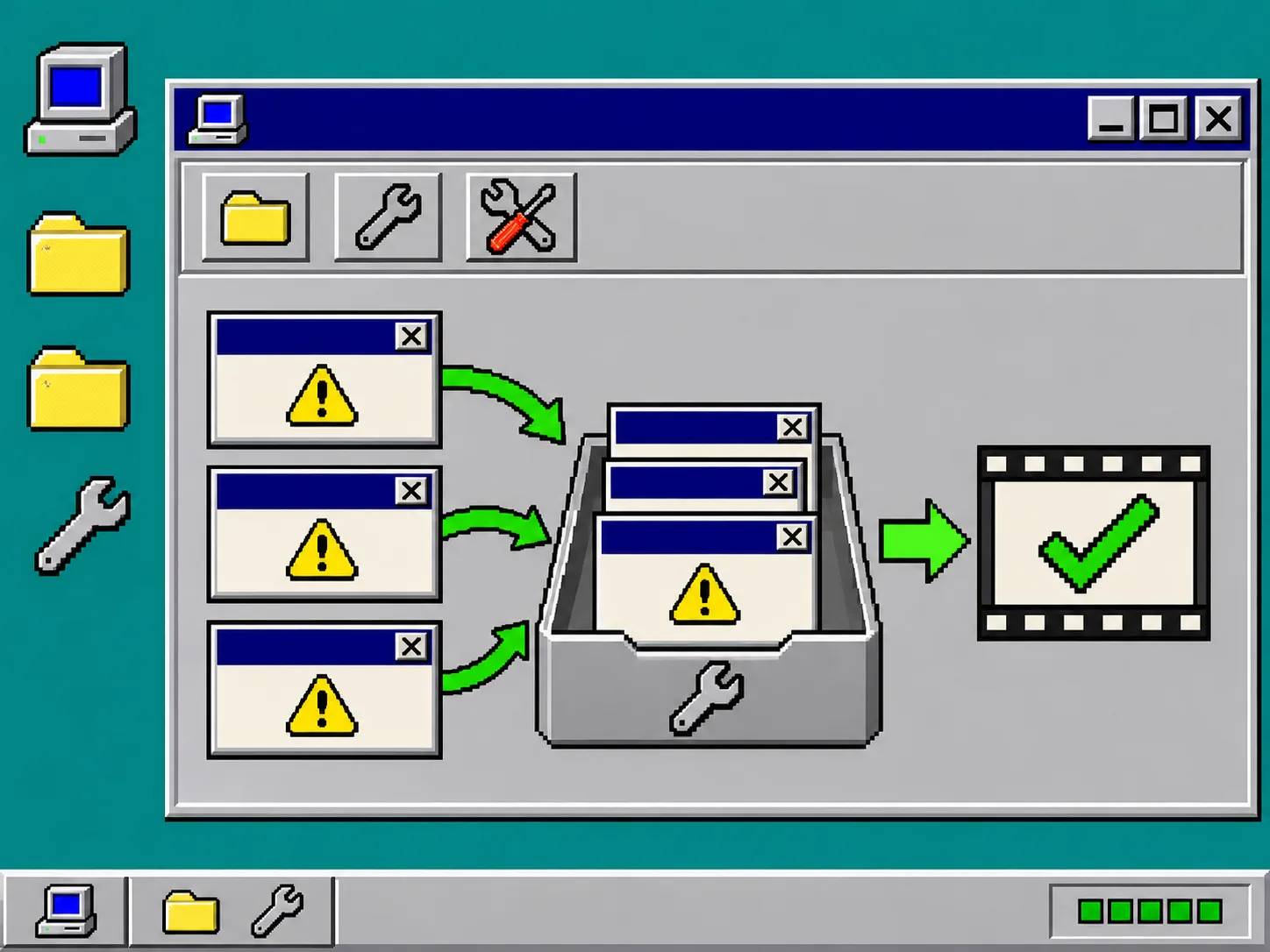
Save the approved URL, source screens, version date, intended channel, and final CTA beside the exported file. This lightweight release record makes the next update much easier: when pricing, product UI, or positioning changes, you can locate the affected scene instead of redoing the entire film.
For a product-launch workflow, try VideoFlow Studio with a small, specific brief first. Its current free tier advertises eight renders or edits per month; verify the live limits and pricing before planning around that allowance.
A website can supply the evidence for a launch video, but it cannot make the editorial decisions for you. Write the message, request a short editable first cut, review the rendered frames, and approve one version deliberately. That is how the video becomes a usable launch asset instead of another draft link.