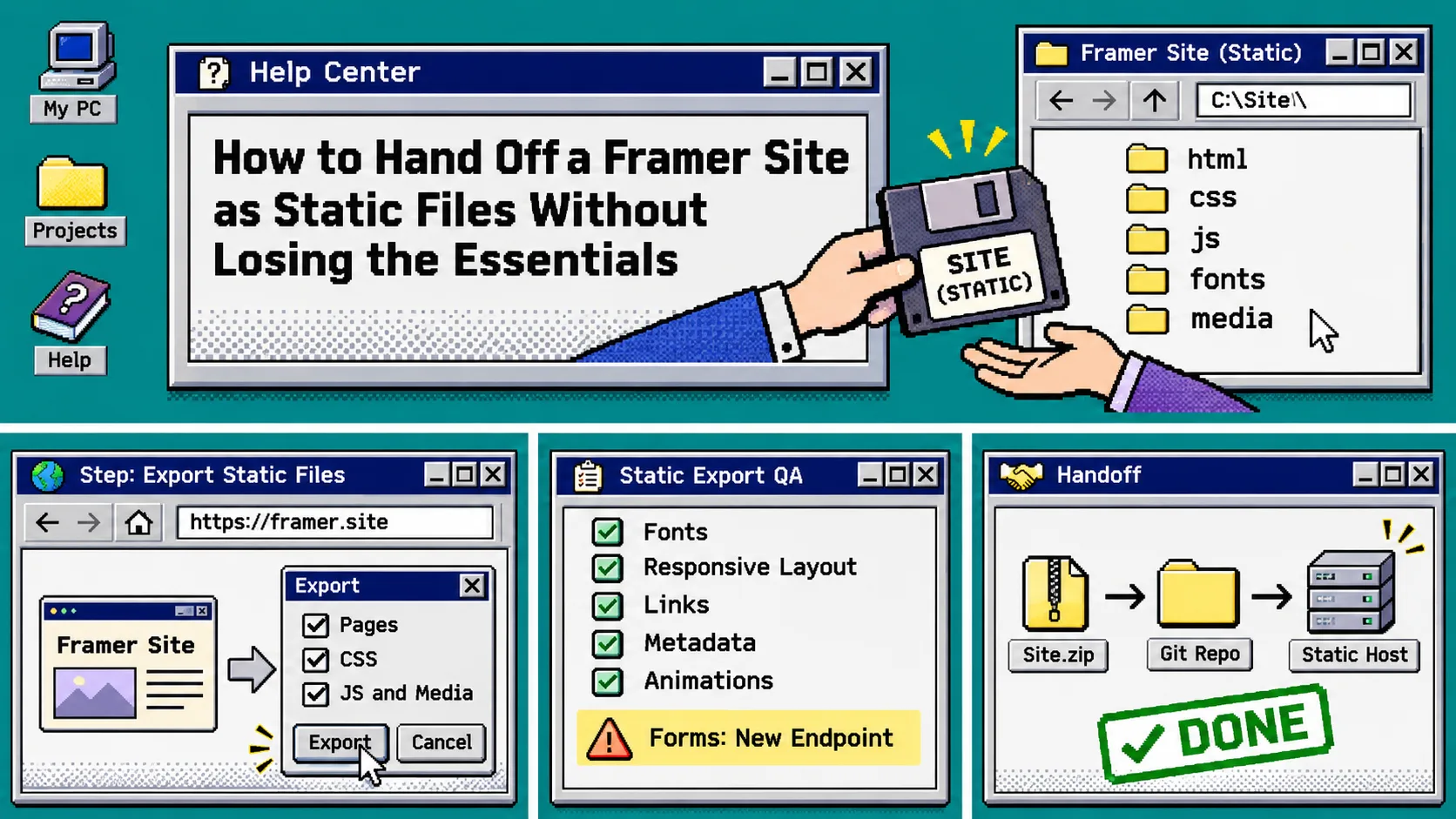
How to Hand Off a Framer Site as Static Files Without Losing the Essentials
You can hand off a Framer marketing site as a static folder if you export the published site, then test the things a screenshot cannot prove: pages, fonts, motion, links, metadata, and forms. You will still need to replace anything that depended on Framer at request time—especially native form handling—before the static copy is ready for a client or new host.
For a site that needs a portable copy, ExFlow’s Framer exporter is a practical starting point: it captures the published site’s HTML, CSS, JavaScript, fonts, media, and discovered pages, then lets you download a ZIP or deploy to Git, S3, FTP, or ExFlow Hosting. Start with the published URL, not an unfinished editor preview.
Before you begin: know what the handoff includes
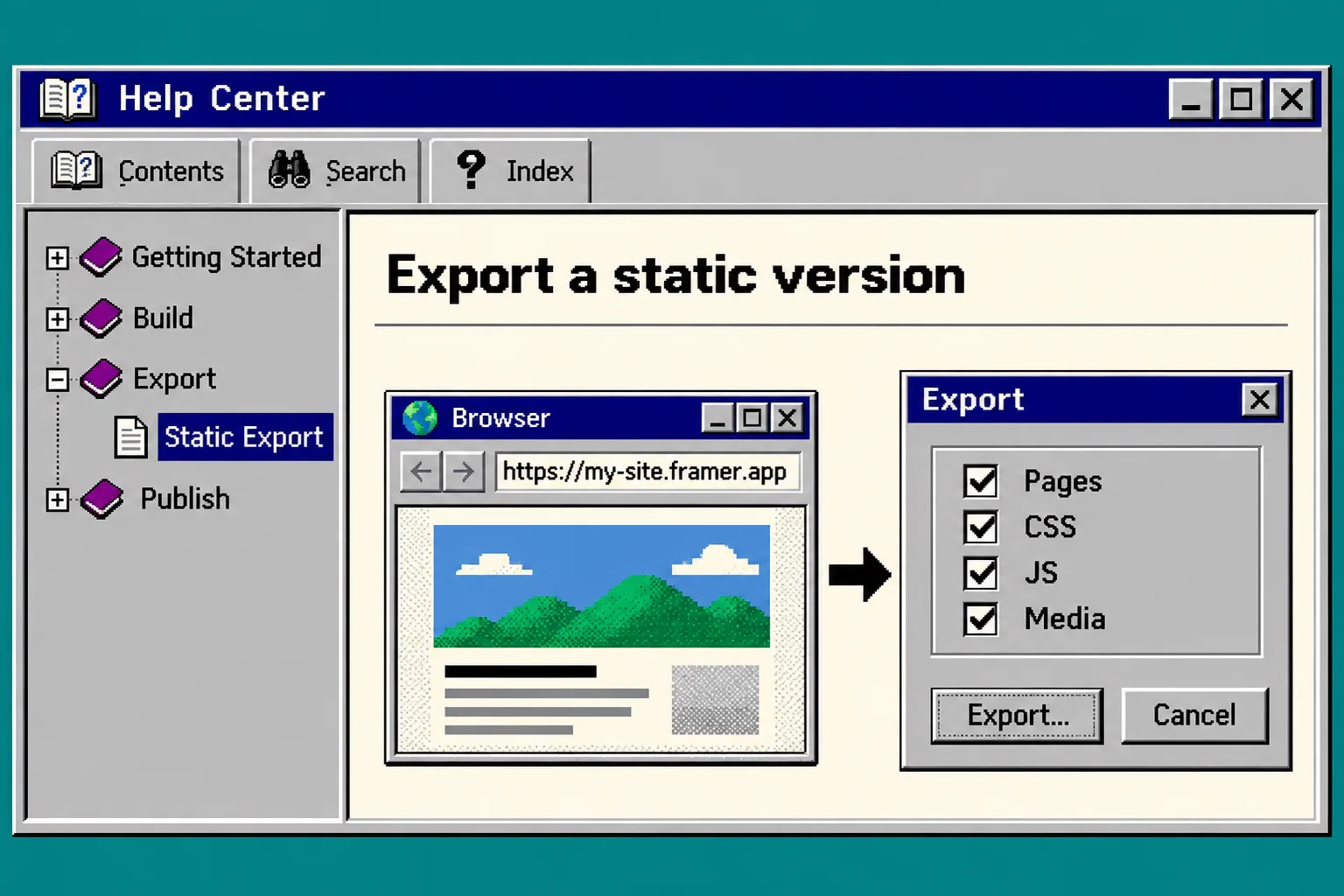
A static handoff is a deployable snapshot, not a Framer project file. It is useful when a developer needs a starting point, when a client needs an archive, or when you are moving the finished front end to static hosting. ExFlow documents that its Framer workflow captures the hydrated site and its client-side assets, including animated and CMS-driven pages that can be discovered through sitemaps and internal links.
Write down three things before exporting:
- The published production URL and the date you are capturing it.
- The destination owner: client archive, developer repository, or static host.
- The features that need replacement: form delivery, analytics, gated content, or any API-backed personalization.
This small note prevents the classic handoff error: treating a visually correct home page as proof that the whole site works. If you are already used to a static migration checklist, the same discipline applies to keeping Webflow routes intact during a move.
1. Export the published Framer URL
Open the Framer export page, paste the public URL, and enable the files you expect the static site to need: pages, CSS, JavaScript, images, media, and .html page extensions if that suits the destination. Use the frontend-password field only when you are authorized to export a protected preview.
Run the export and inspect the file list before you call it done. A useful export should contain HTML pages plus local CSS, JavaScript bundles, images, font files, and any media the live site needs. ExFlow says it waits for the published Framer application to hydrate and rewrites captured requests to local paths; that is why this workflow is more appropriate than a one-page save for an animation-heavy site.
2. Open the copy on a real static host
Do not review only by double-clicking index.html. Put the unzipped export on the same kind of static server the recipient will use: a preview branch, a temporary bucket, or a simple staging site. This reveals path and routing problems that a local file view can hide.
For a versioned handoff, create a repository, add the exported files, and commit the first snapshot with the original URL and export date in the README. For a one-time archive, keep the ZIP alongside that README. ExFlow can also send exports to Git, S3, or FTP, but the important result is the same: someone else can identify the source snapshot and reproduce the deployment.
3. Run the six-item handoff test
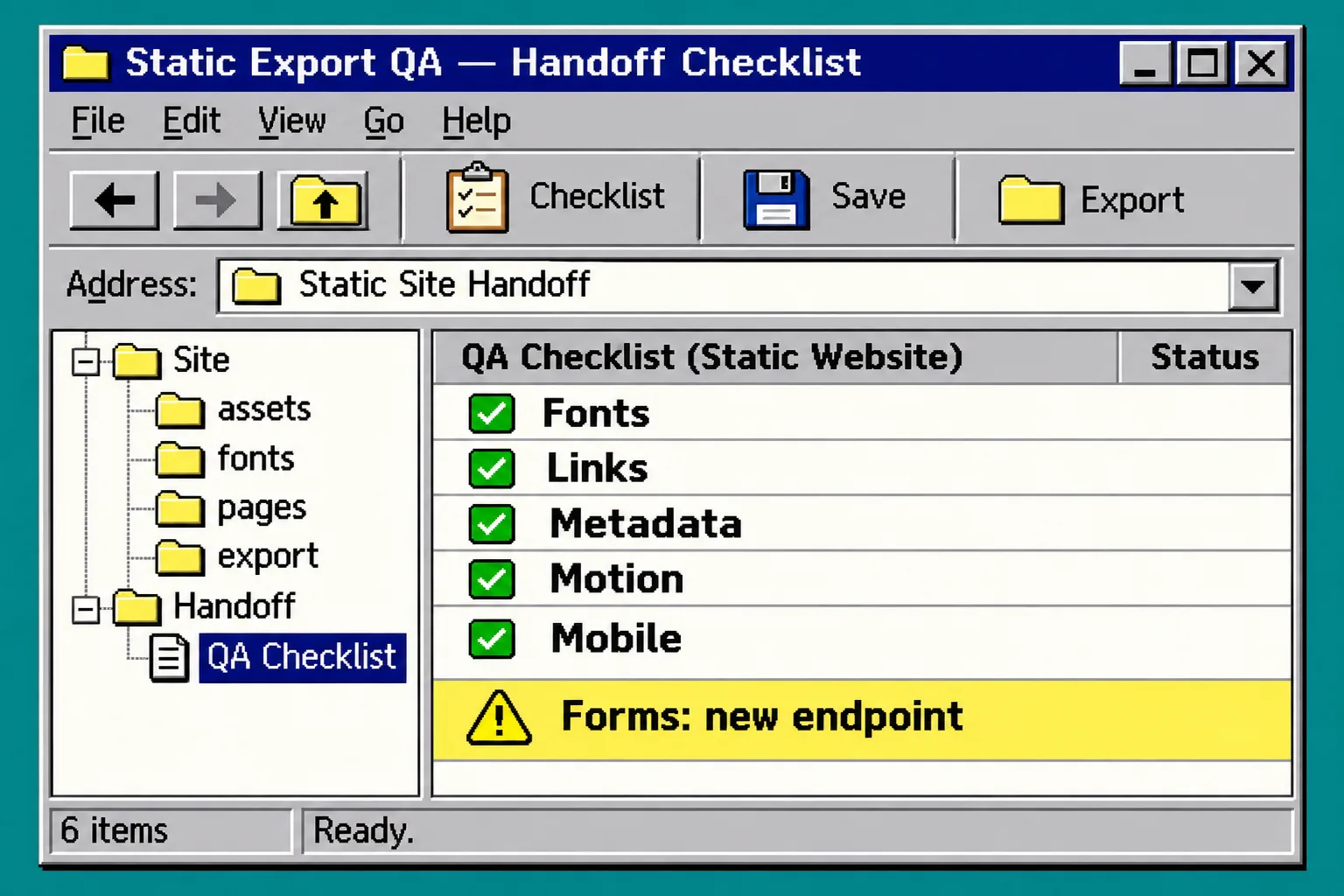
Use this short test before you give anyone the link. It is deliberately narrower than a redesign QA plan, so it is easy to repeat after every export.
| Check | What to do | Pass condition |
|---|---|---|
| Pages | Open navigation, footer links, and one deep URL | No unexpected 404 or loop |
| Fonts | Compare a desktop and mobile view with production | Type loads without fallback jumps |
| Motion | Trigger hover, scroll, and entrance effects | Important interactions still run |
| Assets | Open browser network tools and refresh | Images, media, CSS, and JS return successfully |
| Metadata | View page source for title, description, canonical, and share image | Search and sharing fields match the published site |
| Forms | Submit a safe test message | It reaches the new destination you chose |
The forms row is different on purpose. ExFlow notes that native Framer form handling and other request-time server features do not travel with a static export. Choose and configure your replacement endpoint before promising that contact or lead capture still works. The same “test what is outside the file tree” habit is useful when you replace Webflow forms before static hosting.
4. Preserve the site’s search and redirect behavior
Copying page files is not enough when a site already has traffic. Check canonical URLs, page titles, descriptions, open-graph images, sitemap references, and analytics settings. Then create redirects at the new host for any URL that changes. Keep a small table with the old path, new path, and status after testing.
This is especially important for CMS-style pages and campaign URLs. A static copy can be a clean handoff, but it should not quietly discard the search signals that made the original findable. For a deeper pre-launch check, use this Webflow static-export SEO checklist.
5. Package the result so the next person can use it
Place the following beside the final ZIP or repository:
- The production URL and export timestamp.
- The static preview URL.
- The deployed branch, bucket, or server path.
- The form endpoint and analytics changes.
- The six-item QA result, including any known exception.
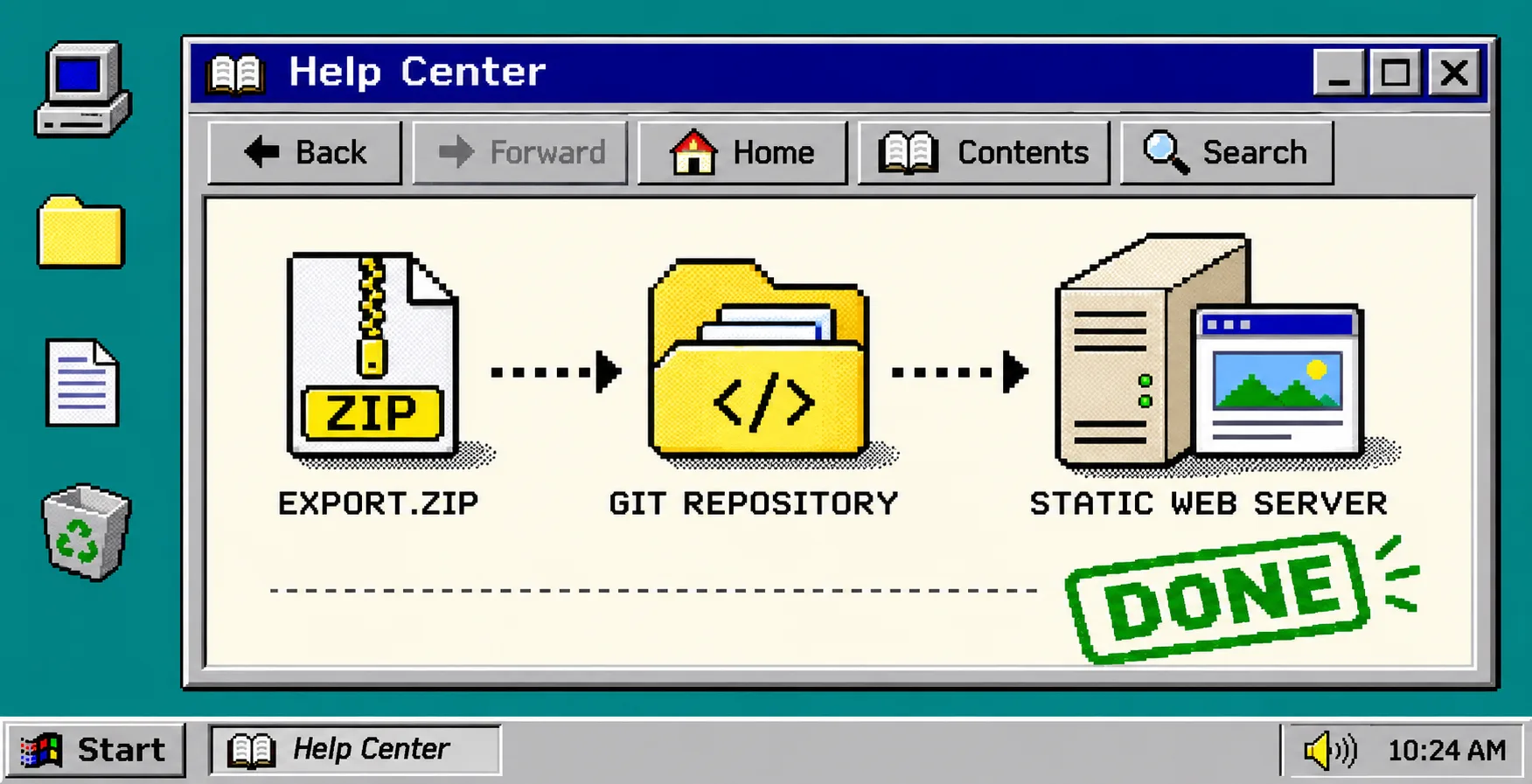
That turns a pile of files into a handoff another person can trust. It follows the same principle as making a static Squarespace backup before a client asks: record the dependencies while you can still see them.
Troubleshooting: the export looks right but something is missing
The home page works but a detail page is blank. Add that URL to your test list, confirm it is linked or discoverable, and export again. Test it from the deployed static preview, not only from the live Framer site.
Animations stopped after moving hosts. Confirm that the JavaScript bundle returns successfully and that the new host is not rewriting or blocking asset paths. Compare the browser console and network panel with the published site.
A form submits nowhere. This is expected until you point it to a replacement service or endpoint. Treat it as an unfinished handoff, not a cosmetic issue.
A client asks for editing access. A static export is the delivered output, not the original Framer workspace. Give the client the appropriate Framer access separately if they need to edit in Framer.
The next action
Run one export of the published Framer site, deploy it to a preview URL, and complete the six-item handoff test before sharing it. If you want the simplest path, start a Framer export with ExFlow, inspect the file list, and keep the QA note with the final ZIP or Git commit. ExFlow also has dedicated Webflow and Squarespace exporters when the same portable-handoff process applies to those platforms.