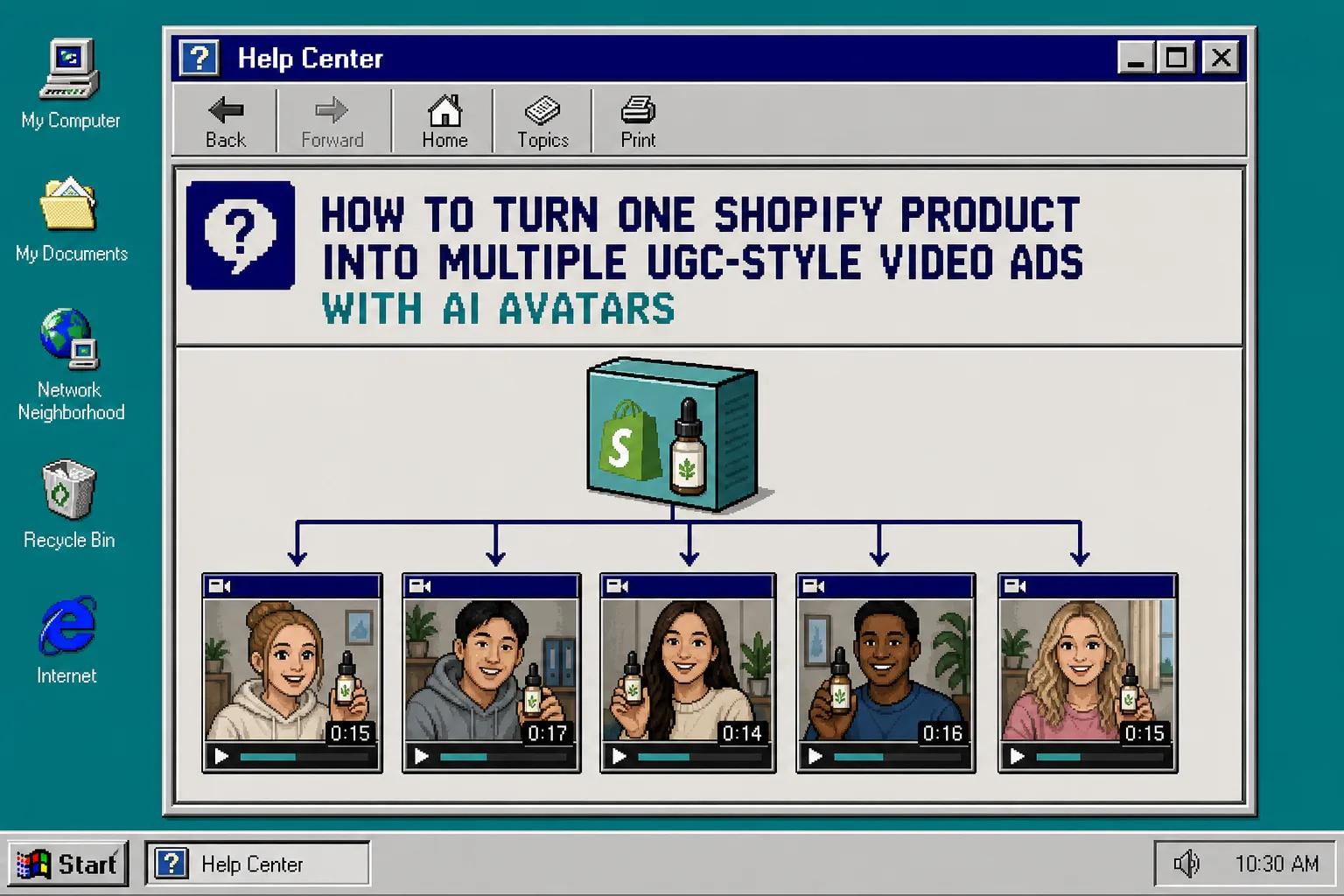
If you need more UGC-style creative without booking another shoot, the cleanest move is to start with one product brief and turn it into a few controlled variations. That is the point of Supra UGC Maker: choose an avatar, set a scene, write the script, pick the voice and tone, and generate reusable product videos for ads, product pages, email, launches, and social channels.
What You’ll Learn
- How to turn one product into five ad angles without rebuilding everything
- Which parts of the video should stay the same
- Which parts you should swap to keep the creative fresh
- How to reuse the same project across ad, product page, email, and promo placements
1. Write One Brief Before You Open The Tool
Start with the product, not the video. A good brief keeps the workflow focused and prevents you from making five versions that all say different things.
Write down these five items first:
- Product name and one-sentence description
- Target shopper and the problem they care about
- One primary benefit you want the video to sell
- One proof point or detail that makes the offer believable
- One call to action
Then sketch five hooks from that brief. A practical set is:
- Problem-first
- Outcome-first
- Comparison angle
- Seasonal angle
- FAQ or objection angle
Keep the CTA simple. If the viewer is supposed to click through, the video should not try to do three different jobs at once.
2. Build The First Version In Supra UGC Maker
Open Supra UGC Maker and create the first project around the strongest hook.
Use the same core setup every time:
- Choose a preset avatar or create a custom AI model
- Pick a scene that fits the brand, such as studio, outdoor, boutique, or a custom setting
- Add the Shopify product you want to feature
- Write the script in plain language
- Choose the voice and tone that matches the audience
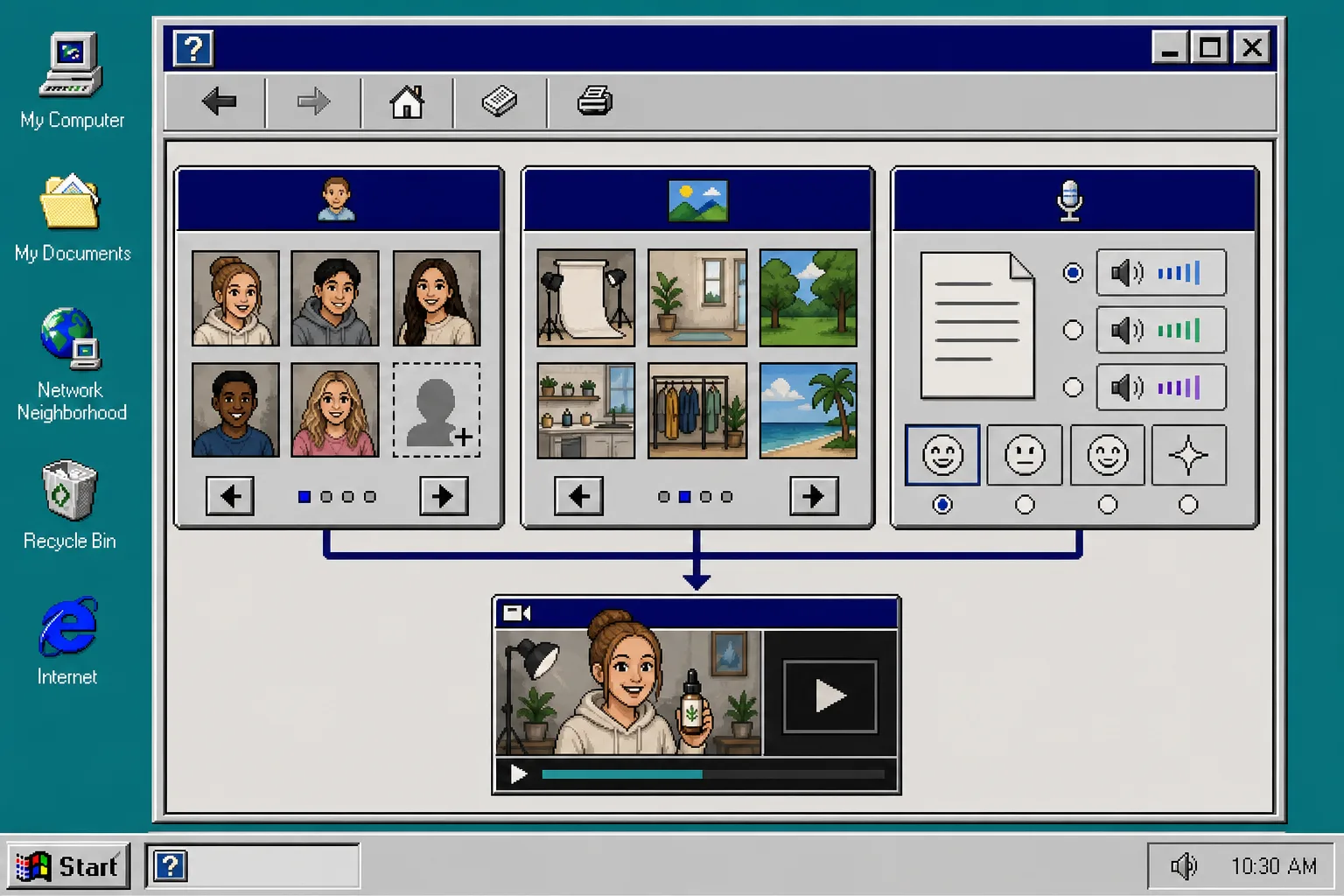
At this stage, the goal is not perfection. The goal is to get one version that clearly explains the product and feels like something a shopper would actually watch.
A helpful rule: keep the first version conservative. If the opening is too clever, you will not know whether the problem is the hook, the scene, the avatar, or the script.
3. Duplicate The Project And Change One Variable At A Time
Once the first video works, duplicate the project and make controlled edits. Do not rebuild from scratch unless the structure is broken.
Change one of these variables at a time:
- The hook
- The avatar
- The scene
- The voice or tone
- The opening line
Keep the product, the main claim, and the CTA steady so you can see what actually changed the result.
This is where the app’s project workflow matters. You can preview scenes before generating, reorder clips, trim the weak parts, update the script, and regenerate only what needs to change. That saves time and keeps the variations aligned instead of drifting into five unrelated videos.
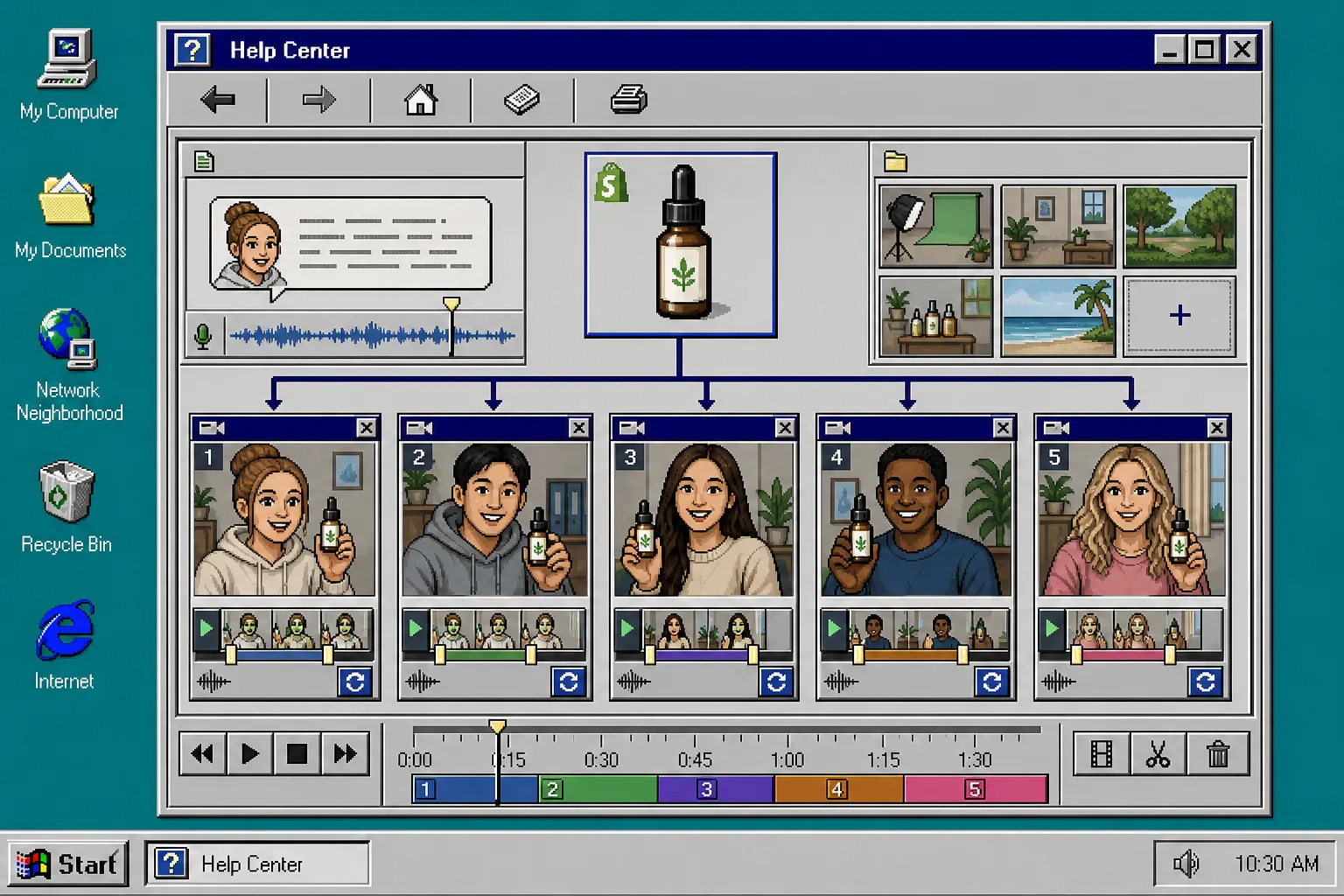
If you want five ads, build them as five controlled edits, not five separate experiments with no common baseline.
A simple pattern that works well is:
- Version A: problem-first
- Version B: benefit-first
- Version C: comparison-first
- Version D: seasonal or promo-first
- Version E: FAQ or objection-first
That gives you a clean testing set without making the production workflow messy.
4. Match Each Variation To A Placement
The same video can do different jobs if you plan for the placement early.
Use the strongest, fastest cut for ads. Keep the product and promise obvious in the first few seconds so the viewer does not have to wait for the point.
Use the clearest cut for the product page. This version should explain what the product is, not just what it feels like.
Use a tighter, more contextual version for email. Email traffic usually needs a little less hype and a little more clarity.
Use a themed version for seasonal promotions. That is where a scene change can carry a lot of the creative work.
Use an educational version for post-purchase help. This is a good place for a more calm tone and a clearer explanation.
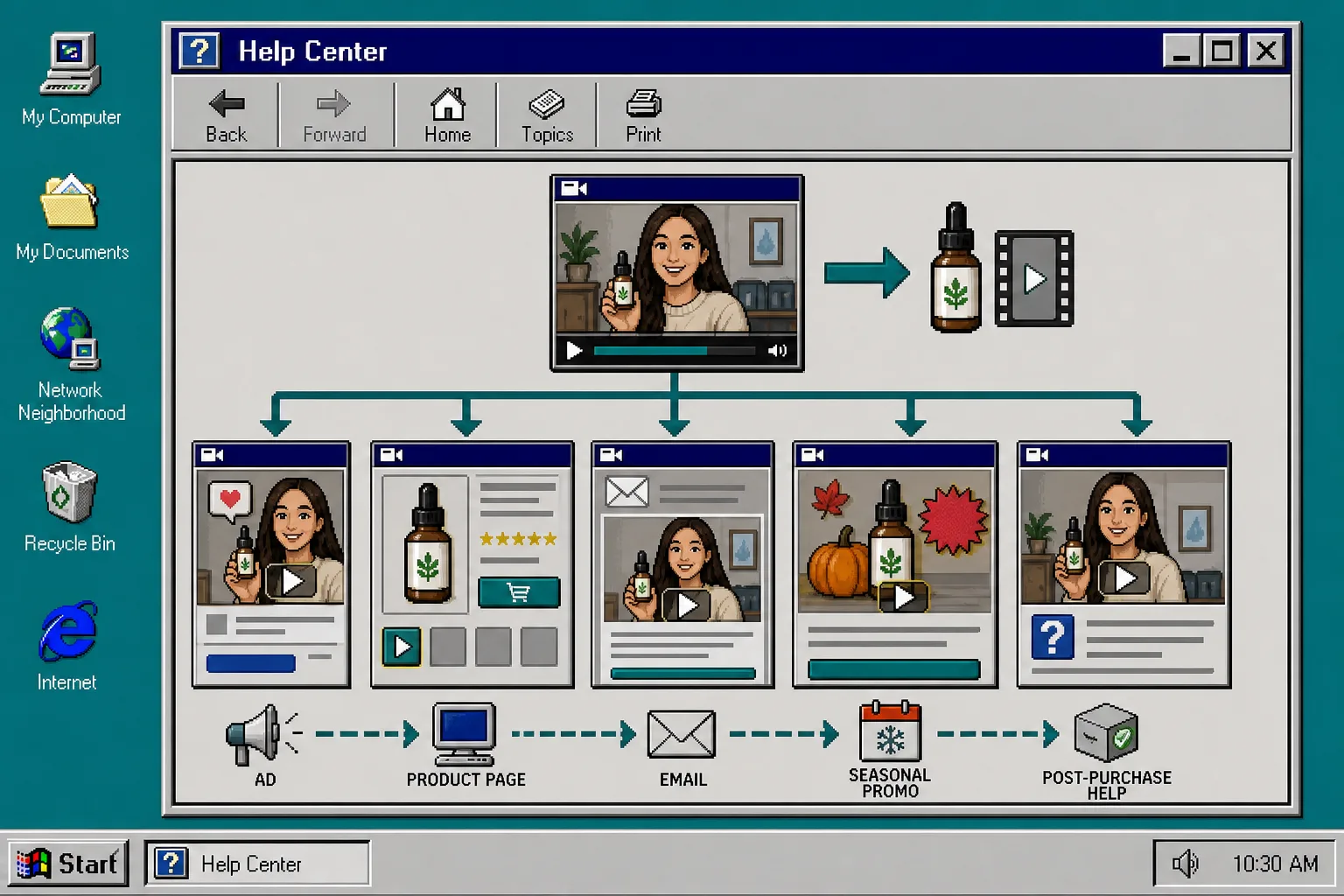
The important part is consistency. One product story can show up in several places, but each placement should get a cut that fits the job.
5. Keep The Winners And Cut The Rest
After you have five versions, keep the ones that do the job fastest.
If a version feels repetitive, change the scene or voice before you change the whole concept.
If the product is not obvious early enough, move it closer to the opening.
If the avatar feels wrong for the audience, switch to a different preset or build a custom AI model.
If the clip is too long, trim it down and keep the first few seconds that carry the message.
If one version works, save that scene and project structure so you can reuse it on the next product launch. The real win is not a single ad; it is a repeatable system for creating more Shopify product videos without starting over every time.
Troubleshooting
The videos all feel the same
Change one visible element at a time. Start with the scene or the opening line. Do not swap everything at once or you will not know what mattered.
The product is not clear fast enough
Bring the product forward in the first shot and shorten the intro. The viewer should understand what is being sold before the first major beat ends.
The avatar does not fit the brand
Try a different preset avatar or create a custom AI model that matches the audience better. A small change in casting can make the whole ad feel more believable.
The video runs too long
Trim the weakest clips and keep the strongest claim. For ad creative, shorter is usually easier to test.
I need more creative range
Start from five hooks, not five random edits. Hook variety gives you more meaningful test data than visual noise.
Related Guides
- How to Turn One Shopify Product Into Five UGC Video Ads
- How to Create UGC-Style Shopify Product Videos Without a Shoot
- How to Create Studio-Quality Shopify Product Photos From Plain Shots
- How to Turn Product Data Into MP4 Videos with VideoFlow
Next Step
If you want to test UGC-style creative without another shoot, start with one product, one avatar, one scene, and five hooks. Open Supra UGC Maker, use the free plan, and build the first five variations from the same project.