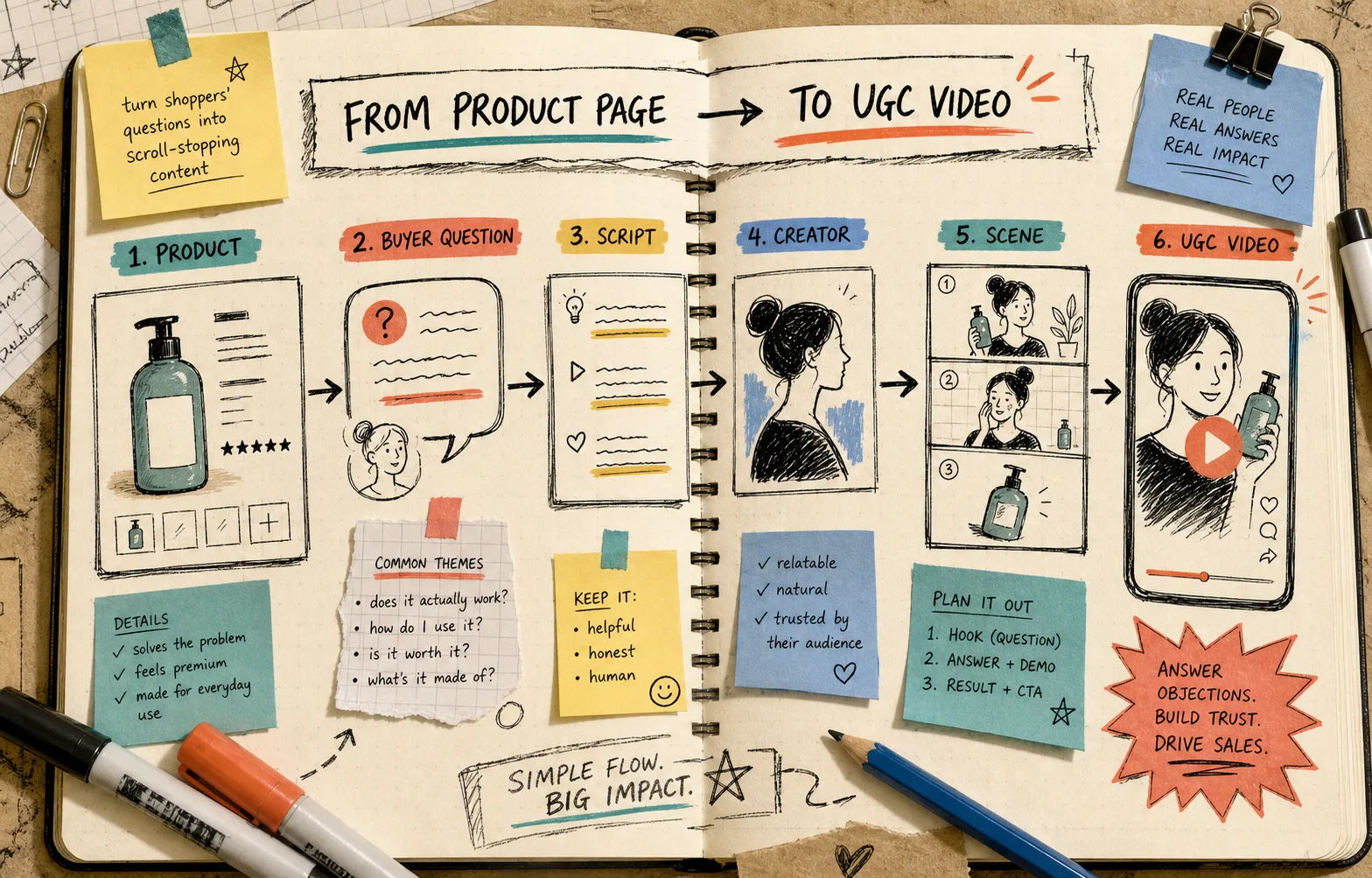
How to Turn Buyer Questions Into Shopify UGC Video Scripts
I keep seeing the same pattern when a Shopify product page needs video: the format is not the problem, the question list is.
If shoppers keep asking “does it work,” “how do I use it,” or “is it worth it,” that is already the script. Supra UGC Maker is useful here because it lets you turn those questions into avatar-led product videos with a chosen scene, voice, tone, and product reference instead of forcing you to invent a fresh angle from scratch every time.
The cleanest workflow I have found is simple: collect the buyer questions, write one short answer per question, then generate the first clip as a testable asset for the product page, email, or ad.
Start With The Questions People Already Ask
Before I think about avatars or scenes, I look for the questions that keep showing up in reviews, support replies, DMs, or failed conversions.
The usual shortlist looks like this:
- does it actually work;
- how do I use it;
- what does it replace;
- is it worth the price;
- what does it feel like in practice.
Those are not just objections. They are script prompts.
If you start there, the video sounds like it is answering a real person instead of reading a generic promo line. That matters on a product page, where the job is usually to reduce hesitation fast.
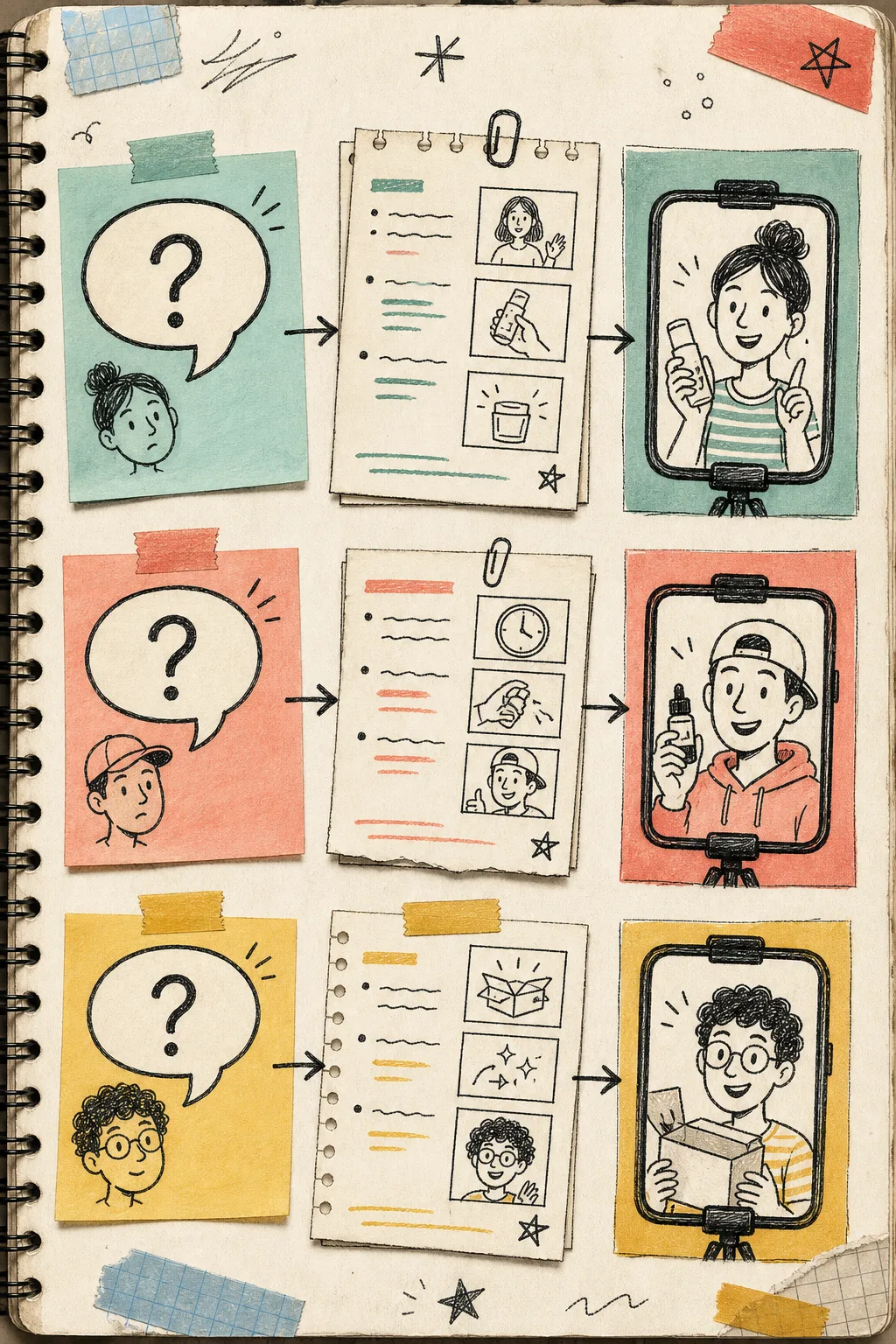
Turn One Question Into One Script Card
I like to keep each script short and boring in the best possible way:
- open with the question;
- answer it in one clear sentence;
- show the product or result;
- end with one next step.
That structure works because it keeps the clip tied to the buyer’s problem. If the question is “does it work,” the answer should not drift into brand poetry. If the question is “how do I use it,” the video should show the use case fast.
Supra UGC Maker gives you enough control to keep those scripts tight. You can pick a preset avatar or a custom AI model, choose a scene such as studio, outdoor, boutique, or a brand-specific setting, and tune the voice and tone so the delivery matches the message.
For this workflow, the important part is not variety for its own sake. It is making sure each script has a job.
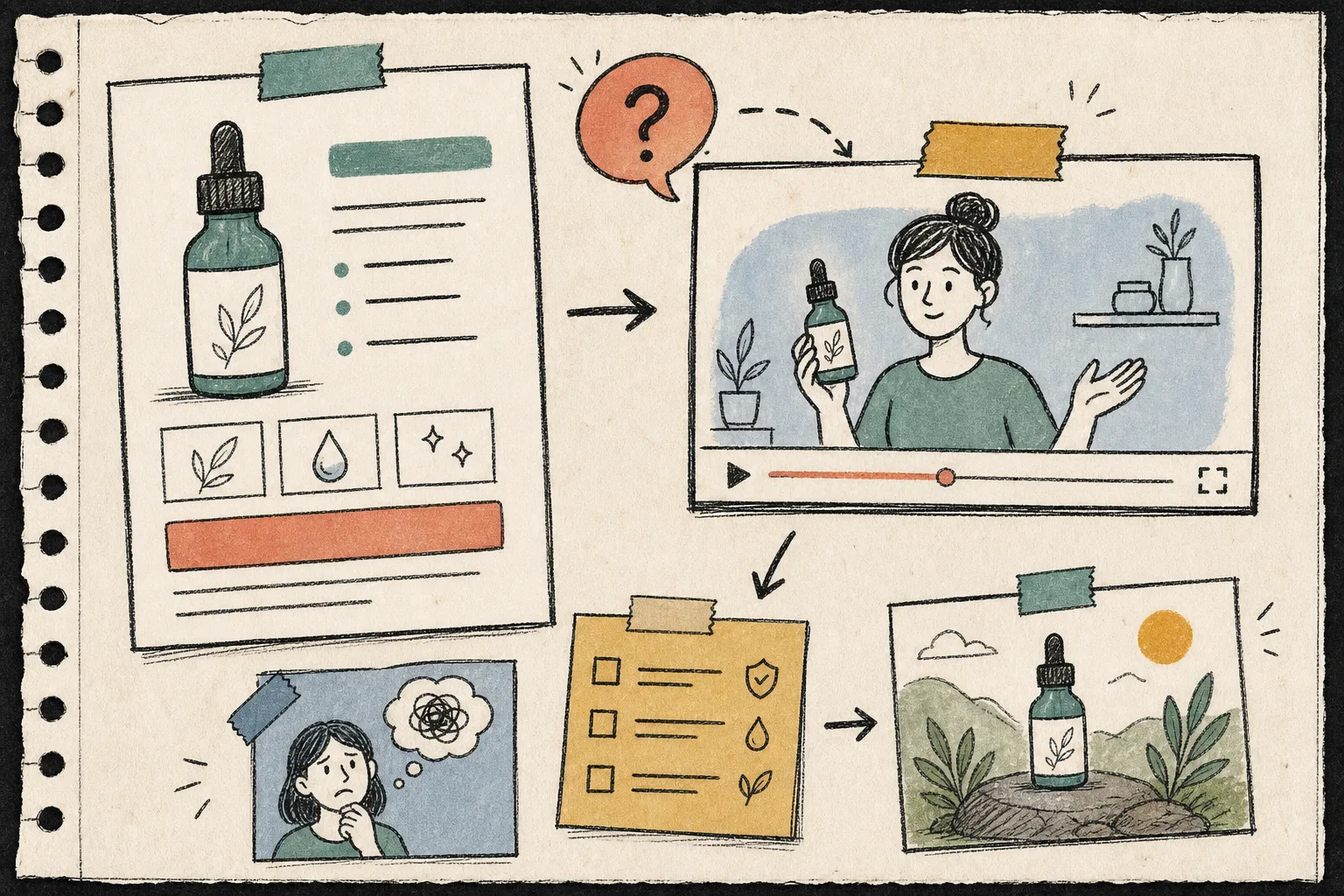
Match The Answer To The Right Scene
This is where a lot of video tools get sloppy. They generate a clip that technically answers the question, but the scene does not support the answer.
I try to keep the scene aligned with the kind of proof the question needs:
- studio when the product itself needs to be clear;
- outdoor when the result should feel real and lived-in;
- boutique when the product belongs in a styled environment;
- brand-specific when the identity matters as much as the item.
The rule I use is blunt: if the question is practical, make the visual practical.
That usually means you want the product visible early, the delivery calm enough to trust, and the scene simple enough that the buyer does not have to work to understand what they are looking at.
If you want the ad-side version of this same thinking, keep How to Create UGC-Style Product Videos for Shopify Without Hiring Influencers open too. It is the broader version of the same setup, just with more emphasis on the finished video itself.
Review The Clip Like An Operator, Not A Filmmaker
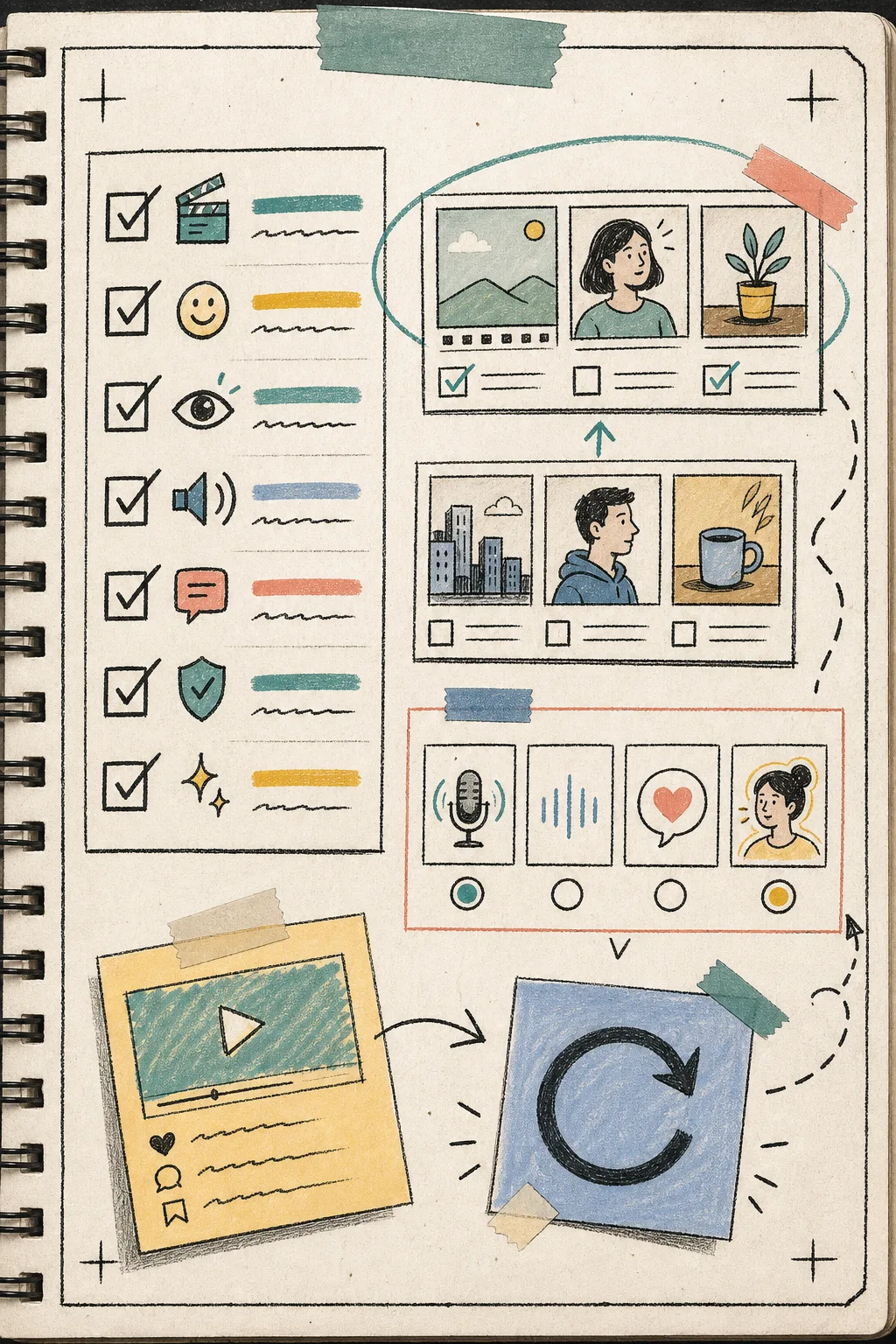
The part I actually trust in Supra UGC Maker is the project loop: preview, reorder, trim, update, and regenerate.
That matters because the first version is usually close, not perfect. You do not need to rebuild the entire clip if the answer is strong but the middle is too long, or if the scene is right but the delivery feels stiff.
When I review a first pass, I check four things:
- does the clip answer the question directly;
- does the product stay visible long enough;
- does the scene reinforce the claim instead of distracting from it;
- does the ending tell the buyer what to do next.
If one part fails, I change one part.
That is the difference between useful iteration and endless polishing. It also keeps you from treating the app like a one-shot render machine. It is better used as a small test bench.
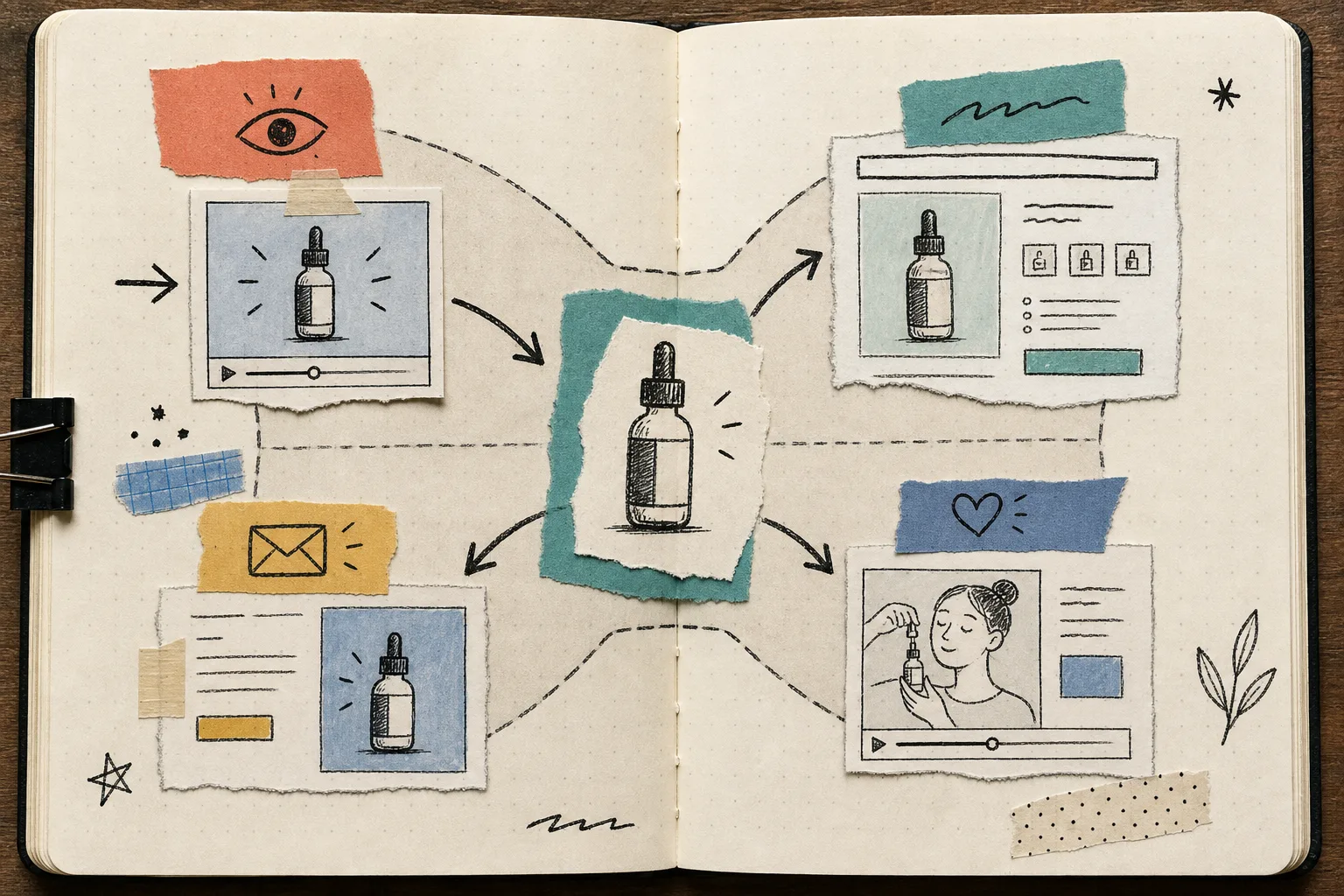
Reuse The Best Answer Across More Than One Place
Once one script works, do not lock it to a single placement.
A good answer to a buyer question can usually do more than one job:
- a product page explainer;
- a short ad variation;
- an email insert or teaser;
- a post-purchase reassurance clip;
- a seasonal promo variation.
That reuse is where the time savings show up. You are not making a one-off video. You are building a small library around one product and a few questions that matter.
If you are thinking about the testing side next, the more ad-focused companion posts are worth keeping nearby:
- How to Create Shopify UGC Video Ad Variations From One Brief
- How to Make Shopify UGC Video Variations for Ad Testing
- How I Built a Shopify UGC Ad Testing Matrix
For the broader creative frame, How to Create UGC-Style Product Videos for Shopify Without Hiring Influencers is the better sibling article.
Keep A Short Review Checklist
When I want to avoid overthinking the edit, I use the same little checklist every time:
- one question per script;
- one answer per clip;
- one scene that supports the answer;
- one clear CTA;
- one reuse target after the clip works.
That sounds almost too small, but that is the point. It keeps the process tied to the buyer’s problem instead of the tool’s features.
If the question is sharp and the answer is useful, the video usually has a job. If the script is trying to impress people, it usually starts drifting.
Bottom Line
If your product page or email flow keeps getting the same questions, those questions are the script brief.
The practical move is to write the answer first, then generate the clip in Supra UGC Maker, then reuse the strongest version wherever the same objection shows up again.
Start with one product, five buyer questions, and one short script for each. Build the first clip, put it on the product page, and only then decide whether you need a second variation.