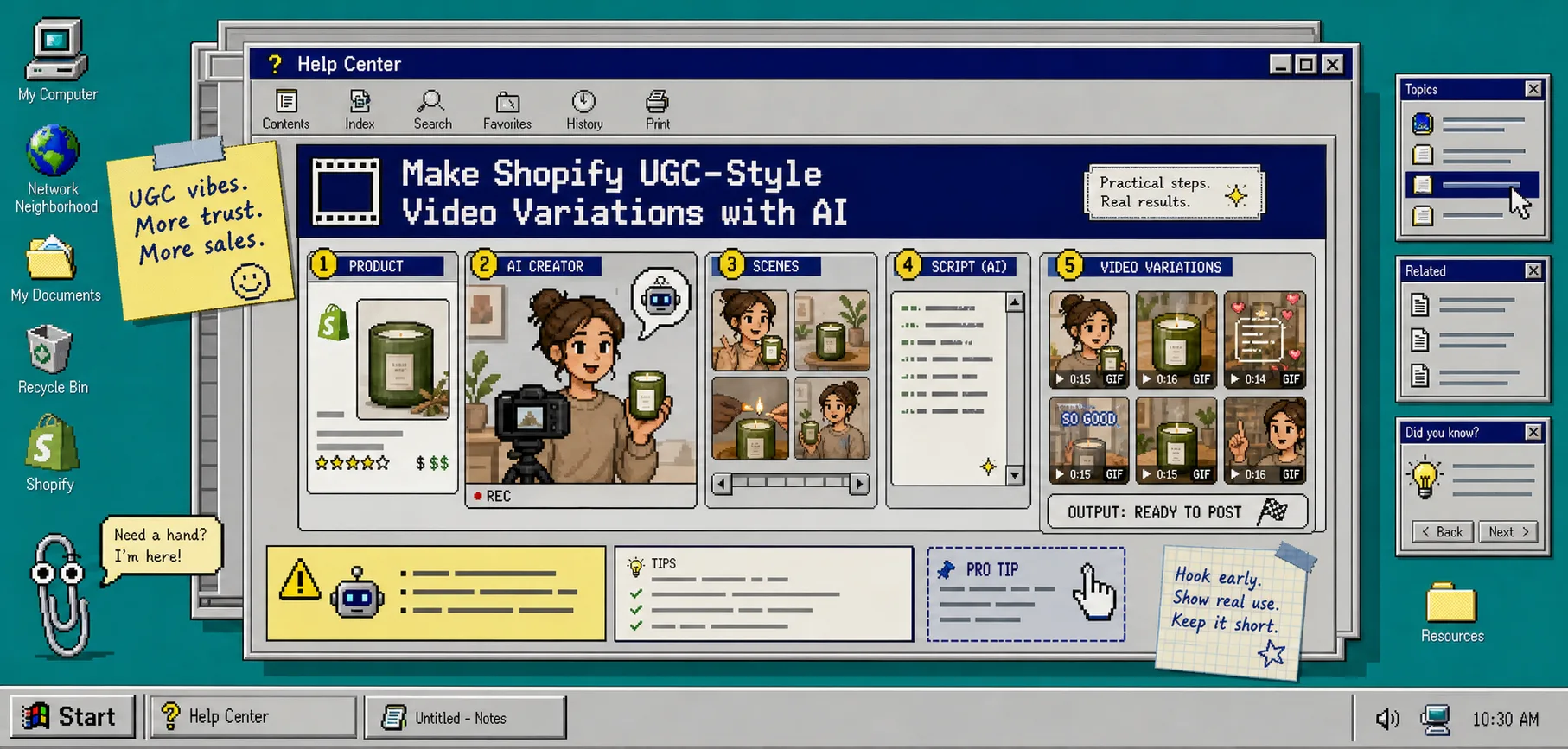
How to Make Shopify UGC Video Variations for Ad Testing
I keep coming back to the same problem: one product, one launch, and not enough creative to learn anything useful. If I only make one UGC-style video, I learn almost nothing. If I make four or five variations from the same product, I can see which hook, scene, and CTA does the work.
That is the part Supra UGC Maker is built for. It is a Shopify app for creating UGC-style product videos with AI avatars, scenes, scripts, speech, and product references. I use it when I want to create video variations fast without hiring creators, booking a shoot, or rebuilding every asset by hand. You can see the product page at Supra UGC Maker and the Shopify listing at Shopify App Store.
If I were using it on a real launch, I would not try to make a perfect ad first. I would make a small, controlled set of variations and let the results tell me what to improve.
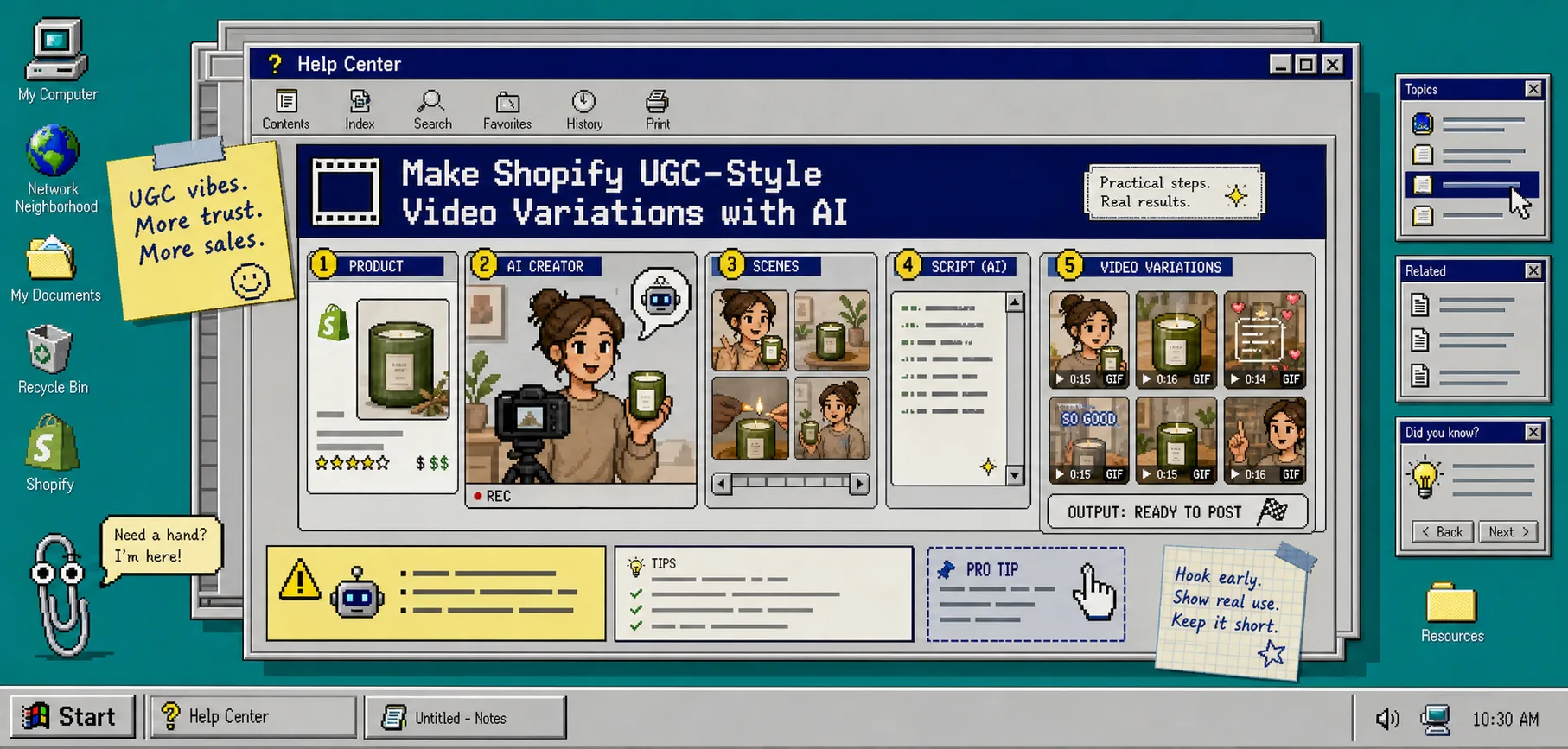
1. Pick One Product and One Outcome
Start with one product and one job. Not one product and three campaigns. One product and one result you care about today.
For example:
Product: one Shopify product or collection
Outcome: add to cart, product page view, launch interest, or email click
Audience: cold traffic, returning visitors, or launch list
CTA: shop now, learn more, see details, or watch the demo
That tiny brief keeps the project honest. If you skip it, the video starts drifting into general brand content and the test gets muddy.
When you open Supra UGC Maker, you should be able to keep the first project centered on a single product instead of trying to solve the whole funnel at once. That is usually the difference between a useful test and a nice-looking dead end.
2. Write Three Hooks Before You Generate Anything
I do this before I touch the avatar or the scene.
The app lets you write a script and choose voice and tone, so the hook is the first decision that matters. I usually write three versions:
- a problem hook;
- a question hook;
- a proof hook.
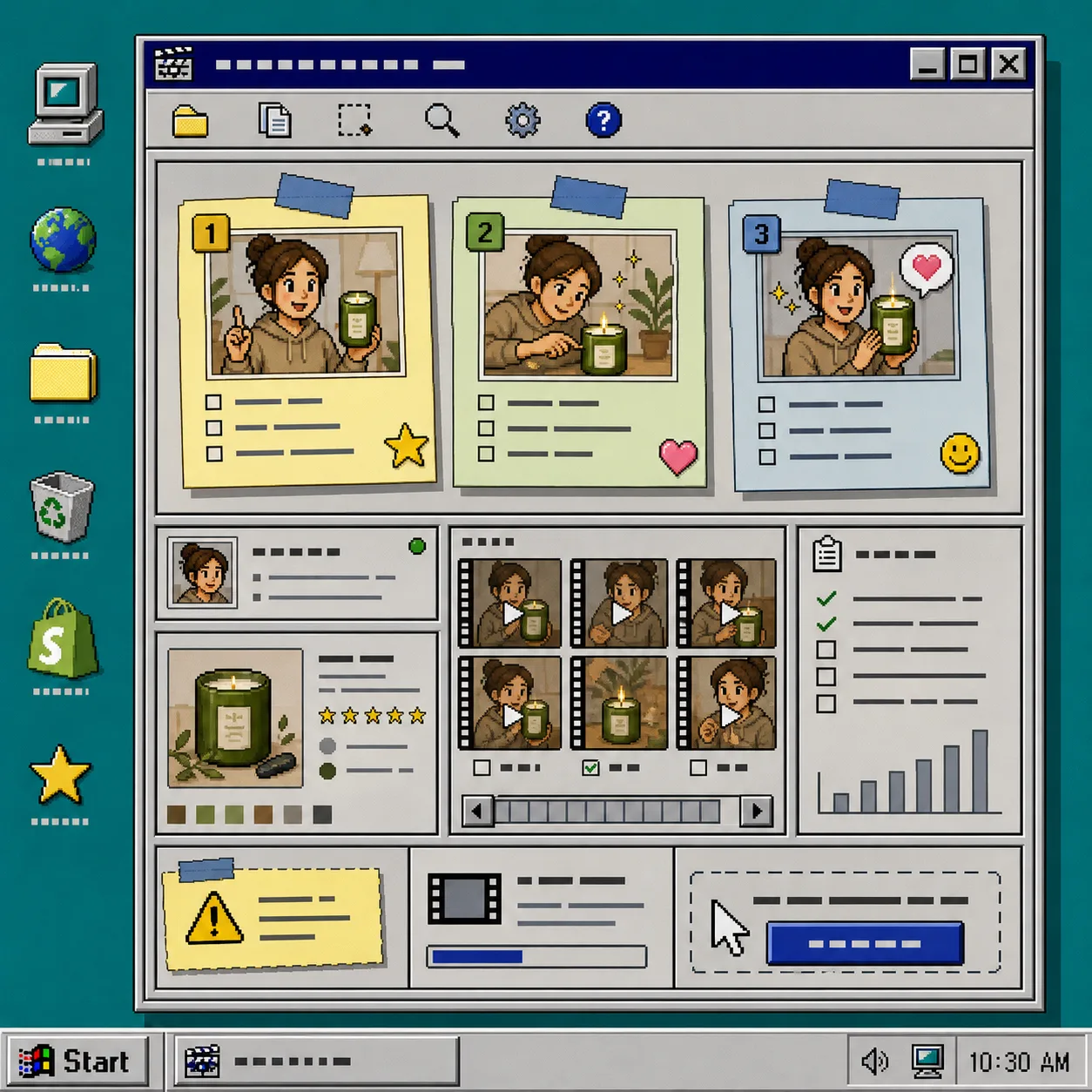
Example structure:
Hook 1: Still dealing with [problem]?
Hook 2: Need a better way to [result]?
Hook 3: Here is why this [product] gets used.
Do not make the hooks sound clever. Make them sound like a real person saying the first useful sentence. If the hook is weak, the rest of the project is just a prettier way to lose attention.
This is the same testing mindset I used in How to Turn One Shopify Product Into Five UGC Video Ads and How to Turn One Product Brief Into Five Shopify Video Ads.
3. Set the Avatar, Scene, Product, and Voice
Once the hooks are drafted, open the project and fill in the actual production pieces:
- choose a preset avatar or create a custom AI model;
- pick a scene, such as studio, outdoor, boutique, or a brand-specific setting;
- add the Shopify product;
- write the script;
- choose the voice and tone.
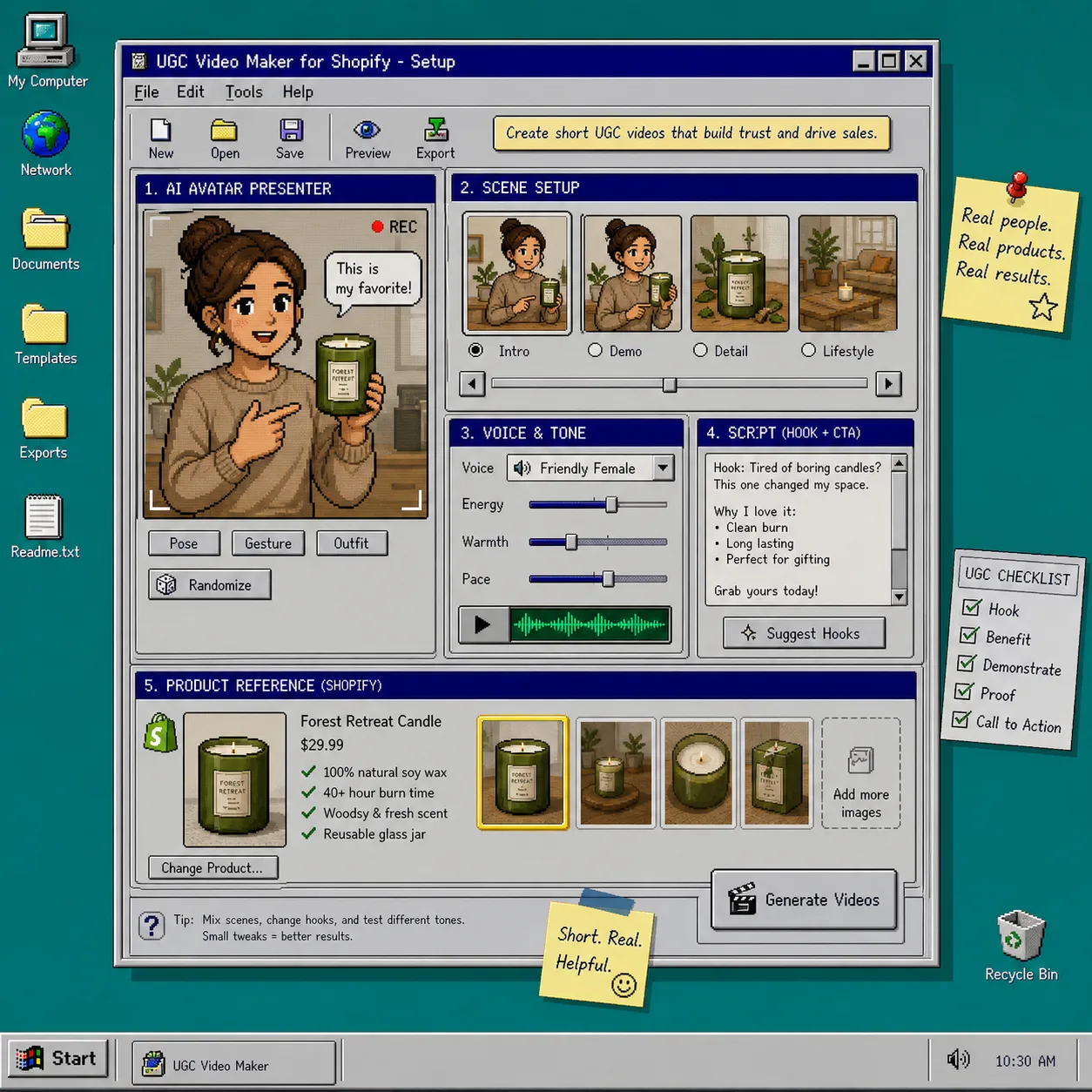
If the app is set up correctly, you should see the product front and center, a scene preview ready to swap, and the voice/tone controls available before generation. That is the point where the project starts feeling like a repeatable workflow instead of a one-off creative experiment.
If the product also needs still assets, I would pair this workflow with How to Create Studio-Quality Shopify Product Photos From Plain Shots. The combination is useful: stills for the page, UGC-style motion for the ad.
4. Generate One Base Cut, Then Change One Variable at a Time
This is the part most people rush.
Generate a base version first. Then duplicate the idea and change only one thing per variation:
- hook;
- scene;
- voice;
- CTA.
Do not change all four at once, or you will not know what mattered.
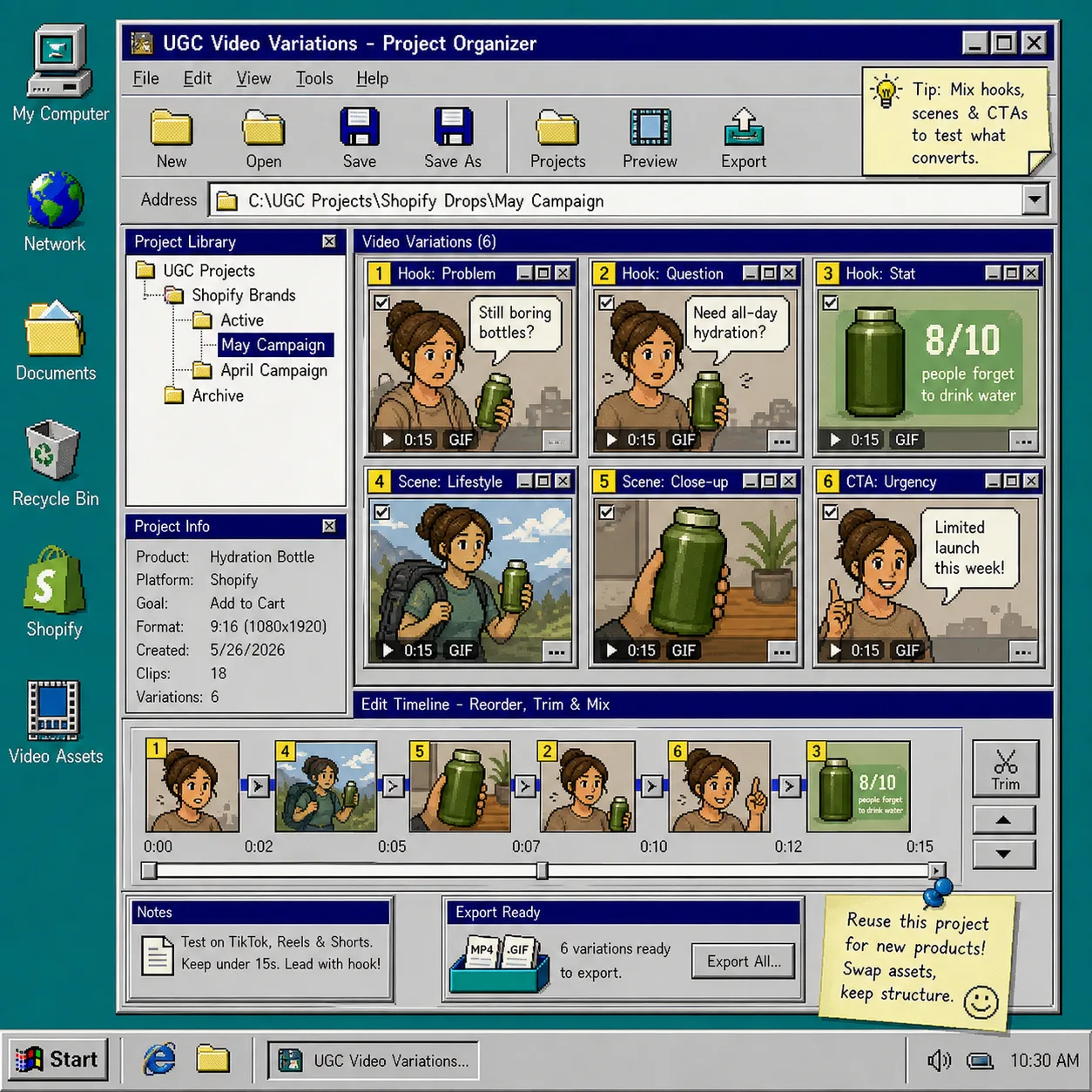
A simple testing set looks like this:
Variation 1: Problem hook + studio scene
Variation 2: Question hook + lifestyle scene
Variation 3: Proof hook + product close-up
Variation 4: Same hook + different CTA
Supra UGC Maker supports reusable projects and new ad variations, which makes this easier to keep organized. I like that because it means the first good structure can survive into the next launch instead of getting thrown away after one export.
If you want a similar one input, many outputs workflow, How to Create UGC-Style Shopify Product Videos Without a Shoot is the earlier version of this idea, and How to Create Studio-Quality Shopify Product Photos From Plain Shots covers the still-image side.
5. Preview, Trim, and Regenerate the Weak Spots
Do not trust the first export just because it finished.
Use the preview, then reorder, trim, update, or regenerate clips in the same project. The goal is not to fix everything. The goal is to remove the parts that make the video feel slow, vague, or too obviously synthetic.
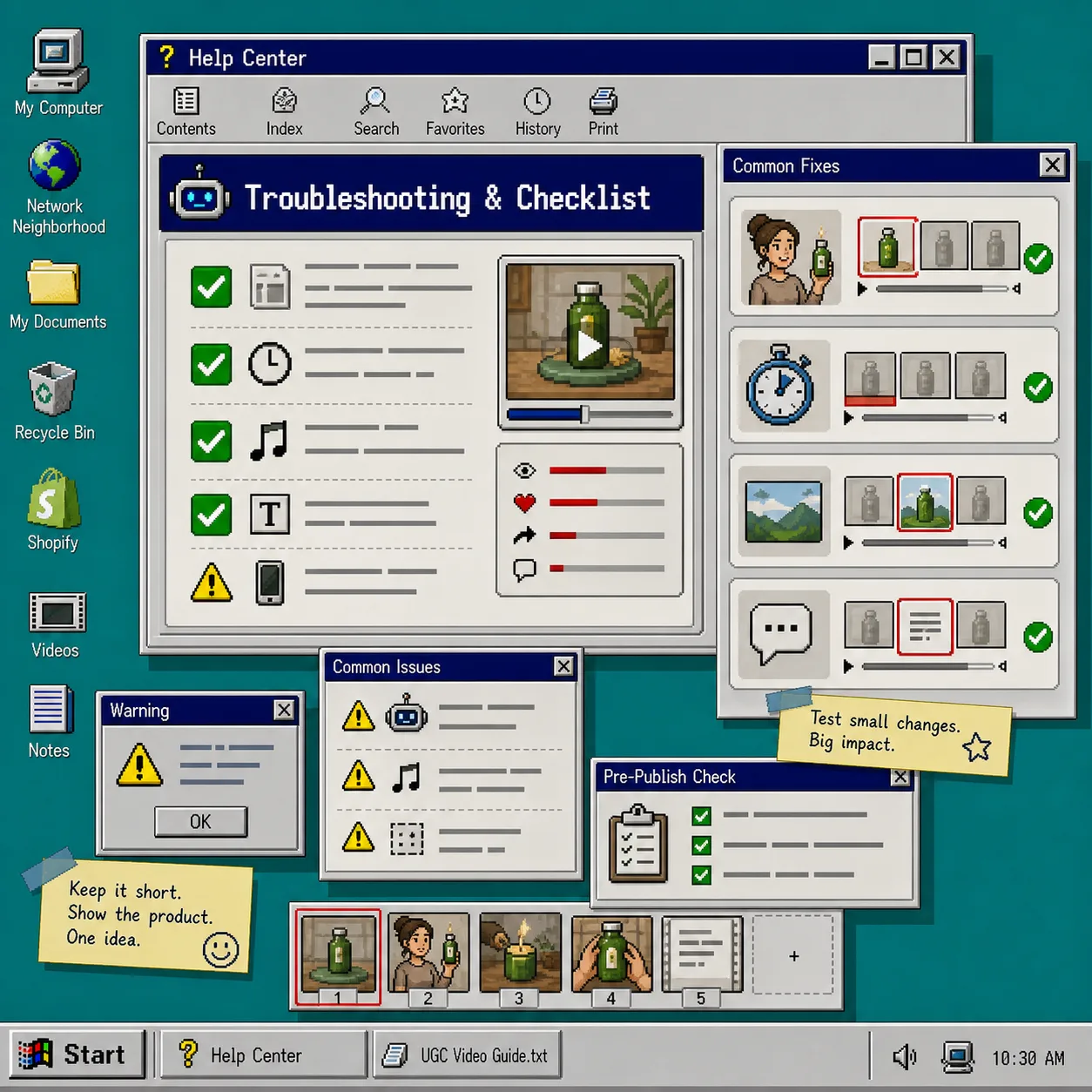
What I look for:
- does the product show up early enough;
- does the script sound like one person talking instead of a brand deck;
- does the scene support the claim instead of distracting from it;
- does the CTA ask for one clear action.
If the video feels fake, I usually shorten the script and make the product more visible. If the video feels busy, I simplify the scene. If the hook feels flat, I rewrite the first line instead of polishing the last line.
That review pass is exactly why this workflow is better than just asking for a UGC ad. A controlled edit loop produces cleaner tests.
6. Export the Winners Where They Actually Matter
Supra UGC Maker is useful because the output is not locked to one channel. You can download the videos and use them in ads, product pages, email campaigns, launches, and social channels.
I would use the best cuts in this order:
- paid social first, to test hook performance;
- product page second, to support the purchase decision;
- email third, to add motion to a launch or teaser;
- post-purchase or support content last, if the product needs explanation.
If a variation wins, keep the reusable project and swap the product or script later. That is where the app starts paying off: the structure survives the next campaign.
Troubleshooting
If the variations are too similar, change the hook before changing the scene.
If the product is not clear, move it earlier in the script and make it visually dominant.
If the avatar feels wrong for the brand, switch to a different preset or create a custom AI model.
If the CTA is weak, reduce it to one action. “Shop now” and “Learn more” do more work than a paragraph of enthusiasm.
If the project starts to feel overproduced, simplify it. UGC-style video works when it still feels like a fast, believable recommendation.
Bottom Line
The practical way to use Supra UGC Maker is not to chase one perfect ad. It is to build a small set of controlled video variations, change one variable at a time, and keep the winner.
That gives you faster learning, more reusable assets, and less dependence on one expensive production cycle. If you want to try it, start with one Shopify product, write three hooks, and generate your first variation on the free plan.