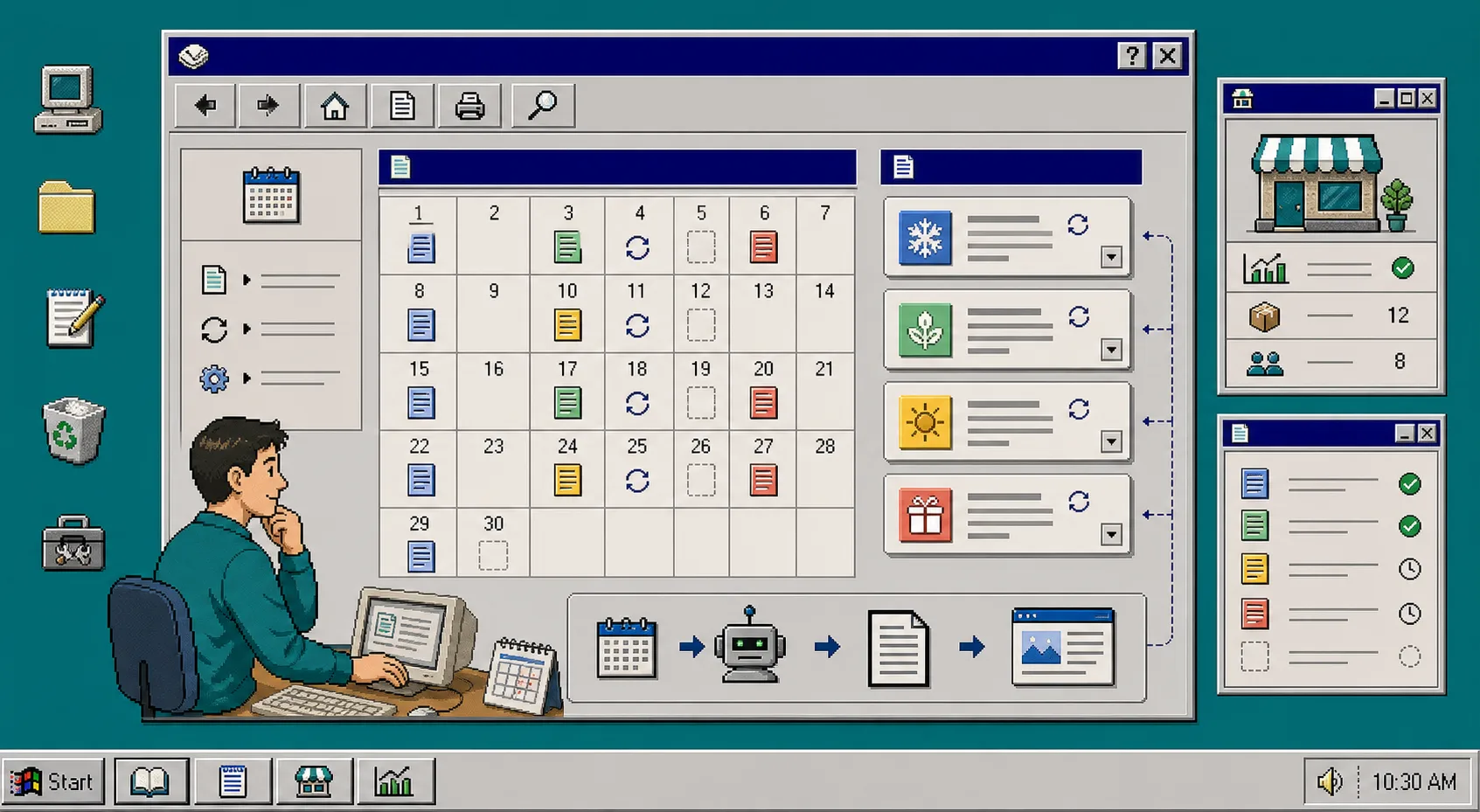
If your Shopify blog only wakes up when you have spare time, seasonal traffic gets away from you. The fix is not to write more random posts. It is to build a calendar around launches, holidays, and the product problems you already solve, then let Supra Blog Automation generate and schedule the posts for you.
The app can create a single post on demand or run on a recurring schedule. It also supports product-aware prompts, SEO structure, internal links, and draft review when you want a human pass before publish. If you want the store-level version first, the Shopify App Store listing is the quickest place to check the free plan and install flow.
How To Build The Calendar
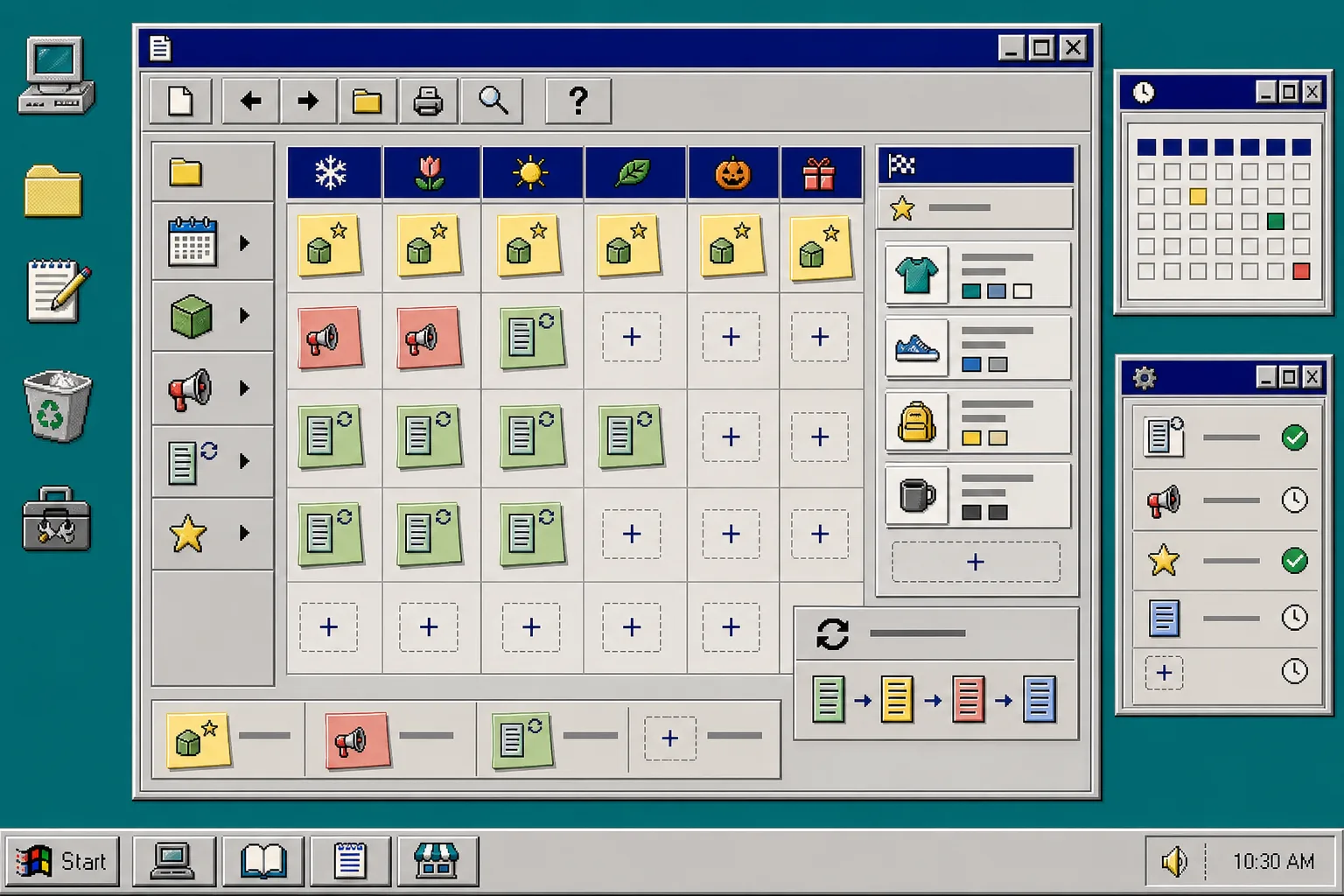
1. Map the season, not just the date
Start with the business events that actually matter: product launches, restocks, holidays, gift seasons, sale windows, and customer education moments. Do not begin with a blank editorial calendar and hope topics appear. Start with the moments that already drive demand.
Write down the month, the offer, the audience problem, and the product or collection that should be in the story. You should end this step with a short list of publish windows, not a giant brainstorm. That is enough to build a useful automation around.
A simple rule helps here: if a topic would still matter after the sale ends, keep it. If it only exists to fill a slot, cut it.
2. Pick repeatable post types
A seasonal calendar works when you reuse a few post shapes instead of inventing a new one every week. Pick three or four patterns and keep them stable. For example:
- launch explainer
- buying guide
- comparison post
- seasonal roundup
- product education post
That is the same idea behind How to Build a Shopify Content Calendar That Writes Itself and How to Decide Which Shopify Blog Posts Should Auto-Publish. The point is to reserve automation for the posts that should happen on a schedule, while keeping room for a manual review on anything sensitive.
You should now have a content calendar with a few named buckets. That makes the next step much easier because each new post fits a known shape.
3. Write the brief with product context first
Open the post generator and build the brief around the real product, not the vague keyword. Give it the topic, tone, post goal, products or collections to mention, and the allowed image sources. In Supra Blog Automation, that product context is what keeps the draft from sounding generic.
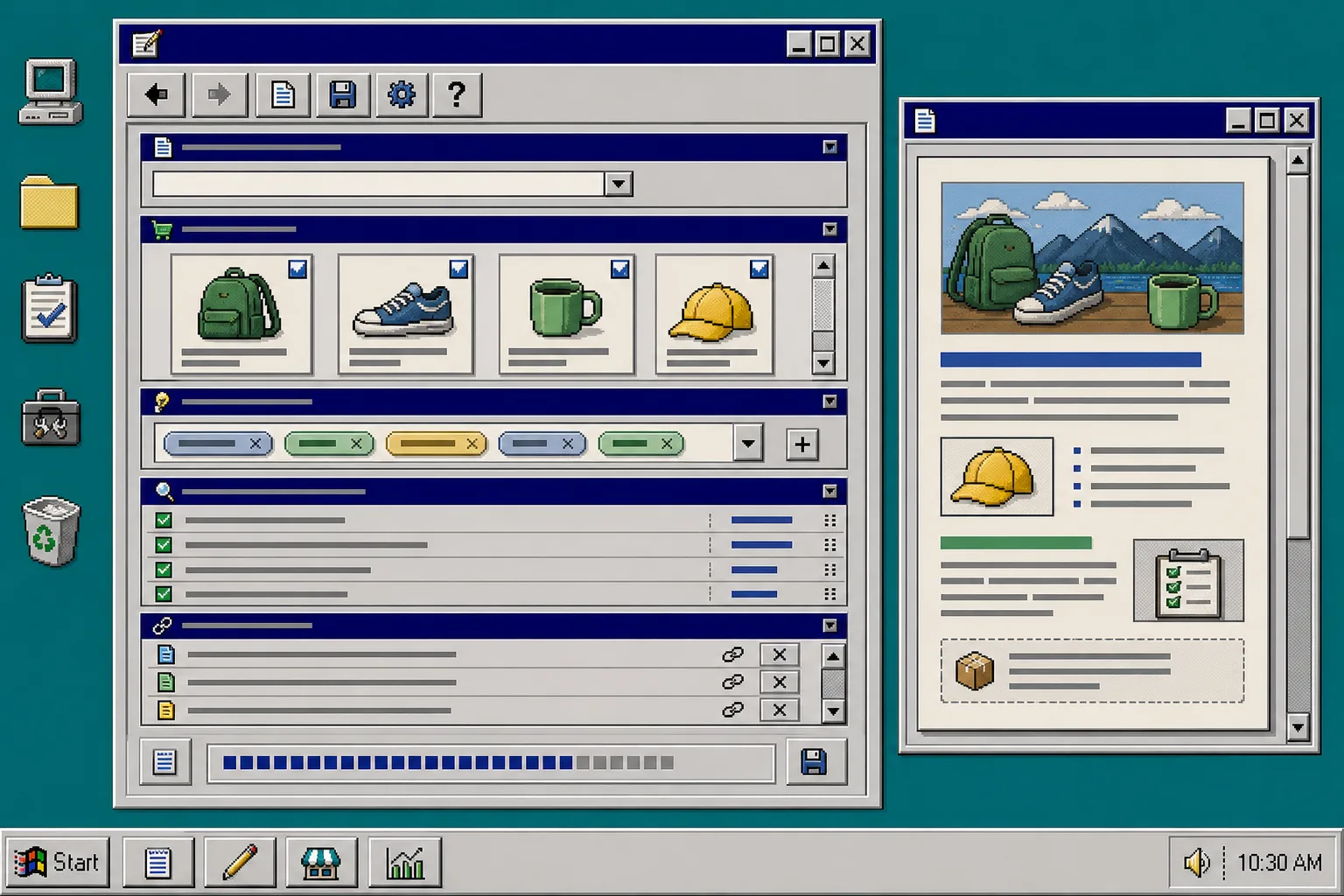
A good brief answers four questions before the draft starts writing:
- What is the reader trying to solve?
- Which product or collection belongs in the article?
- What should the post do: inform, promote, or support a launch?
- Which links should appear naturally inside the copy?
This is also where How to Automate Shopify Blog Posts Without Generic AI Content is useful. It shows the difference between a generic topic and a product-aware topic. If you get this part wrong, the rest of the workflow just produces prettier filler.
4. Set the cadence and the review rule
Now choose how often each bucket should publish. Some posts can go live immediately. Others should stay as drafts until someone checks the claims, links, and product details. Supra Blog Automation supports both publish now and save as draft, so you do not have to force every article through the same path.
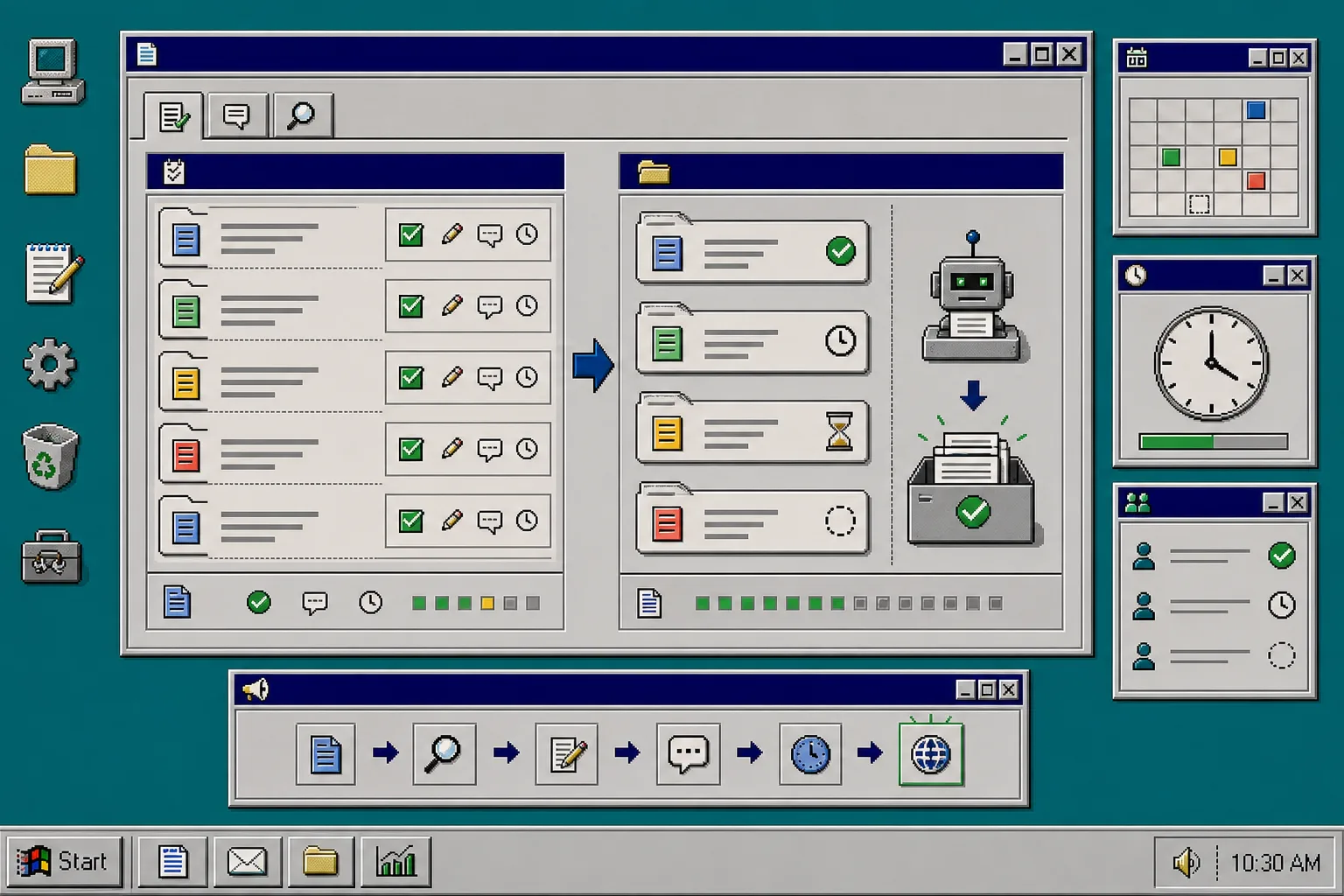
Use the review rule to protect the parts that can break fast:
- pricing
- shipping claims
- compatibility claims
- launch timing
- inventory-sensitive statements
For the posts that are safe to automate, let the schedule run. For the posts that need a final check, keep them in draft until a human signs off. That is the draft-first model described in How to Build a Shopify Blog Workflow That Keeps Product Detail Intact. It is the right balance for an ecommerce store that wants speed without losing accuracy.
5. Add internal links and visuals before publishing
Do not treat the article as finished until it points readers to the next useful page. Add links to the relevant product page, collection page, and at least one related post. That helps the article do more than rank once. It helps the post move readers deeper into the store.
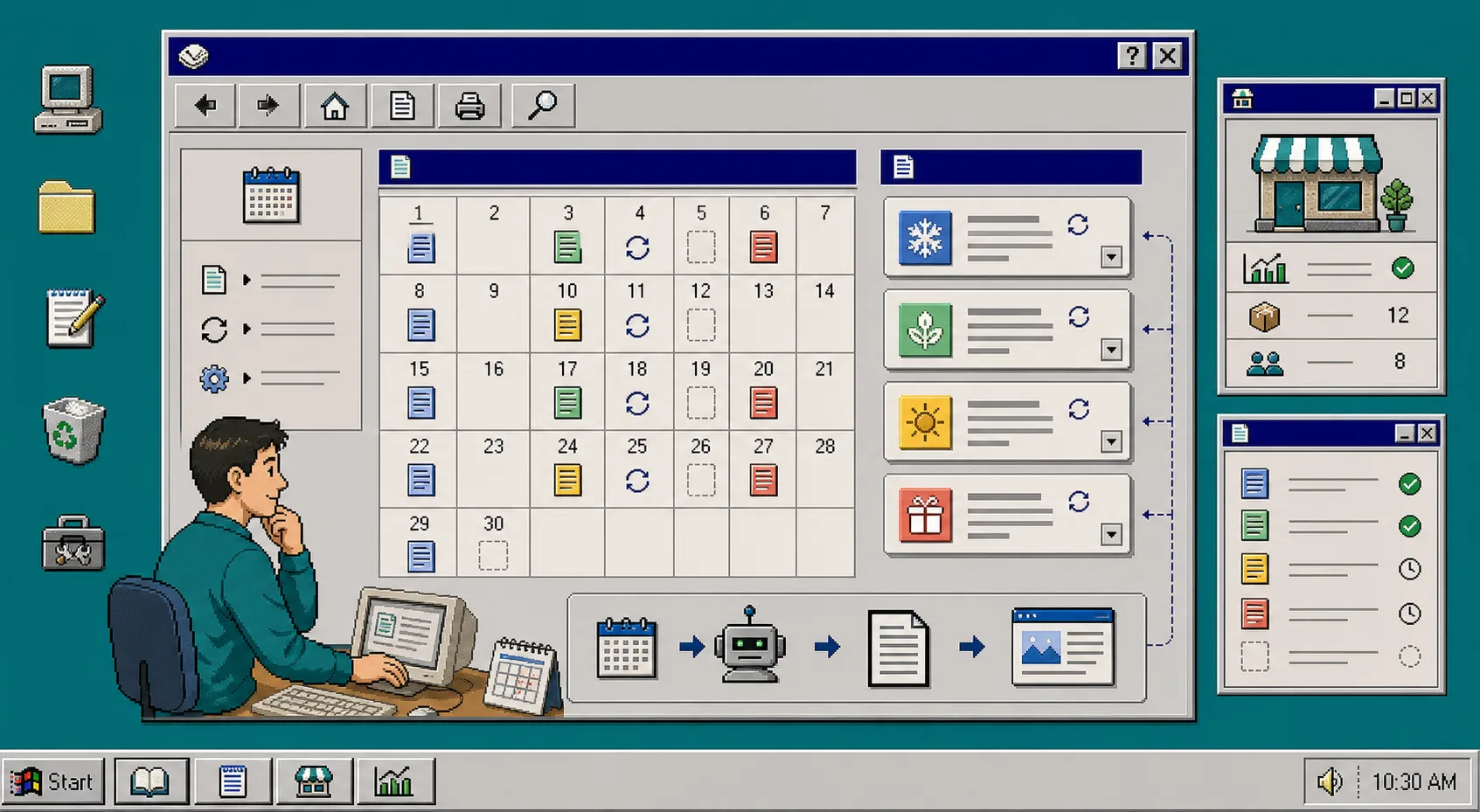
Use images the same way. A seasonal calendar post usually needs a planning visual, a brief editor visual, a review queue visual, and a troubleshooting or process visual. Each one should support the section beside it, not just decorate the page.
If you want a model for keeping content useful instead of promotional, read How to Build a Shopify Blog Workflow That Keeps Product Detail Intact and How to Automate Shopify Blog Posts Without Generic AI Content. Those posts cover the same core problem from a different angle: useful posts still need structure, links, and a real reason to exist.
6. Publish, measure, and roll the pattern forward
Once the post is live, check what happened next. Did the article support a product page? Did it keep the reader in the store? Did the topic fit the season you planned for? If the answer is yes, clone the pattern for the next campaign window.
This is where recurring automation pays off. One well-built seasonal post is useful. A repeatable calendar that turns every launch into a publish-ready workflow is better.
Use the next cycle to improve the brief, tighten the CTA, and remove any topic that did not pull its weight. Over time, the calendar becomes a system instead of a to-do list.
Troubleshooting
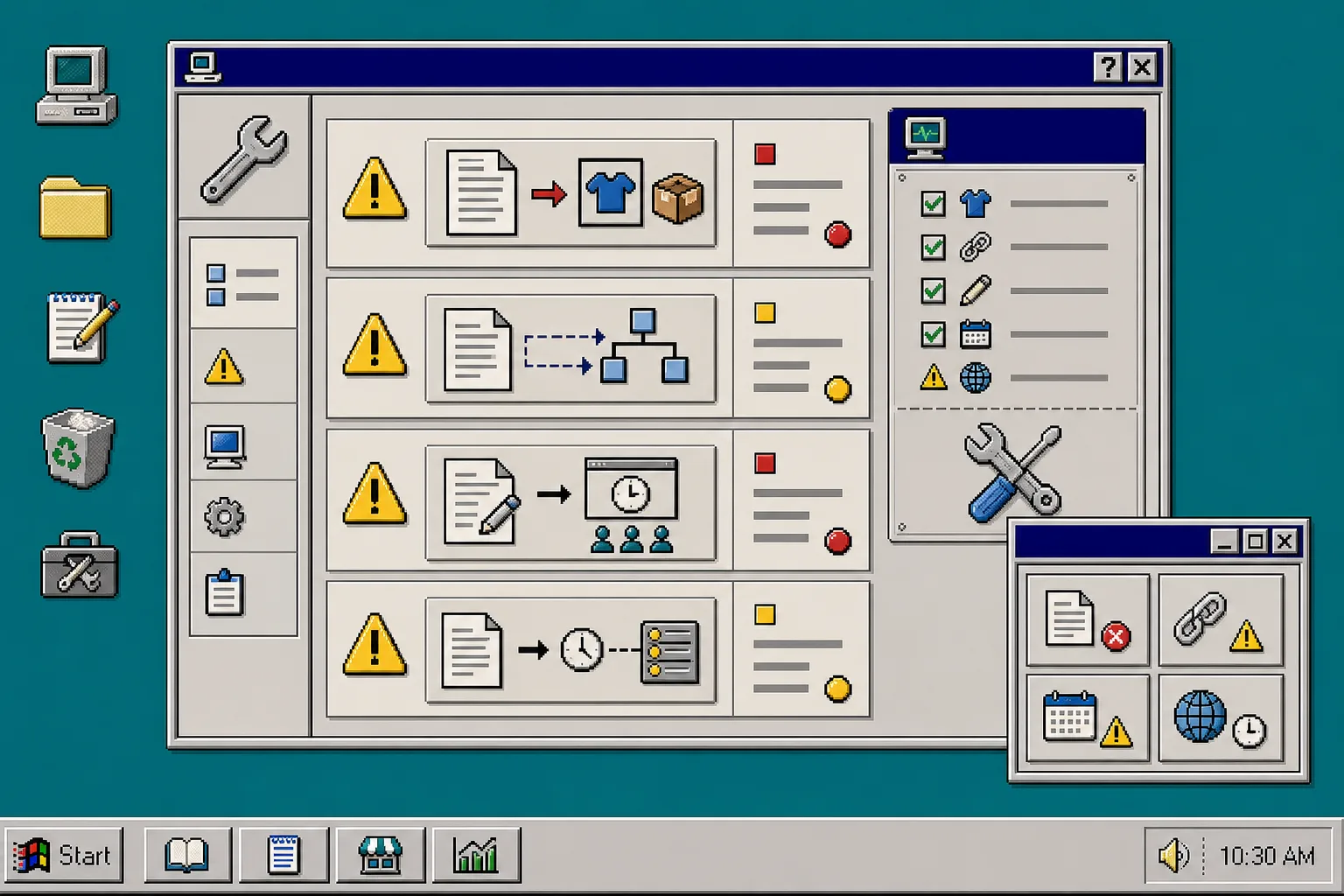
If the post sounds generic, the brief probably did not include enough product context. Add the product name, the collection, and the customer problem before you regenerate.
If the calendar is too crowded, cut the least urgent post type first. Seasonal planning works best when every slot has a job.
If a launch date moved, keep the evergreen educational post and reschedule the sales-driven post. That keeps the blog useful even when the campaign shifts.
If a post needs a lot of approval, save it as a draft instead of forcing publish. That is the point of draft-first automation: speed where it is safe, review where it matters.
Wrap-Up
A seasonal Shopify blog calendar works when you plan around real demand, reuse a few post shapes, and feed the generator product context instead of vague keywords. Supra Blog Automation gives you the recurring schedule, the SEO structure, the image workflow, and the draft control to keep that system running.
Start with one seasonal cluster, publish one post from it, and then turn the result into a reusable template. If you want to try the workflow, install Supra Blog Automation from the Shopify App Store and build the first campaign calendar today.