I started using dash-p after Anthropic split the billing path on June 15, 2026. Interactive Claude Code in the terminal still uses the normal subscription limits, but claude -p and the Agent SDK now sit on a separate monthly credit. If you want local automation without rewriting your workflow around a metered headless path, dash-p is the bridge I reach for.
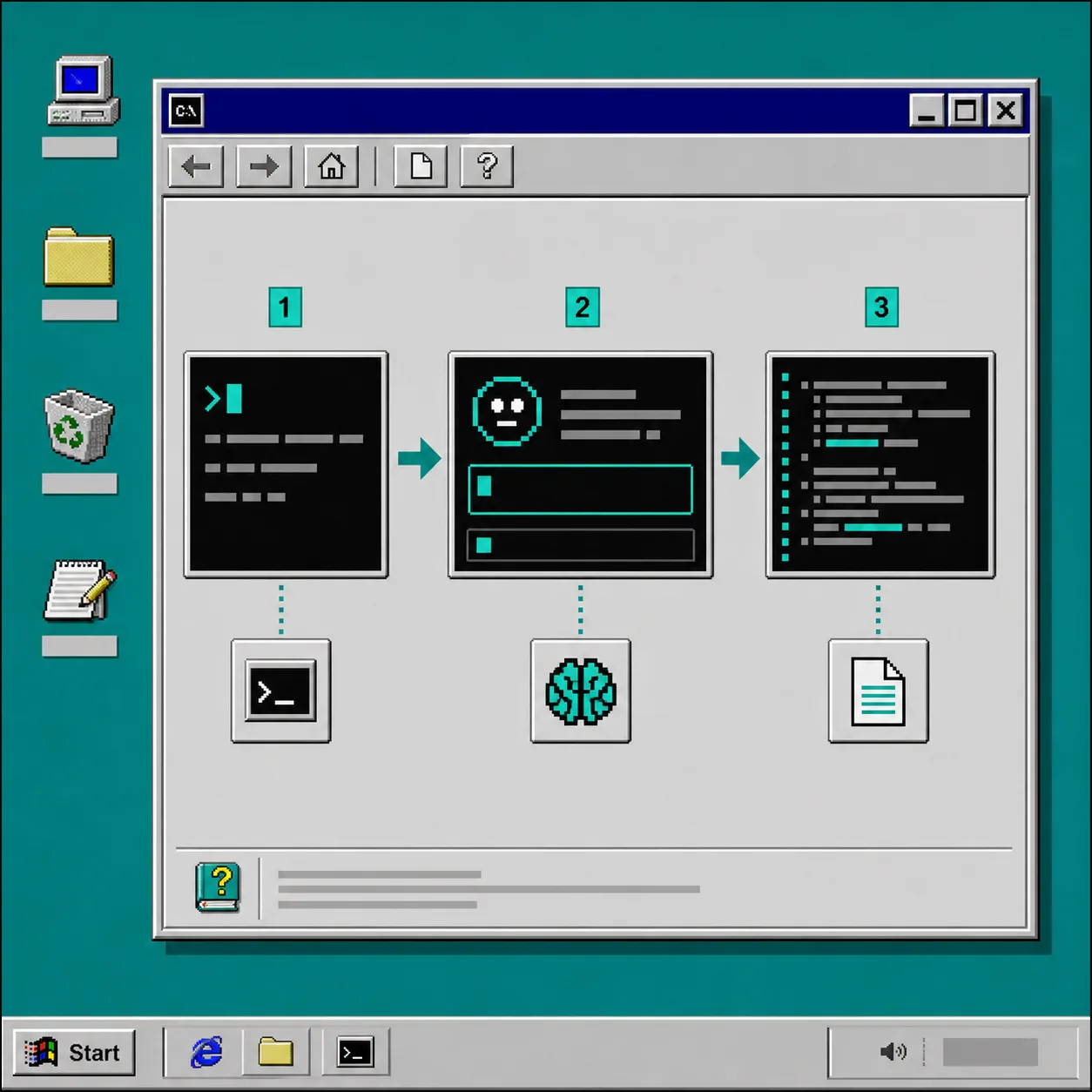
It does one specific thing well: it launches the official claude command, drives the real interactive TUI, and exposes the result through a CLI and a query() API. That means I keep the same login, session, and permissions I already trust.
You can find it on GitHub. The package name on npm is @ybouane/dash-p.
1. Install the pieces you actually need
Start with the CLI so you can verify that the interactive session works before you script anything around it.
npm install -g @ybouane/dash-p
dash-p "summarize this repo"
If you prefer a one-off run, use npx instead of a global install.
npx @ybouane/dash-p "what color is the sky"
Expected result: the terminal opens a real Claude Code session, accepts the prompt, and prints an answer from the account you already use manually.
2. Start with one boring task
The easiest first use case is a task you would otherwise do by hand in the same terminal window: summarize a repo, rewrite a prompt, draft a changelog note, or answer a quick local question.
dash-p "summarize the main risks in this repository"
That gives you a quick reality check. If the result looks like something you would accept from the interactive Claude Code session, then you have enough confidence to build a script around it. I would not start with a complex autonomous loop or a long-running agent. Start with one prompt and one result.
Expected result: you get the same style of answer you expect from Claude Code, but now you can call it from a shell pipeline or a small script.
3. Move to TypeScript when you want structured output
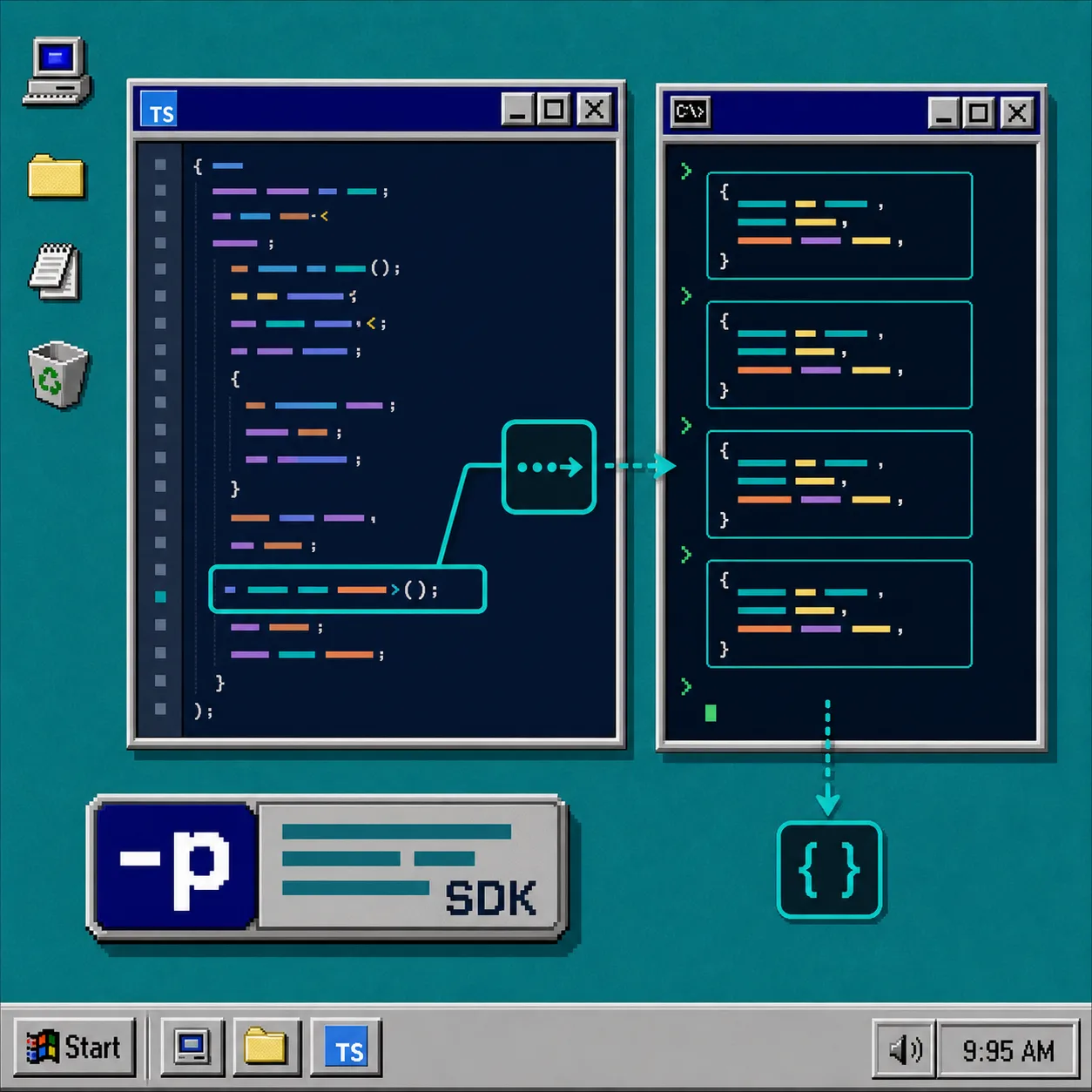
This is where dash-p feels more like a library than a wrapper. The SDK-shaped query() API lets me loop over streamed messages and pull out the final result without leaving the local workflow.
import { query } from "@ybouane/dash-p";

for await (const msg of query({
  prompt: "Summarize this repo in four bullets.",
  options: { model: "sonnet", includePartialMessages: true },
})) {
  if (msg.type === "result") console.log(msg.result);
}
The important part is not the syntax. It is the shape. I can treat Claude as a local library call while still keeping the interactive terminal underneath it. That is the right tradeoff when I want scriptability without changing the account, login flow, or permissions model I already rely on.
Expected result: your script can collect streamed messages and finish with a clean final response instead of a one-off terminal transcript.
If you like this broader pattern, I wrote about the same general idea in How to Turn Claude Code Into a Local Shell Pipeline, How to Script Claude Code Locally With dash-p, How I Keep One Video JSON Working Across Three Renderers, and How I Keep Shopify Blog Automation From Sounding Generic.
4. Keep the automation narrow
I use dash-p for repo summaries, prompt cleanup, scaffolding, and other local tasks where the TUI makes sense. I do not treat it like a production backend or a replacement for the API. It is useful because it keeps the workflow close to the tool I already open by hand.
The tradeoff is obvious: because it is tied to the rendered terminal UI, changes in Claude Code can break scraping. That is fine for personal automation. It is not a reason to pretend the tool is more stable than it is.
The product is explicit about that constraint. It launches the official claude command, injects input programmatically, and reads rendered terminal output. It does not bypass login or swap in an unofficial headless protocol. That honesty is part of why I trust it for small automation jobs.
Troubleshooting
- If dash-p says Claude is missing, install the official CLI and confirm you are logged in first.
- If the output looks truncated, give the terminal more room or reduce the prompt size.
- If a TUI update changes the layout, expect the scraper to need another pass.
- If you want a stable hosted integration, use the Agent SDK or the API directly instead.
The Short Version
If you already trust your local Claude Code session, dash-p is the cleanest way I have found to script it without switching everything over to a separate headless path. My default next step is simple: pick one boring task, wrap it in dash-p, and see whether the output is good enough to reuse tomorrow.