A Shopify blog can help customers find product education, seasonal ideas, and answers before they contact support. The hard part is keeping it alive when you are running the store. A recurring schedule fixes the blank-calendar problem, but it should not remove your judgment.
This guide shows how to set up a draft-first recurring workflow with Supra Blog Automation. You will choose topics, attach real product context, schedule generation, and review the finished post before it goes live.
You need: a Shopify store, a short list of product or collection priorities, and a publishing cadence you can realistically review.
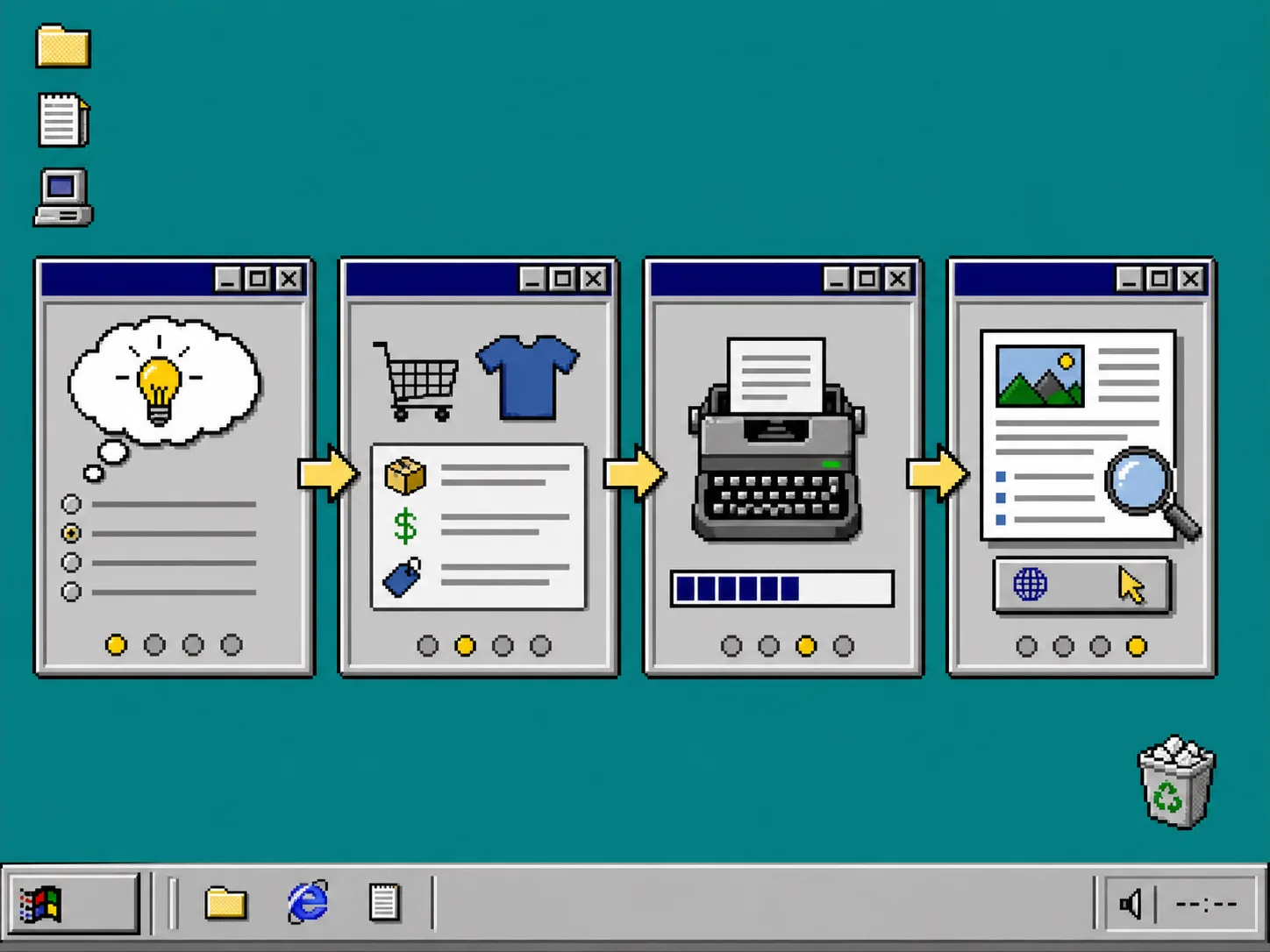
1. Choose One Search Problem Per Scheduled Post
Start with questions shoppers would actually type into a search box. Good topics solve a specific product-selection, setup, care, or seasonal-planning problem. Do not schedule five broad posts about your brand. Schedule one useful answer at a time.
For example, an apparel store might queue a size-guide explainer, a fabric-care guide, and a collection buying guide. A store preparing a launch could use the same approach as this draft-first recurring Shopify blog workflow: make the topic, product focus, and review point explicit before publishing.
Create a small topic list for the next four weeks. For each topic, note the reader question, the relevant collection or product, and the next action you want the reader to take. This gives an AI blog writer for Shopify enough direction to make a useful first draft instead of a generic article.
2. Add Product Context Before Generating
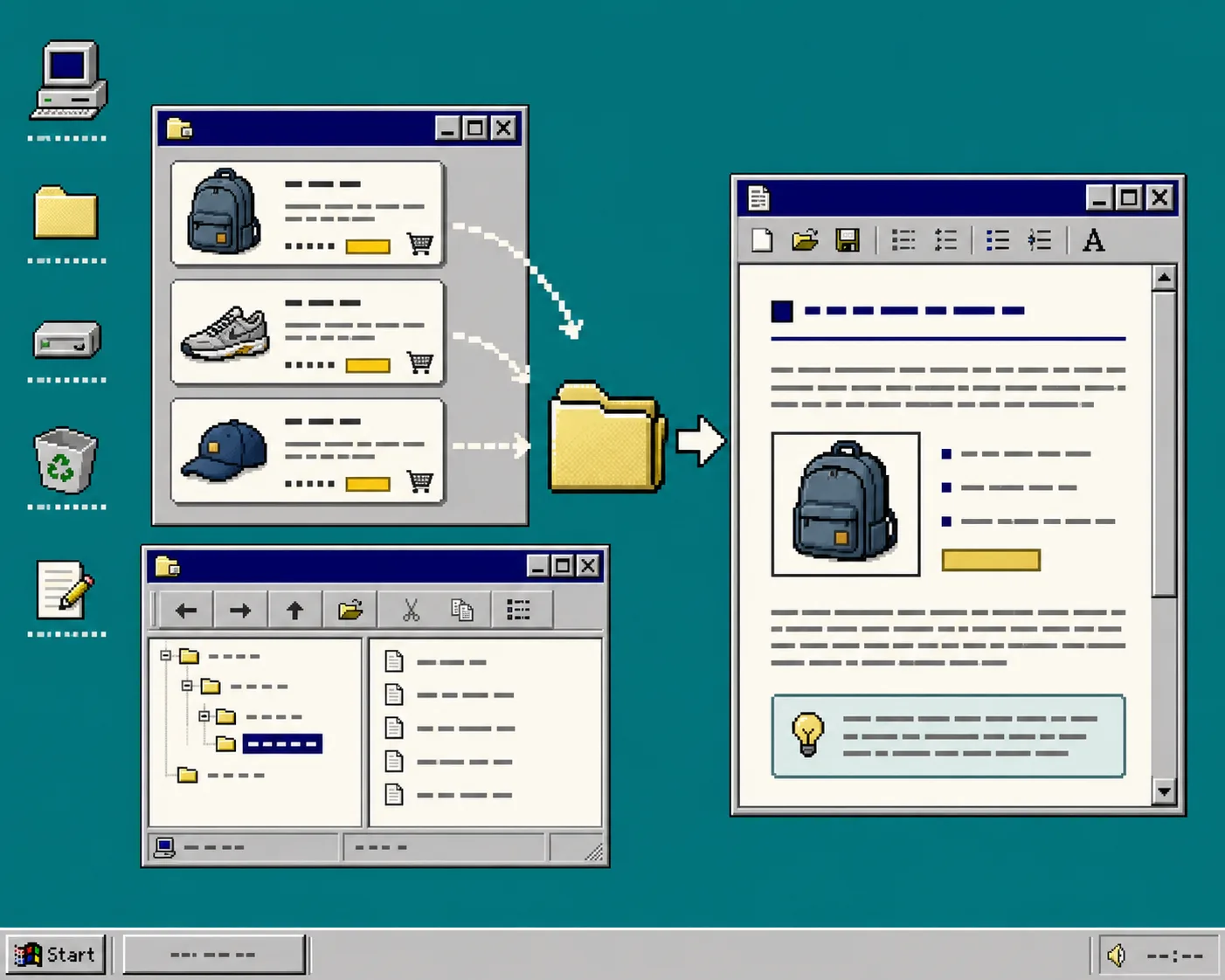
Open Supra Blog Automation in Shopify Admin and choose whether you are creating one post or a recurring automation. In the preferences, set the topic, tone, post goal, and any products or collections the post should feature.
Pick a goal that matches the job. Use informational content for a tutorial, soft promotion for a buying guide, or solution-led content when the article should connect a customer problem to an item in your catalog. Product context matters because your blog should reflect real sizes, use cases, and collection names—not filler that could describe any store.
If the post needs visuals, choose an allowed source: product images, stock images, or AI-generated images. For launch work, keep the visual plan practical. The method in How to Plan a Consistent Shopify Photo Batch for Product Launches is a helpful companion: decide which images explain the product before you start adding decoration.
3. Set a Cadence You Can Review
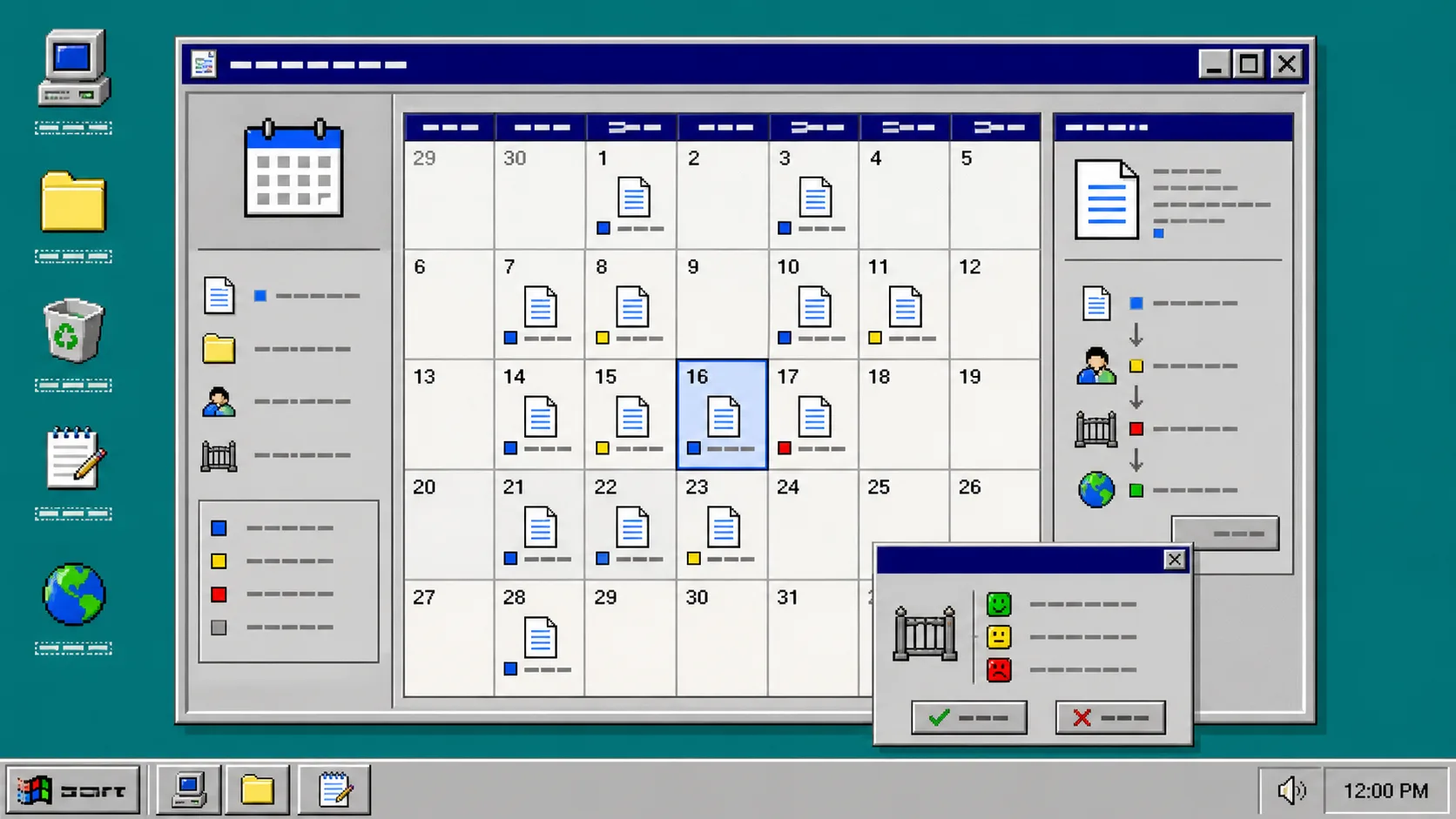
Choose daily, weekly, or monthly recurrence based on the time available for review. Weekly is a good starting point for a small store: it gives search engines a steady stream of Shopify SEO blog posts without creating an approval backlog.
Set the publishing control to save as draft. This is the important setting. Automation should create the scheduled work; you should decide whether the final version is accurate, on-brand, and appropriate to publish.
Use the calendar to avoid duplicating your product launch emails or collection pages. Space related topics apart and use internal links to connect them. For example, a post about visual standards can point readers to How to Build a Shopify Product Photo QA Checklist Before Launch, while a guide about measurement can point to How to Test Shopify Swatches Before You Roll Them Out Storewide.
4. Review the Draft Like a Store Asset
When a scheduled draft arrives, check it before you press Publish. Confirm that the title matches the reader question, the product references are correct, and the article has a clear next action. Then check the details that can create trust problems: specifications, prices, availability, guarantees, health claims, and legal language.
Review every internal link too. A useful Shopify internal linking pattern moves a reader from the answer they searched for to the right product or collection without turning the article into an ad. If a link does not help the reader decide or learn, remove it.
Troubleshooting
The drafts sound too generic. Add a narrower topic, a product or collection, the customer problem, and the tone you want. Generic input produces generic content.
The calendar is filling faster than you can review. Reduce the cadence. Consistency is useful only when each post gets a real check.
Posts repeat the same angle. Make a simple topic sheet with the search question, collection, funnel stage, and planned internal links.
Images do not feel like your store. Use product images where they explain the item, or define approved image sources and visual direction before generation.
Keep the Schedule, Keep the Final Say
A recurring Shopify blog workflow should make useful content easier to ship, not make publishing automatic by accident. Use Supra Blog Automation to generate product-aware drafts, keep a workable schedule, and let your team review the details that matter.
Start with one weekly draft for a collection you want customers to discover. You can install Supra Blog Automation from the Shopify App Store, try the free plan, and adjust the schedule once the review process feels routine.