How to Find Why an Etsy Catalog Feed Is Missing Items in Meta
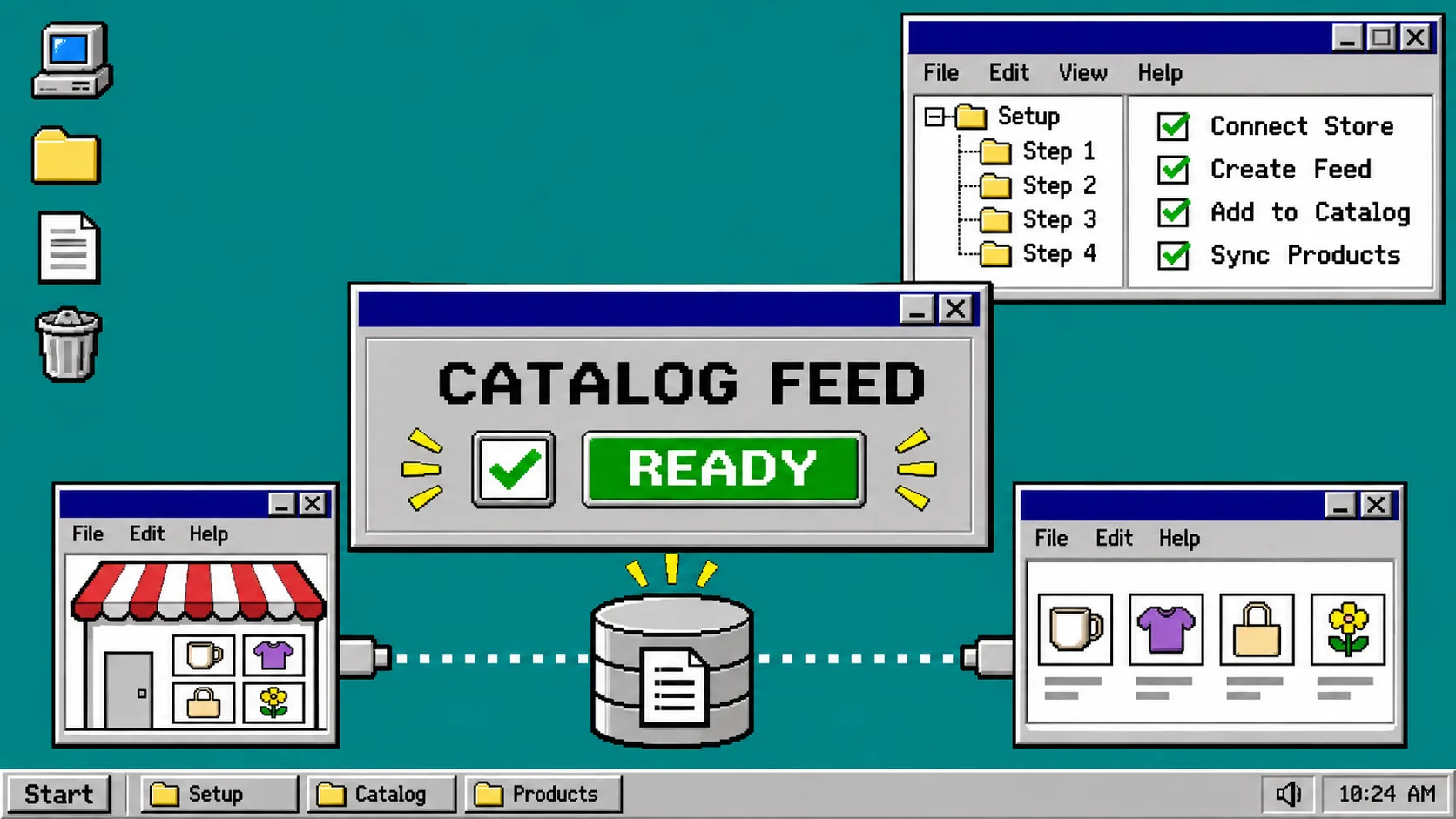
If your Etsy catalog has stopped showing new or changed listings in Meta, start with the feed URL, then check the last import result before changing anything else. A feed from Catalog Generator for Etsy is designed to read Etsy listings and supply a live URL to Meta Commerce Manager; it does not edit your Etsy shop. The quickest safe diagnosis is to separate a feed-fetch problem, an item-data problem, and a shop/domain approval problem.
Before you begin, have access to the Etsy shop, the Catalog Generator account, and the Meta business that owns the catalog. This guide assumes you already created a catalog feed. If you have not, use the Catalog Generator setup guide first.
Use this four-part receipt before you edit the feed
Write down the result of these checks in order. It prevents a common mistake: rebuilding the catalog when the feed URL or a single listing is the actual fault.
| Check | Where to look | What a good result looks like |
|---|---|---|
| Feed address | Catalog Generator and Meta data source | The same current URL is saved in both places |
| Latest import | Meta catalog data-source activity | A completed fetch with a recent timestamp and no blocking error |
| Sample items | Etsy and the catalog item list | A known active Etsy listing appears with sensible title, price, availability, and variant data |
| Destination | Catalog settings and sales-channel setup | The business has the intended catalog and the shop domain is submitted where required |
This is a narrower version of the preflight in Build an Etsy Catalog Feed Contract Before You Import to Meta: use the contract before a new connection; use this receipt when an existing feed looks incomplete.
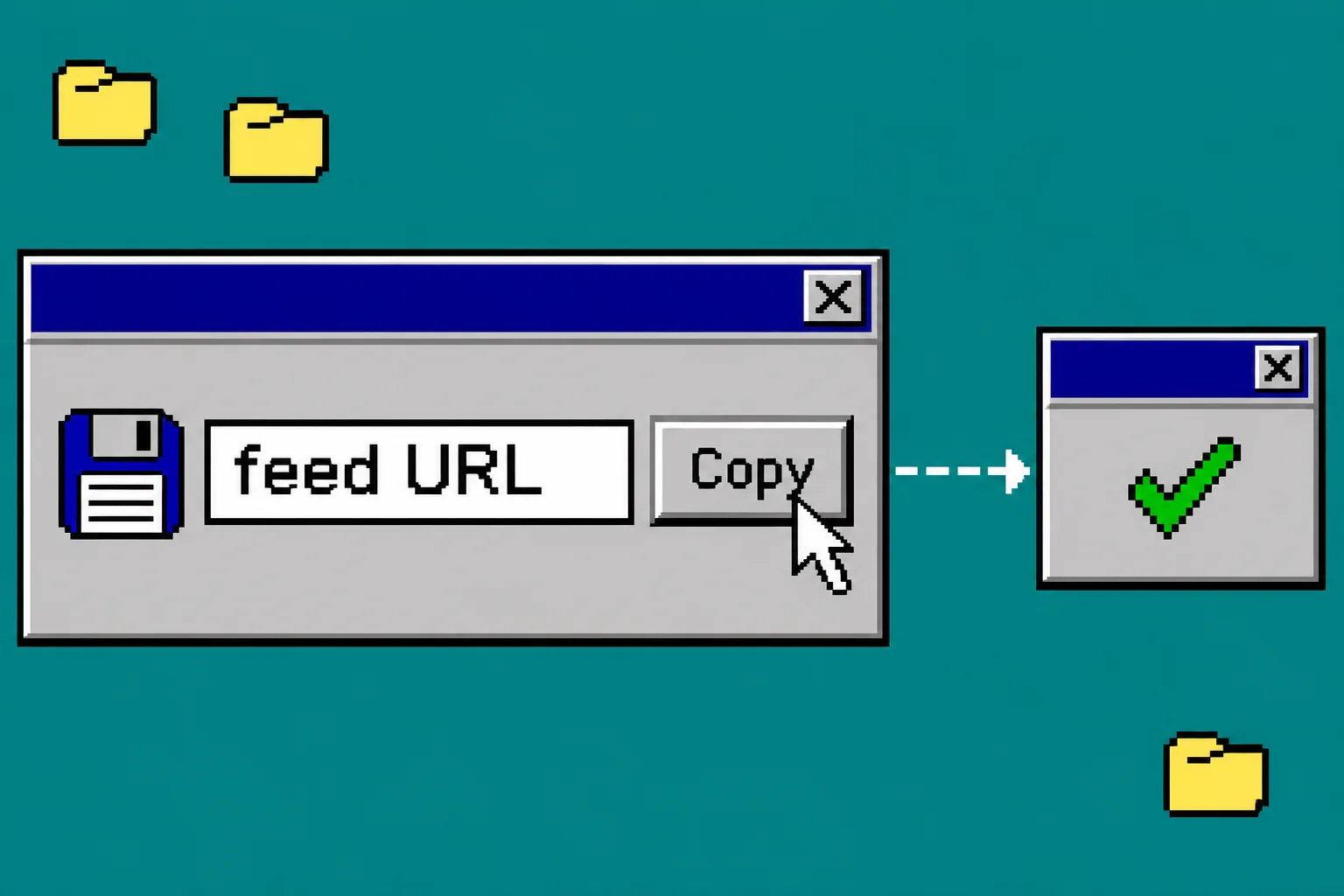
1. Copy the current feed URL again
Open Catalog Generator, connect the intended Etsy shop, and locate the Instagram/Facebook catalog data-source URL. The product documentation says the service can expand priced variations and exposes choices such as inactive listings and personalization handling in the feed URL itself. That means an old copied URL may no longer represent the settings you expect.
In Meta Commerce Manager, open the affected catalog and find its data source. Compare the saved address character by character with the URL currently shown by Catalog Generator. Do not paste a URL from an old note, a colleague’s shop, or a browser history entry.
If they differ, replace the address with the current URL and save it. Then run or wait for the next fetch according to the schedule available in your account. Meta’s catalog documentation confirms that catalogs can use product feeds and that catalog access is permission-based, so also confirm you are working in the business that owns the catalog rather than a look-alike test catalog.
You should see: one data source attached to the intended catalog, with the current feed address saved.
2. Read the last import before changing Etsy listings
Open the data source’s latest activity or diagnostics view. Record the timestamp, number of fetched items, number accepted, and the first error category. Treat the categories differently:
- The URL cannot be fetched: return to step 1. Re-copy the current feed URL and check that you are signed into the right app account.
- The feed fetch succeeds but imports zero items: inspect whether the feed settings include only active listings, and choose one known active listing for the next step.
- Some items are rejected: inspect the item-level error rather than deleting and recreating the feed. Compare the rejected listing’s title, image, price, availability, and variation setup with a listing that imported.
- The data source looks healthy but product tags are unavailable: skip ahead to the domain and destination check. A healthy data fetch does not, by itself, approve every storefront or selling surface.
For a safe baseline, compare this activity result with the smoke-test approach in Etsy Catalog Feed Smoke Test: 6 Checks Before You Connect Meta.
3. Test one listing and one variation
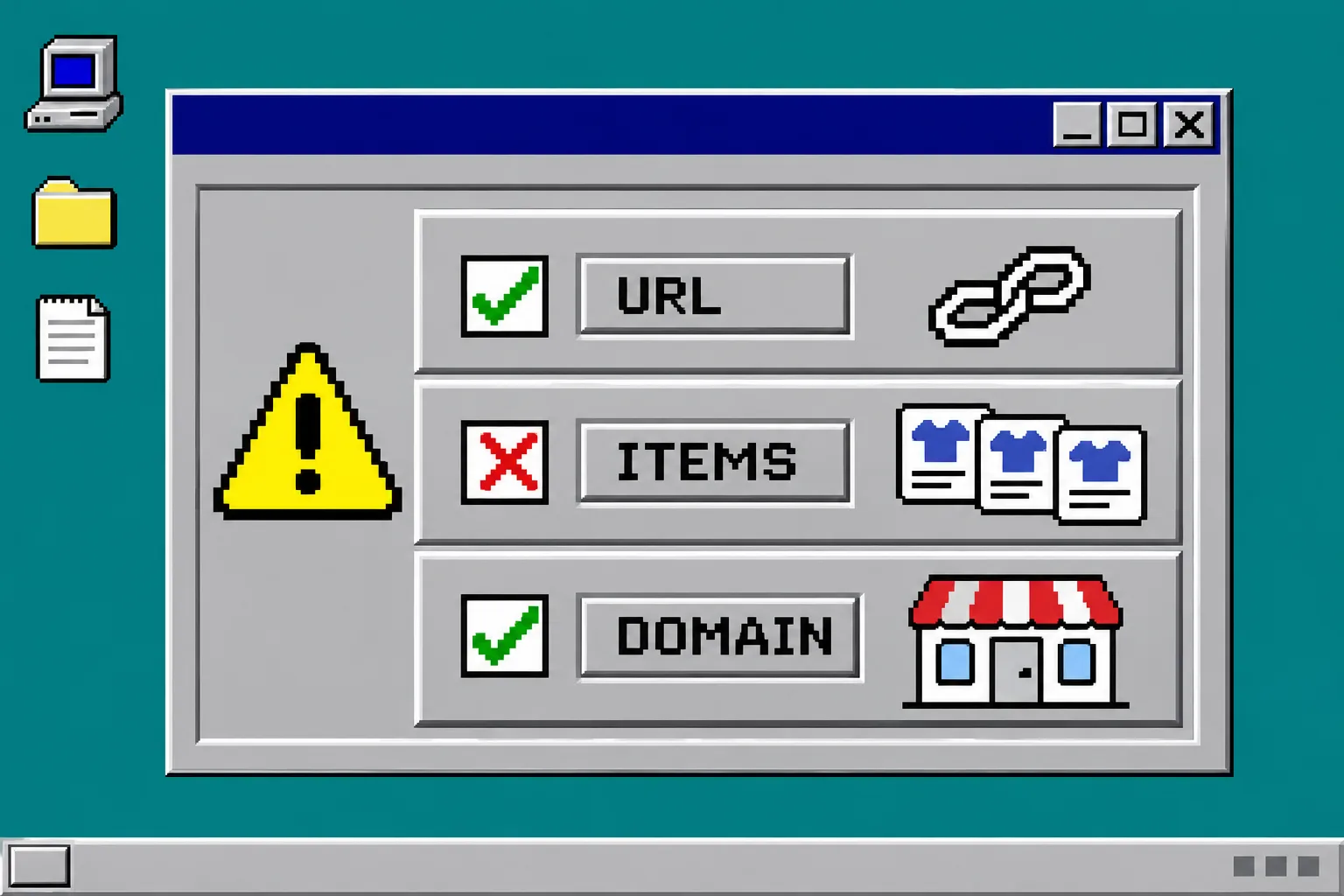
Choose one active Etsy listing that has a clear price, image, and stock status. If the product uses options, choose one priced variation too. In Etsy, note the exact listing title and the variation price. In the Meta catalog, search for the same item after the import has finished.
Catalog Generator states that each priced variation can become its own catalog row with its correct price and availability. Do not assume that a parent listing proves every variant imported. If the parent appears but one option does not, review that option’s price and availability in Etsy and then wait for the feed refresh before testing again.
This one-item comparison is more useful than counting the whole catalog. It gives you a reproducible before-and-after check and avoids making broad changes to live listings. If you are preparing a promotion, pair it with How to Preflight an Etsy Meta Catalog Feed Before a Seasonal Promotion before publishing product-tagged posts.
You should see: the sample listing or its intended variation in the catalog, with a price and availability that match the Etsy source.
4. Check the shop domain and catalog destination
A complete import is not the same thing as a complete Instagram or Facebook shopping setup. Catalog Generator’s setup instructions say to add the shop’s yourshopname.etsy.com domain in Meta business settings, place the provided meta tag in Etsy Shop Manager under Settings → Facebook shops, verify it, and then submit the domain for approval in the catalog settings when it is shown as not submitted.
Open the catalog you just tested and confirm that you are looking at the catalog linked to the correct business assets. Make sure the Instagram account and Facebook Page intended for product tagging are connected to that business. If the domain has an approval state, do not describe the setup as ready until its state is accepted.
When product tags still fail after the feed has imported, this step is usually the boundary to inspect—not a reason to upload a second copy of the catalog. For a separate recovery path when a feed stops updating entirely, see How to Recover an Etsy Catalog Feed That Stops Updating in Meta.
Troubleshooting: what not to do
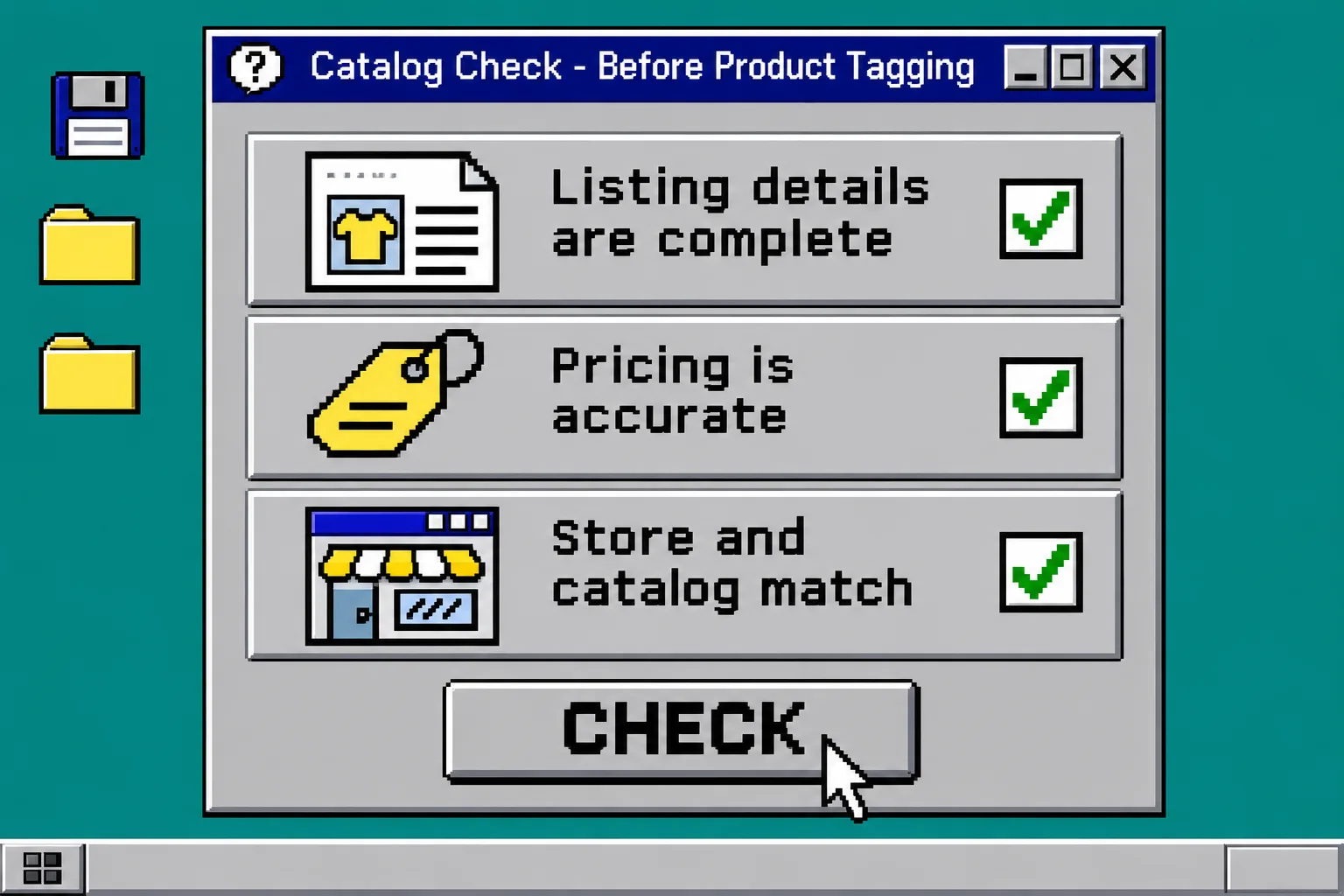
Do not delete a working catalog just because a new listing is missing. First capture the last import result and compare one known Etsy listing with its catalog item. Do not run two feeds into the same destination while troubleshooting; duplicate items make the evidence harder to read. And do not promise product tagging or shop approval from a successful feed alone—Meta controls the final status of its own catalog and commerce surfaces.
If the URL fetches, the sample listing still does not appear after its scheduled refresh, and there is no useful item-level diagnostic, contact Catalog Generator support with the feed URL, the Etsy listing URL, the import timestamp, and a screenshot of the Meta error. That is a much better support request than “the catalog is broken.”
Recap
To find missing Etsy catalog items in Meta, verify the current feed URL, read the latest import, compare one active listing and one variation, then check the catalog’s business and domain destination. Start a Catalog Generator for Etsy free trial only if you need to create or replace the feed; otherwise, preserve the existing connection and diagnose it with the four-part receipt first.