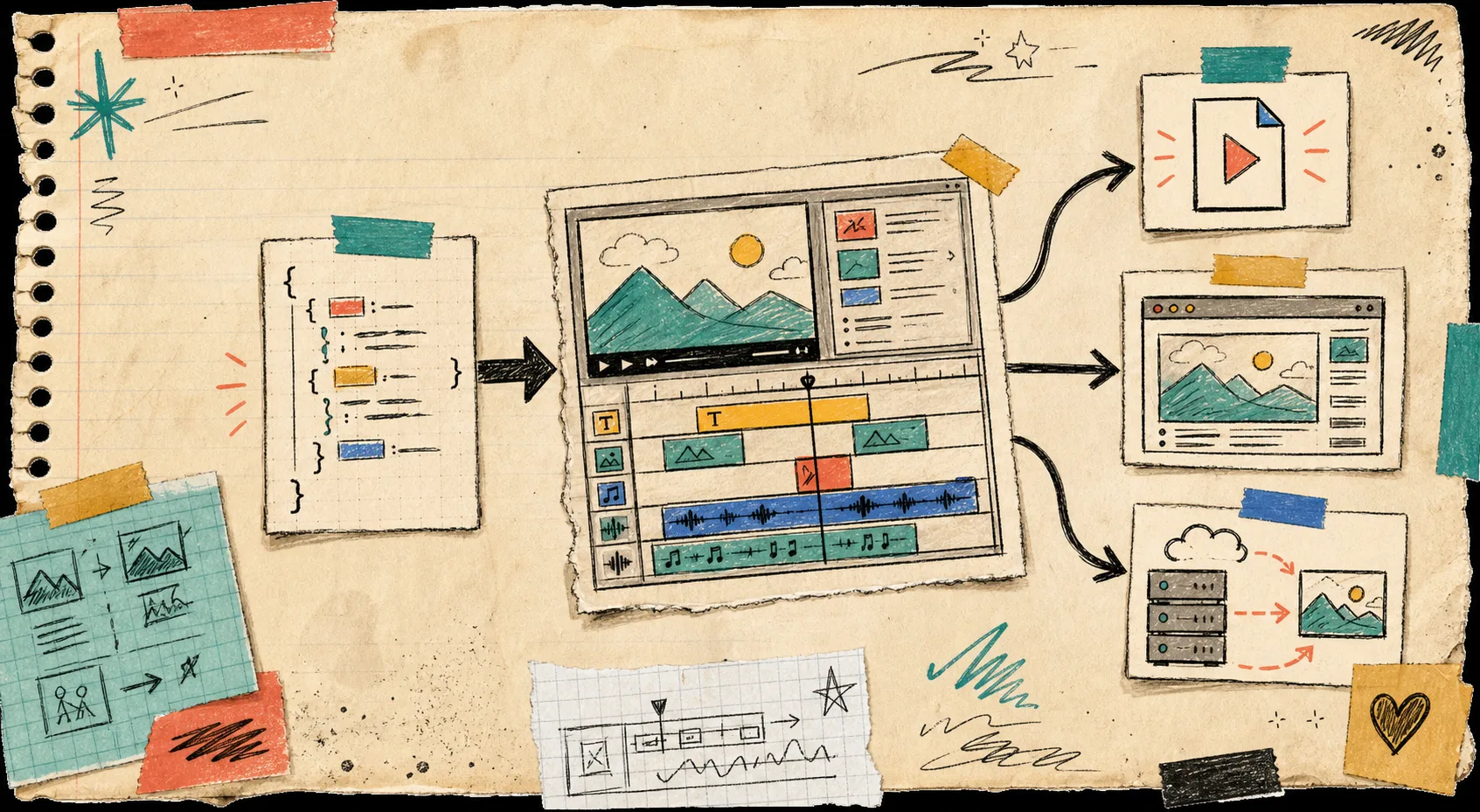
I keep coming back to the same video tooling mistake: the editor gets one model, the renderer gets another, and the export path quietly drifts until nobody trusts the previews.
VideoFlow is useful because it lets me keep one portable VideoJSON contract underneath everything. @videoflow/core builds the scene, @videoflow/react-video-editor edits it, and the same document can render in the browser, on a server, or in a live DOM preview.
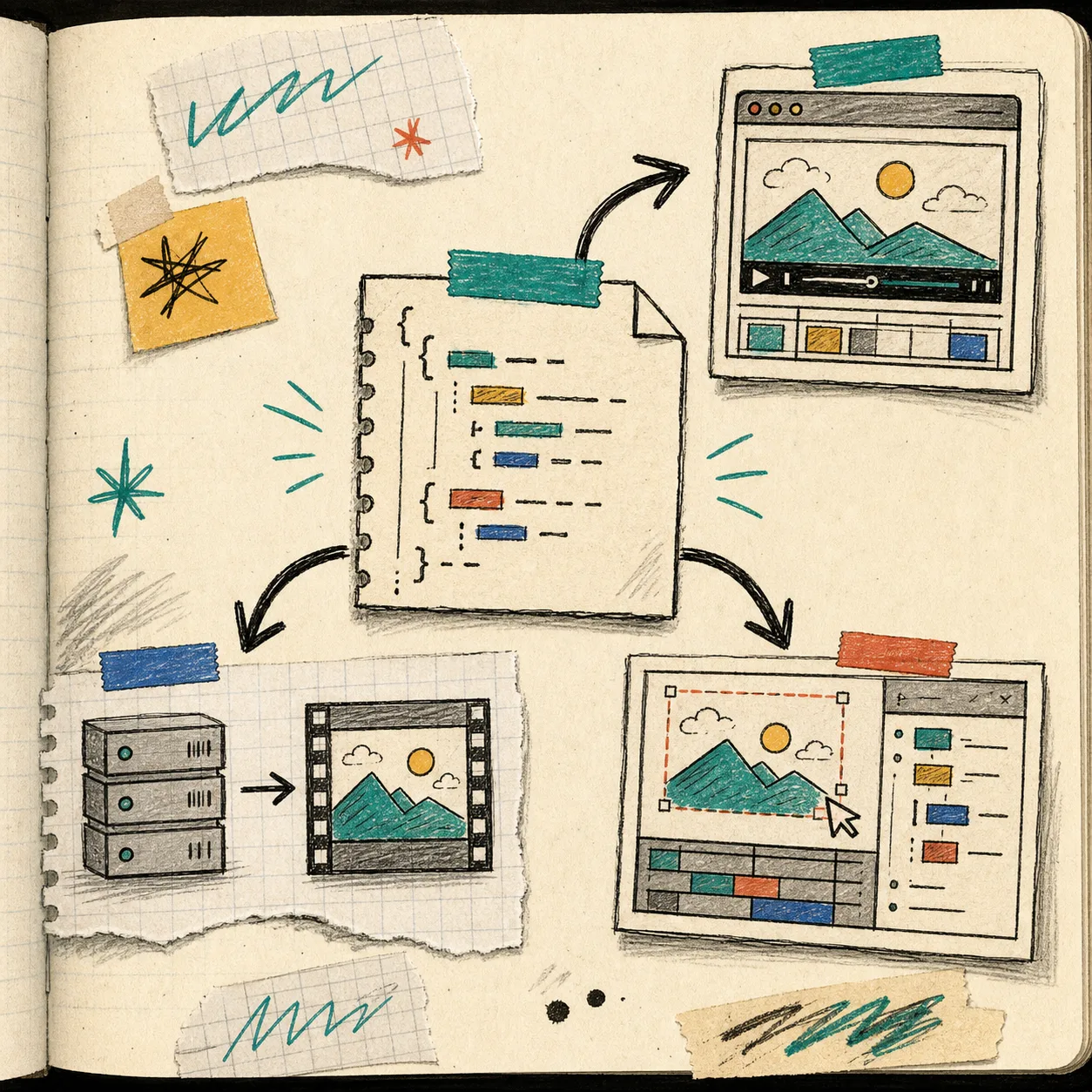
That separation is the whole trick. If you want a deeper walk-through of the renderer side, I would pair this post with How to Build a Three-Renderer Video Workflow With VideoFlow, How I Keep One Video JSON Working Across Three Renderers, and How I Pick the Right VideoFlow Renderer for the Job.
Start With One JSON Source Of Truth
The editor should not invent a second timeline format. It should sit on top of the same structure that the app saves, diffs, and renders later.
That is the part I like most about VideoFlow:
@videoflow/coreis a fluent TypeScript builder for authoring scenes.- It compiles to VideoJSON, which is portable and easier to version than a hidden timeline state.
- The core and renderers are open source under Apache-2.0.
- React is optional for the core, so the data model does not depend on the editor UI.
If you need the references, the main docs are here: VideoFlow, Core docs, Renderers docs, React Video Editor, and Examples.
The React Editor Stays Thin
A minimal integration looks like this:
import { VideoEditor } from '@videoflow/react-video-editor';
import '@videoflow/react-video-editor/style.css';

export default function App() {
  return (
    <VideoEditor
      video={videoJSON}
      onChange={(next) => saveToServer(next)}
      onSave={async (next) => await persist(next)}
      onUpload={async (file) => await upload(file)}
      theme='dark'
    />
  );
}
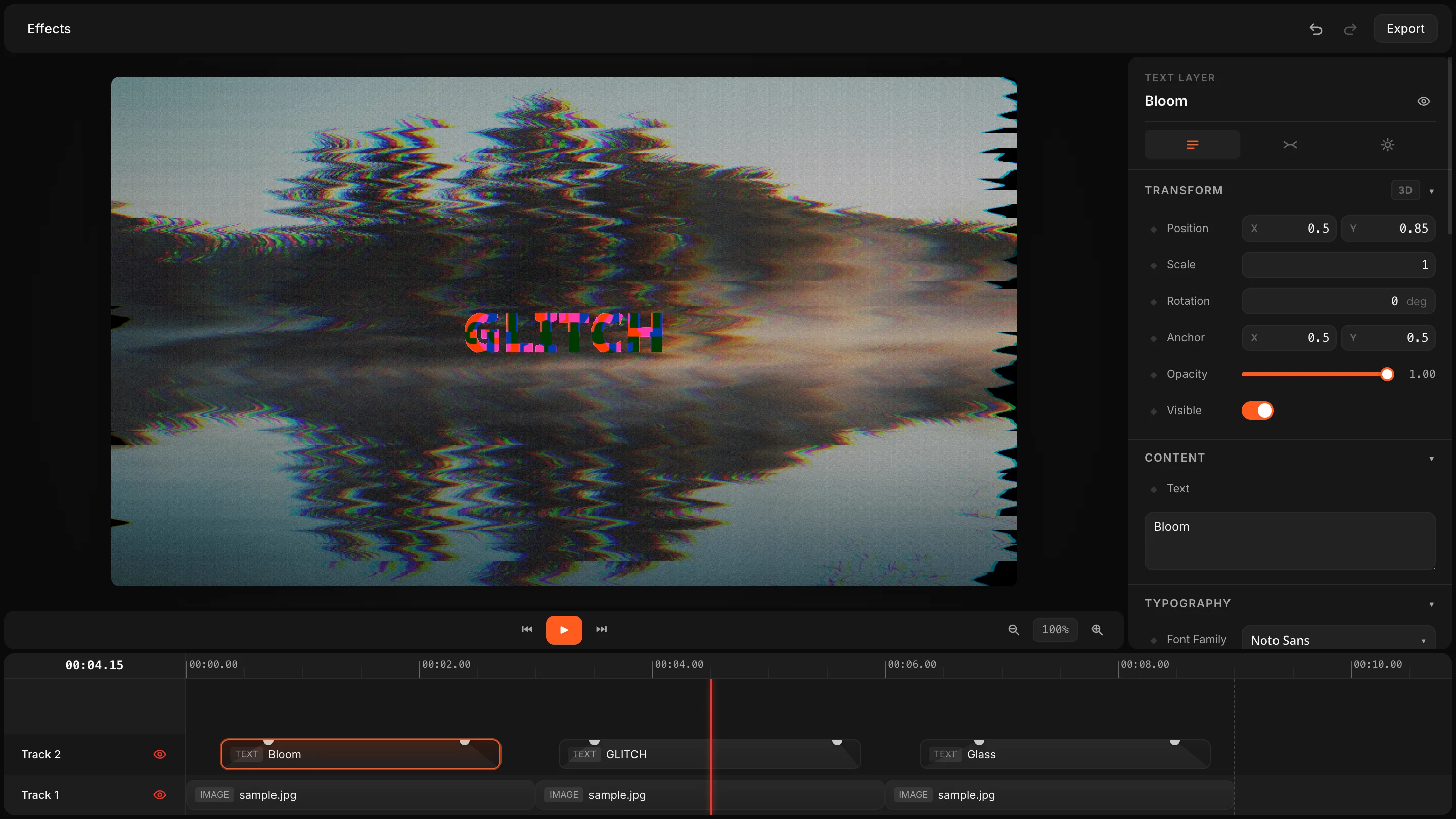
In practice, I want the component to do a few jobs well and nothing else:
- Edit layers in a multi-track timeline.
- Support drag, trim, snap, and reorder interactions.
- Expose keyframes, transitions, effects, and themes through the UI.
- Hand uploads back through callbacks instead of hiding them.
- Keep undo/redo local to the editing experience.
The product brief calls out the features I would expect to surface here: multi-track editing, a live WYSIWYG preview driven by the DOM renderer, 27 transitions, 42 GLSL effects, undo/redo, MP4 export, and four built-in themes: light, grey, dark, and night.
Preview Should Match Export
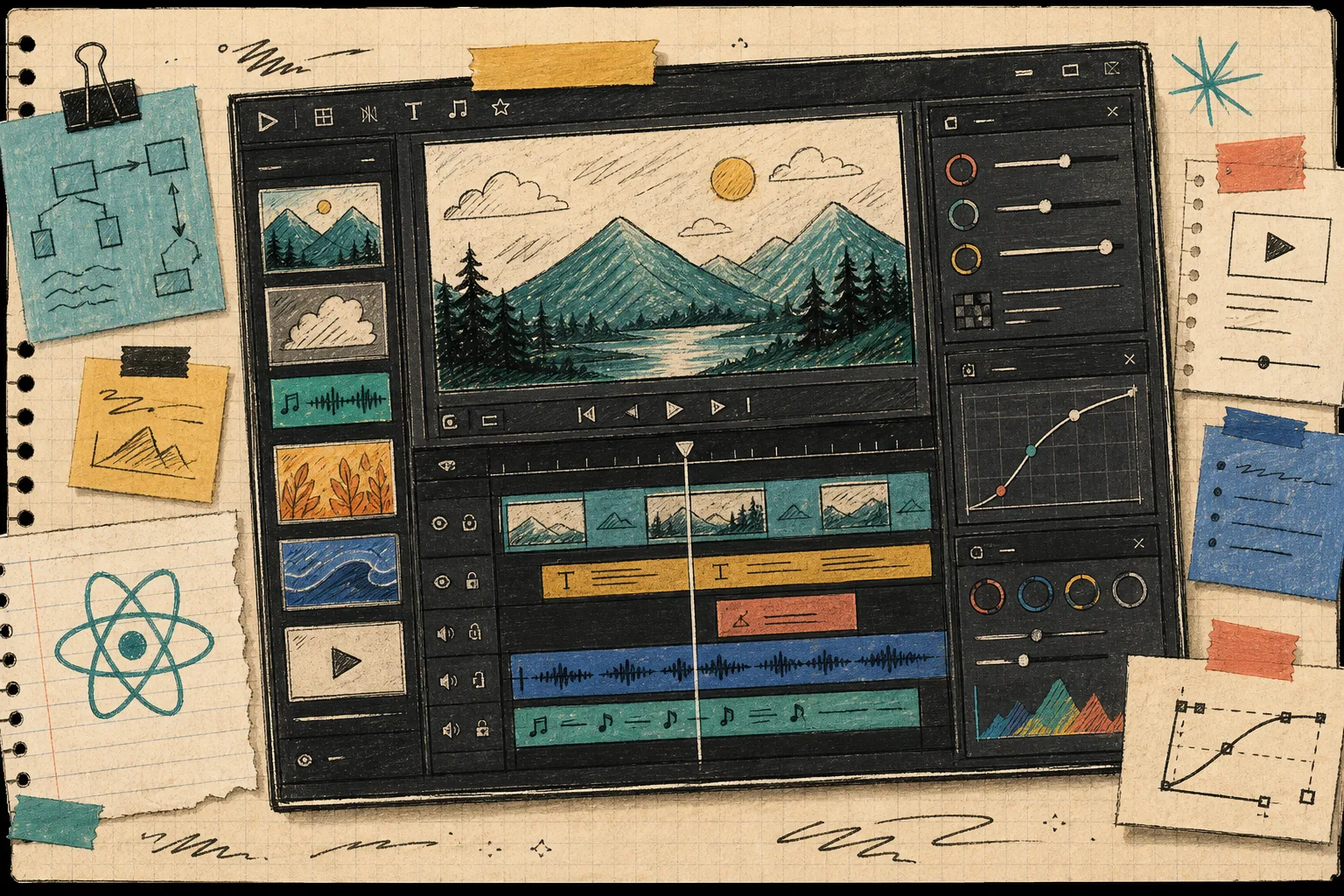
This is where most video apps get messy. A nice editor preview does not mean the export path is correct, and a good export pipeline does not mean the editor is honest.
VideoFlow’s renderer split solves that by keeping the same JSON in three places:
@videoflow/renderer-domfor live preview in the editor.@videoflow/renderer-browserfor MP4 export in the browser, which is useful when you want a client-side export button.@videoflow/renderer-serverfor headless rendering in Node.js, queues, CI, scheduled jobs, or API-driven pipelines.
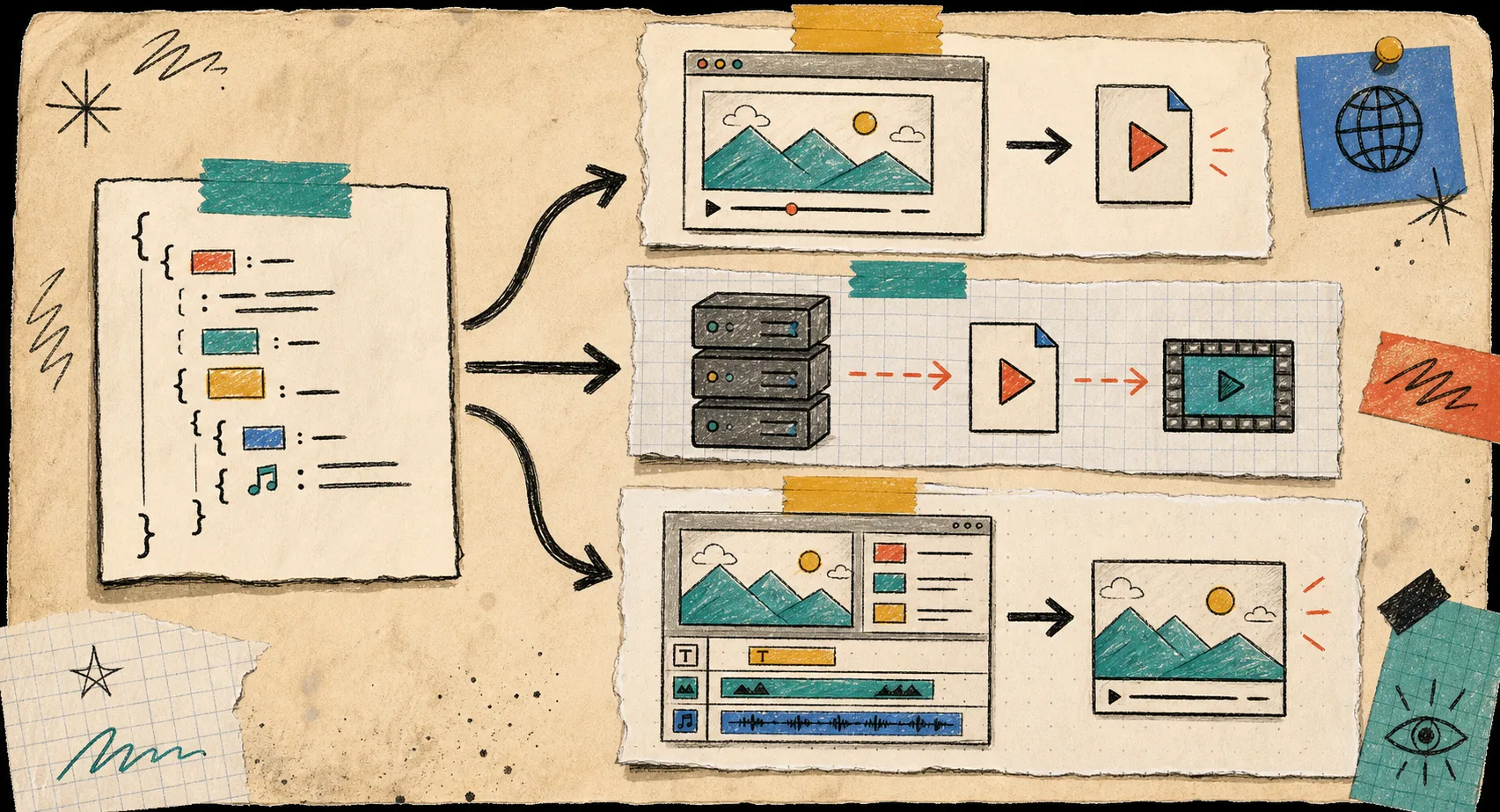
That is also why I keep circling back to the renderer posts. The same distinction shows up in How to Preview, Edit, and Export the Same Video JSON Everywhere and How to Render One Video JSON in Browser, Node, and React.
What I Would Put In Git
For a real product, I would keep the video template in version control and treat the editor as a front end for that file, not a separate system.
My checklist is simple:
- Store the canonical VideoJSON, not screenshots of the timeline.
- Review editor changes and renderer changes together when the schema evolves.
- Keep theme changes in CSS variables instead of hardcoding one-off colors.
- Use the browser renderer when the product needs instant exports in the client.
- Use the server renderer when the workflow needs queues, batch jobs, or API endpoints.
- Use the DOM renderer for a live preview that stays close to what export will produce.
That separation is what keeps the workflow maintainable. It also keeps the app honest when the content changes quickly, which is usually when video tools become painful.
The Short Version
If I were shipping this in a SaaS app tomorrow, I would start with one template, one JSON file, one React editor surface, and one export path. Then I would add more scenes only after the first preview and export agree on the same structure.
That is the practical promise of VideoFlow: one portable video model, a React editor on top of it, and multiple renderers underneath it.
If you are building the same kind of stack, the next useful step is to wire VideoEditor to a single VideoJSON document and test that document through the DOM preview first, then the browser or server renderer.