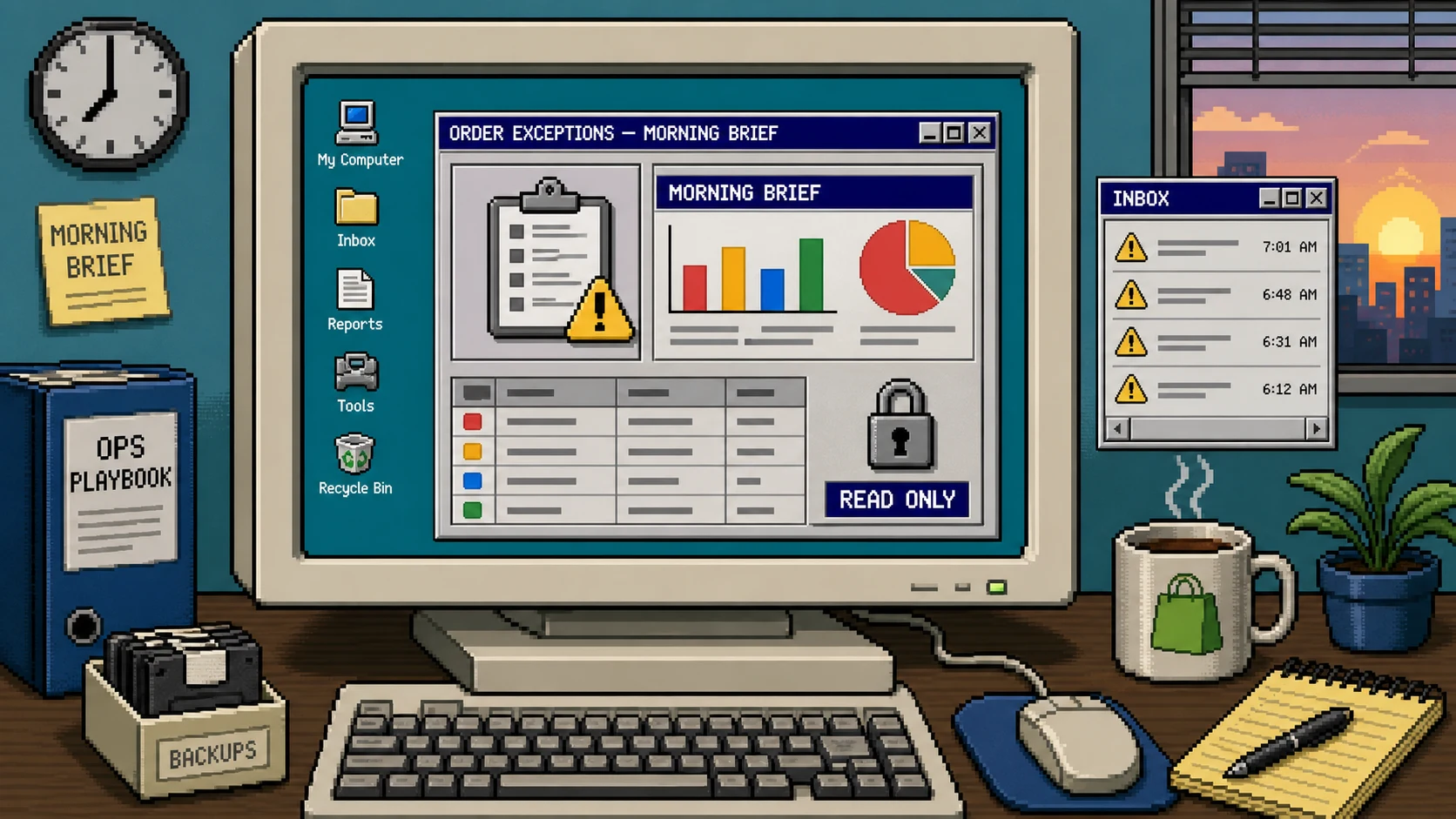
You do not need an AI agent to edit orders to get useful help from it. A better first job is a morning brief: collect the exceptions that deserve attention, group them into a short list, and leave every decision and every store change to a person.
This guide shows how to configure that workflow with Clawly, an AI-agent tool for Shopify. The result is a read-only report for delayed fulfillment, low-stock risk, and payment-review items instead of an assistant with broad access to Shopify Admin.
You need: a Shopify store, a small set of exception signals you already trust, a delivery destination for the brief, and an owner who can act on anything urgent.
1. Pick three exception types, not every possible alert
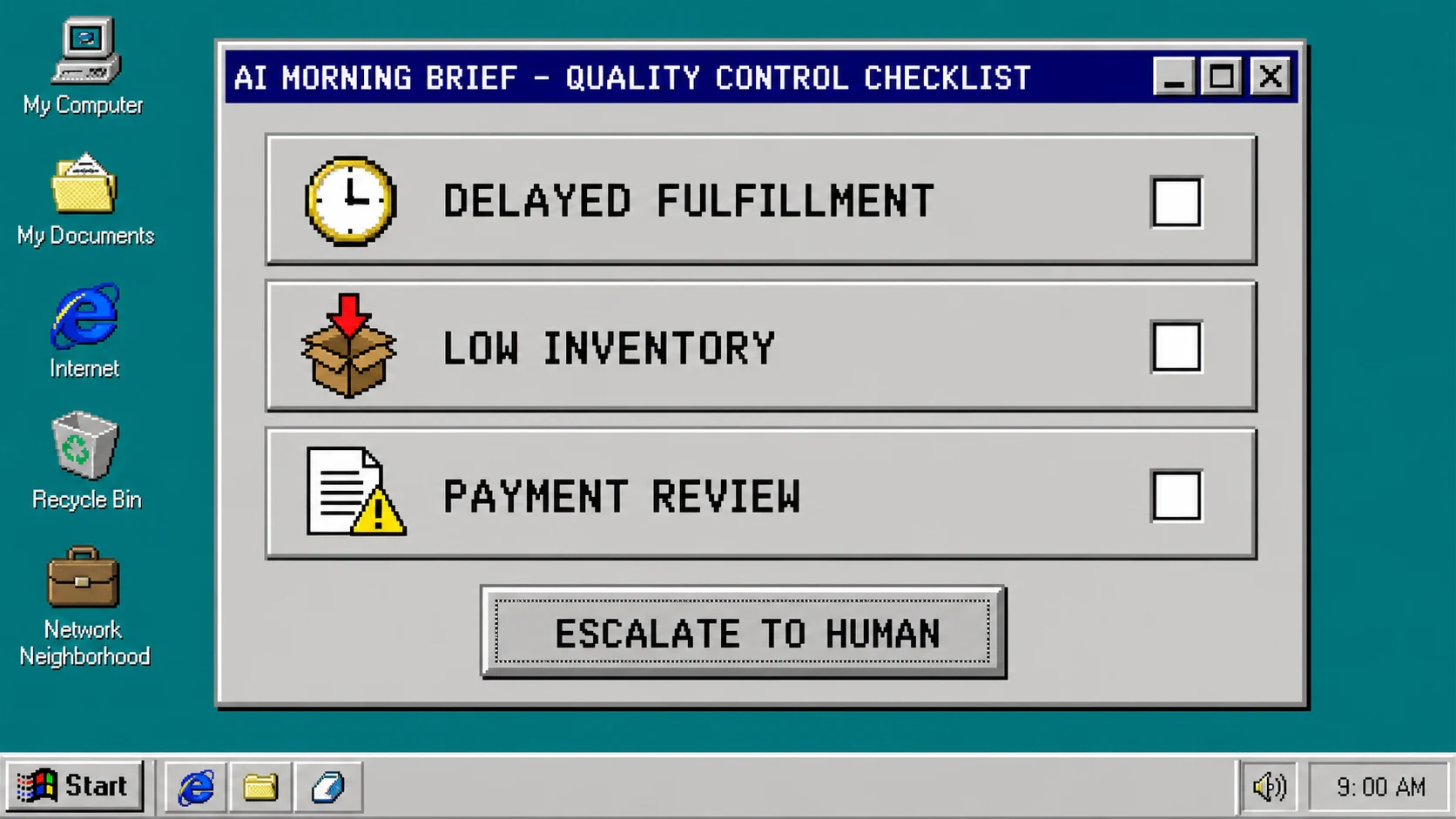
Start with problems that require a person to look at them. A useful first brief usually has three sections:
- orders that have been unfulfilled longer than your normal handling time;
- products that are approaching a stock threshold; and
- orders already marked for payment, address, or fulfillment review.
Write down the exact rule for each section before opening the agent builder. For example: “include unfulfilled paid orders older than 48 hours, excluding preorders.” A concrete rule prevents the brief from becoming a noisy restatement of the whole admin dashboard.
Give each item a stable identifier, such as order number or SKU, plus the reason it appeared. Keep customer names, addresses, and payment details out of the default summary unless the assigned operator truly needs them. Narrow rules are easier to review and safer to automate than a broad, all-purpose monitoring prompt.
2. Create one agent with a single written job
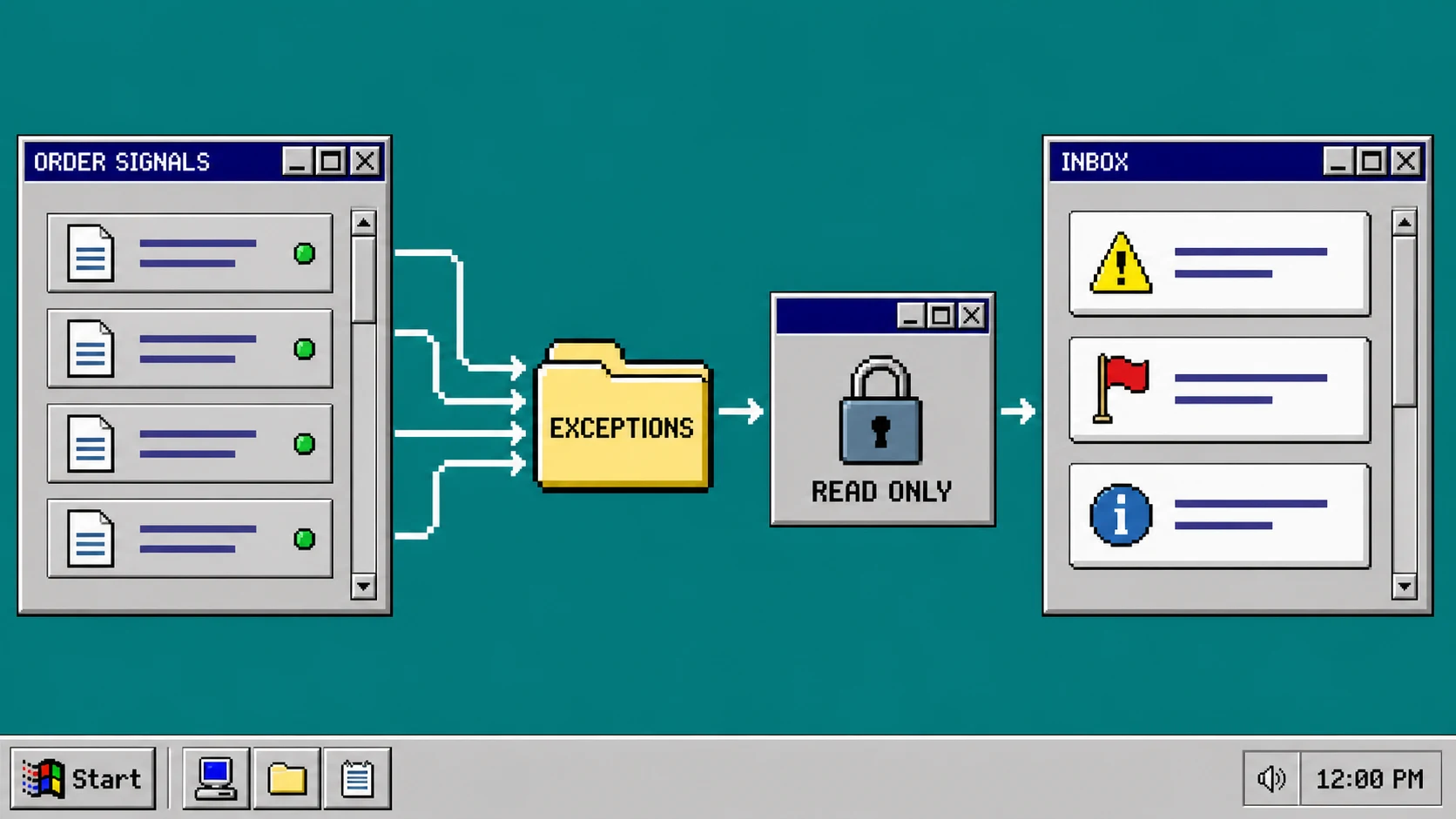
In Clawly, create an agent and describe its job in one sentence: “Every weekday morning, summarize only the configured Shopify order exceptions and send a concise brief to the operations inbox.” Clawly is designed for Shopify assistants and connected workflows, so keep this first instruction tied to the operational outcome rather than asking for a general-purpose store manager.
Add a simple output format to the prompt:
- Lead with the total number of exceptions.
- Group results by exception type.
- Show the order number or SKU, age or threshold, and reason.
- End with a short “needs human decision” section.
Ask the agent to say “no exceptions found” when a category is empty. That makes a quiet morning unambiguous and helps you spot a broken data connection: a missing category is not the same as a verified empty one.
3. Set the Shopify connection to the smallest safe scope
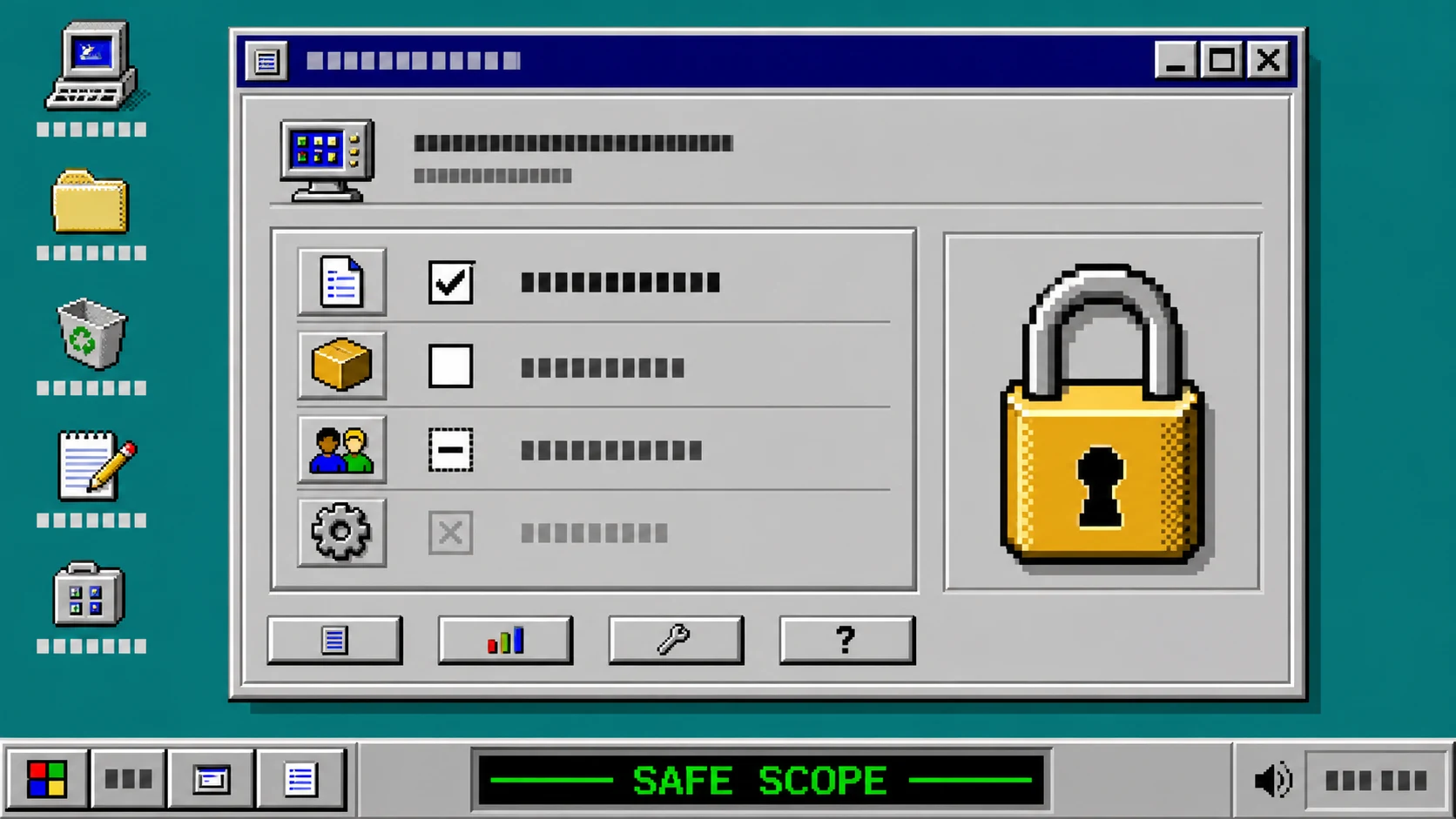
Connect only the tools and data the brief needs. For a read-only order report, allow the agent to view the relevant orders, fulfillment state, and product inventory. Do not give it permissions to cancel orders, issue refunds, edit products, modify customers, or publish content.
Use Clawly’s scoped tool access and guardrails to make those limits explicit. If the agent can reach an external spreadsheet or help desk, add only the destination needed for the summary. A morning brief is not a reason to connect every marketing, support, and admin integration on day one.
Before scheduling, test the configuration with a prompt that asks the agent to change an order. The correct response is a refusal that explains the task is read-only. This is a more valuable test than a polished summary because it confirms the boundary you actually care about.
4. Run the brief manually against a small sample
Choose five to ten recent orders that include at least one of your exception types. Run the agent manually and compare every line in its report with Shopify Admin. Check that the order IDs are correct, the age calculation uses the right timezone, and the agent did not include routine orders that merely look unusual.
Also check the output for privacy. A shared operations inbox rarely needs full customer data. Prefer an order link or identifier that an authorized operator can open in Shopify over copying personal data into a chat message.
If your store has a recurring inventory issue, test one low-stock product separately. The useful result is a clear signal that gives an operator a next action, not an invented forecast. For a controlled release pattern, see how to test Shopify swatches before a storewide rollout: start with a limited test set, validate the result, then expand deliberately.
5. Schedule delivery and assign the human handoff
Once the manual result is accurate, schedule the job for a time when someone can act on it. A weekday morning is usually better than an overnight message because exceptions can be triaged while carriers, warehouse staff, and support are available.
Send the brief to one owned destination: an operations channel, shared inbox, or task queue. Include the designated operator in the message format and make the escalation rule clear. For example, an order delayed by three days might go to fulfillment, while a payment-review item goes to the store owner.
Do not ask the agent to resolve exceptions automatically. It can prepare the facts and point to the relevant record; the assigned human should decide whether to contact a customer, adjust inventory, hold an order, or change a process. This is the same practical distinction between automation and final review used in a draft-first Shopify blog workflow.
6. Review the brief weekly and tighten noisy rules
For the first two weeks, keep a small log of every alert that was useful, noisy, or missing. If the brief includes too many delayed orders, adjust the age threshold or exclude a fulfillment workflow that has a known delay. If it misses a genuine problem, add the precise signal that would have caught it.
Review permissions at the same time. A new agent integration or a change in staff responsibilities is a reason to reconfirm the read-only scope. Expanding access should be a separate, intentional decision with its own test—not an incidental change to a helpful report.
Troubleshooting
The brief contains too many routine orders. Tighten the definition of an exception. Start with a longer fulfillment-age threshold or a smaller test collection of statuses.
The report has the right orders but the wrong time calculation. Set one timezone for the report and state it in the prompt. Compare a few order timestamps in Shopify before scheduling the job.
The agent can suggest actions it should not take. Remove write-capable tools, then add an explicit instruction that it must summarize and escalate rather than modify Shopify data.
Nobody owns the alerts. Put an operator name or team queue in the scheduled delivery. An accurate report without a handoff is only another dashboard.
Start with one quiet, controlled brief
A read-only morning brief is a safe way to learn where an AI agent genuinely saves time in Shopify operations. Set up one narrow exception report with Clawly, verify it against real orders, and let your team keep the authority to act. Once that loop is dependable, you can add one new signal at a time without turning the agent into an unattended store administrator.