How to Fix Missing Etsy Variations in a Meta Catalog Feed
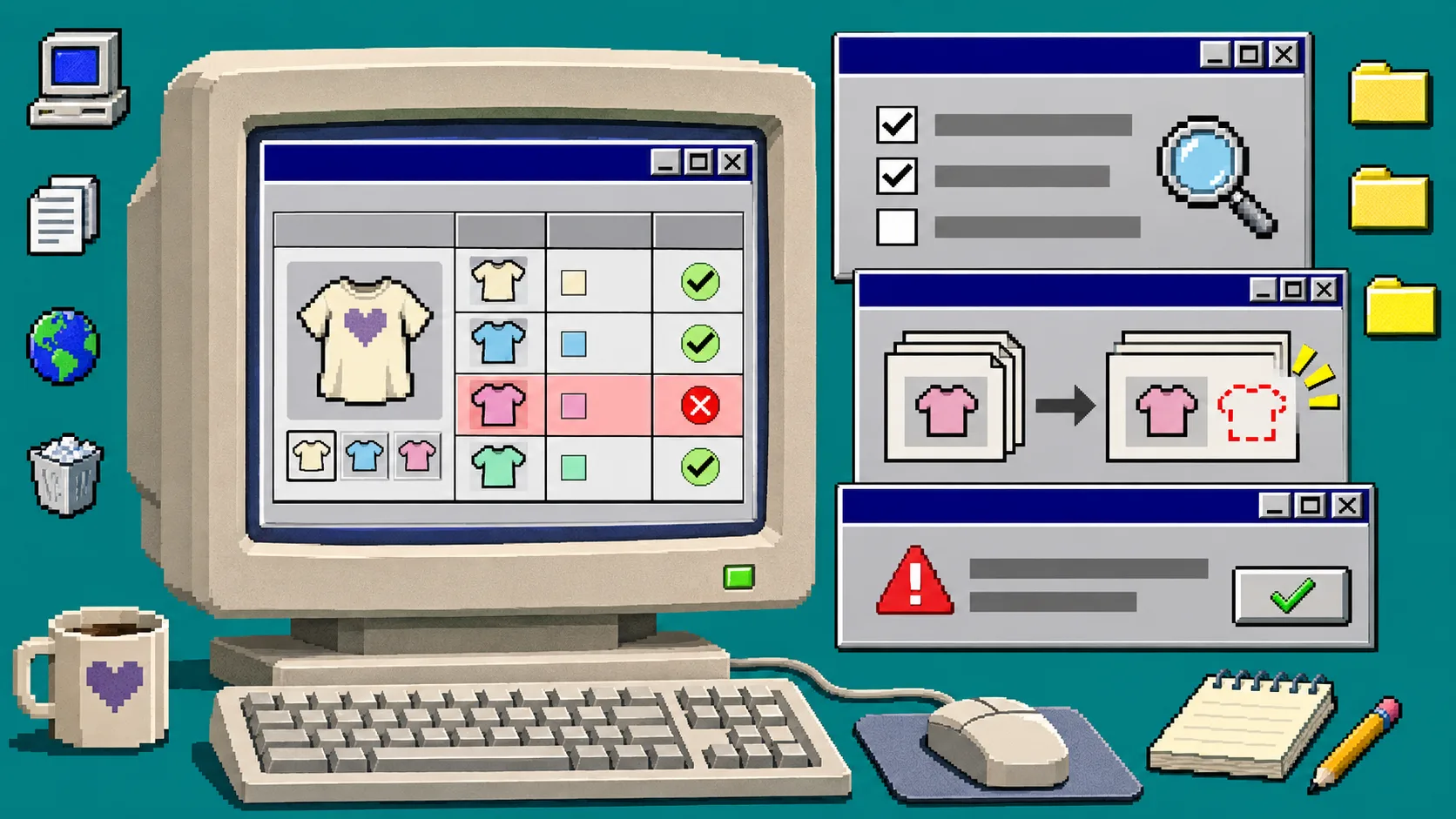
If a size, color, or personalized Etsy option is absent from Meta Commerce Manager, do not rebuild the catalog first. Check that the option has a purchasable price on Etsy, confirm the feed URL is configured to expand variations, then inspect the most recent scheduled-feed upload for row-level errors. This process fixes the source before you change the destination.
You need an Etsy shop connected to Catalog Generator for Etsy, access to the Meta catalog, and permission to view its data-source diagnostics. Catalog Generator creates a feed from Etsy listings, including variations and personalization settings; Meta’s feed flow reads a publicly hosted CSV, TSV, or XML file on a schedule.
1. Identify whether the missing item is a listing or a variation
Open the affected Etsy listing and write down one specific option combination, such as Blue / Large. Then compare it with the parent listing in Meta.
- If the entire listing is absent, start with the feed URL and the latest upload.
- If the parent listing appears but one choice does not, investigate the variation itself.
- If the choice appears but has an incorrect price or availability, treat it as a feed-data mismatch rather than a missing-item problem.
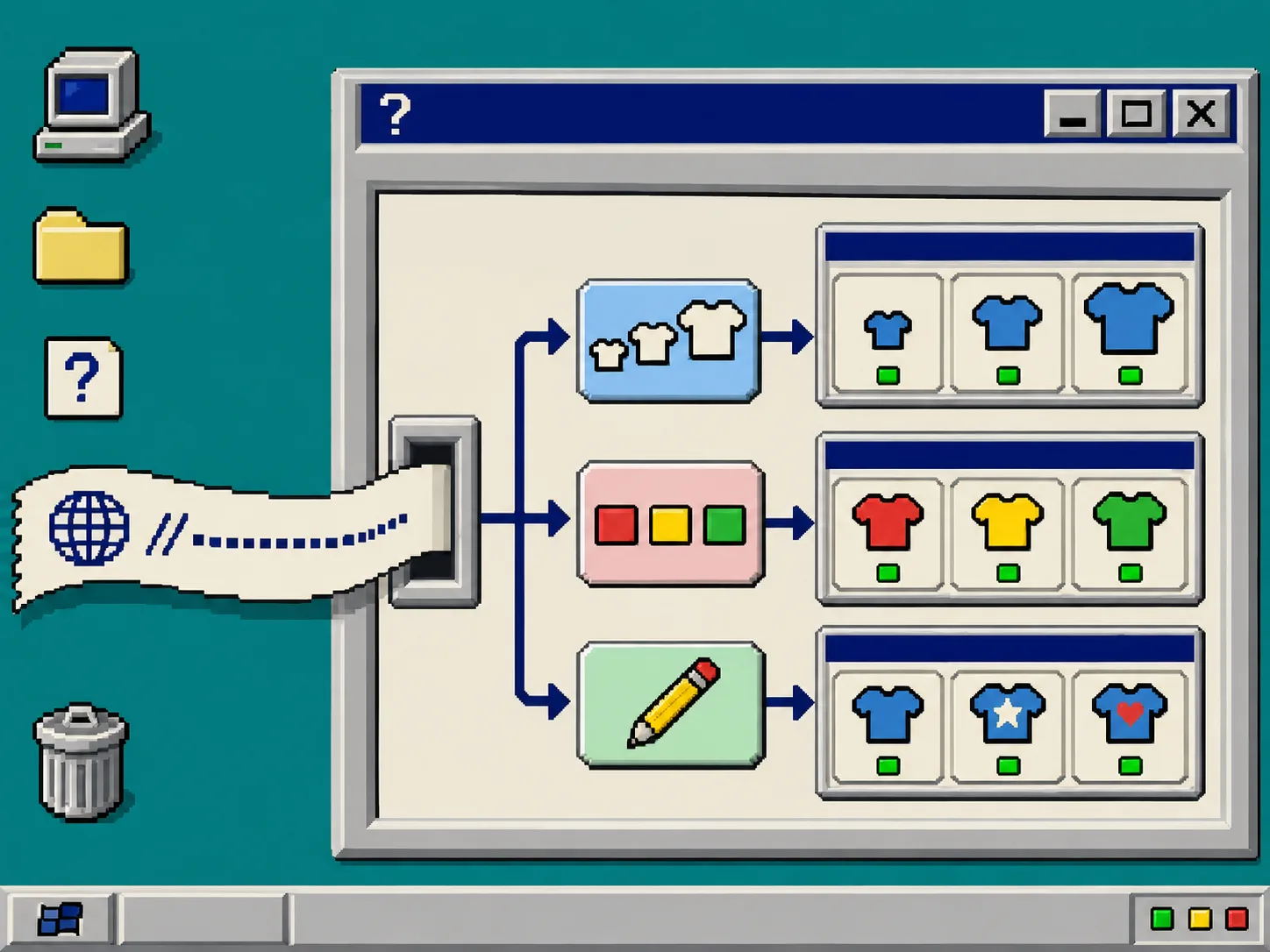
This distinction matters because Catalog Generator says each priced variation can become its own row, with its own price and stock. A choice that does not have a usable price is not the same thing as a normal purchasable variation.
2. Confirm that Etsy exposes a purchasable choice
In Etsy Shop Manager, open the listing and inspect its variations. Make sure the affected size, color, or other choice is enabled for sale and has a price where Etsy requires one. Save the listing before testing the feed again.
Do not change titles, photos, or inventory merely to force a refresh. The goal is to verify the source record first. If the option is intentionally unavailable, leave it unavailable and document that decision instead of trying to make the catalog display a product people cannot buy.
For a related source-to-catalog check, see How to Handle Etsy Personalization Options in a Meta Catalog Feed.
3. Check the Catalog Generator feed settings
Sign in to Catalog Generator and copy the exact feed URL currently connected in Meta. The app’s current product page says that variation expansion, draft or inactive listings, and personalization handling are controlled through parameters on that URL.
Compare the URL you copied with the settings you expect:
| Check | What to verify | What a mismatch means |
|---|---|---|
| Variation expansion | Priced options are included | A size or color can be omitted |
| Personalization rule | Personalized listings use the intended handling | The parent listing may need a different review path |
| Listing status | Draft and inactive choices are intentionally included or excluded | An unpublished record should not be expected in the catalog |
| Connected shop | The URL belongs to the correct Etsy shop | Meta may be reading a valid but wrong feed |
Do not guess at URL parameters or edit them in Meta. Update them through Catalog Generator so the saved configuration and the URL stay aligned. If your next task is a promotion, use this companion guide: How to Preflight an Etsy Meta Catalog Feed Before a Seasonal Promotion.
4. Inspect the latest upload before changing the schedule
In Meta Commerce Manager, open the catalog, then open its data source and the newest upload or diagnostics report. Look for the exact listing title or item ID and read the row-level message. Typical outcomes are simple: the row was accepted, rejected because a required field is invalid, or was not present in the fetched file.
Meta documents scheduled feed pulls as a way to fetch a public inventory file regularly. It also notes that a pull workflow can be stale until the next fetch, so a correct Etsy change may not appear immediately. Record the upload timestamp before you retry; otherwise it is easy to confuse an old report with a new result.
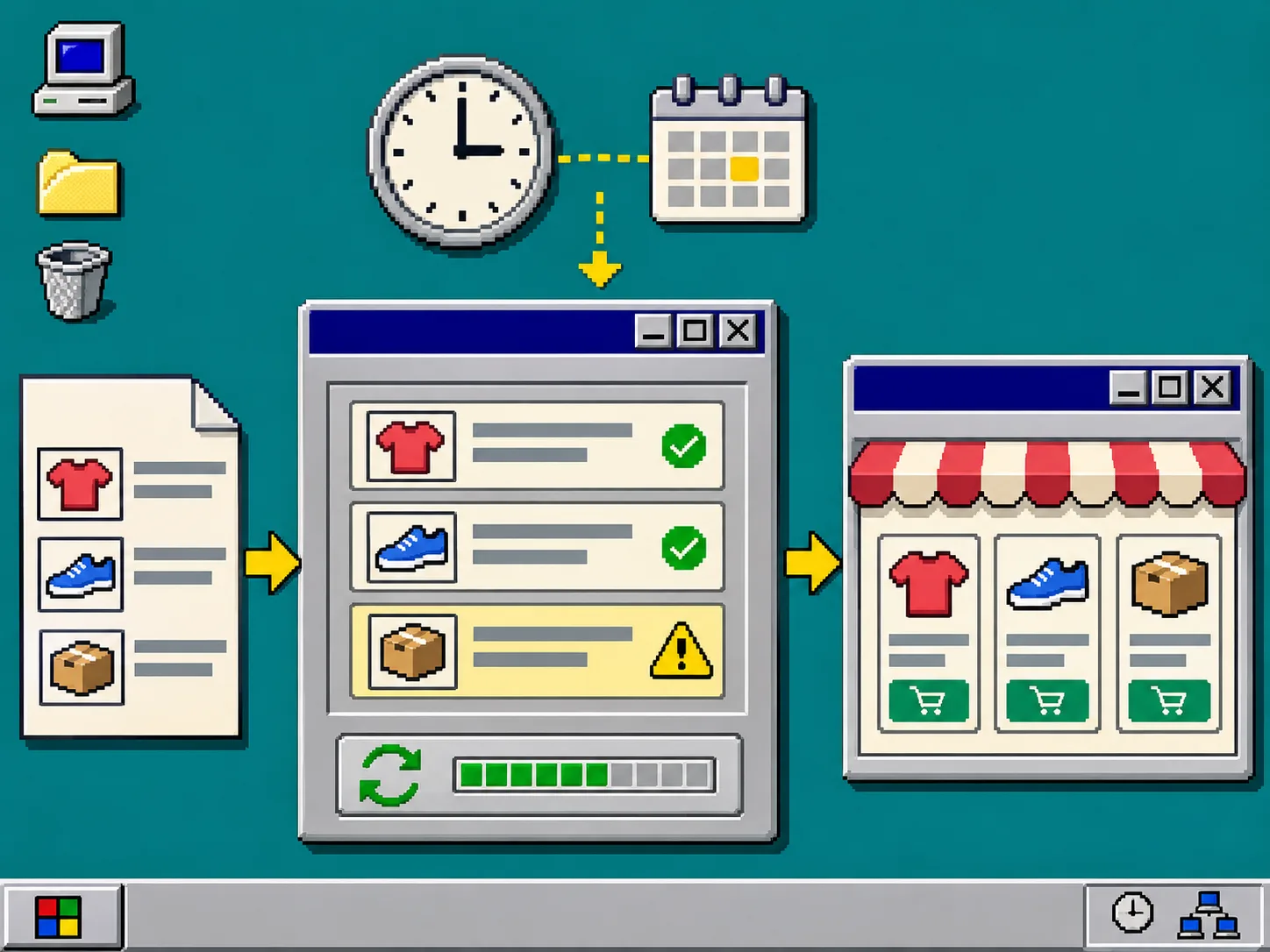
If the file was fetched but the variation is absent, return to Step 3. If the row is rejected, fix the stated source-data issue and wait for the next scheduled pull. If no new upload appears, confirm that the feed URL remains publicly reachable and that you are looking at the intended catalog.
For a recovery path when the whole feed stops moving, follow How to Recover an Etsy Catalog Feed That Stops Updating in Meta.
5. Recheck the exact variation after one completed refresh
After Meta reports a completed fetch, search for the same option combination you wrote down in Step 1. Verify three things:
- The choice appears as the expected catalog item or variant.
- Its price and availability match the Etsy source.
- Its click-through destination leads to the intended Etsy listing.
This is a smoke test, not a reason to edit a dozen listings at once. A small validation run gives you a clean signal about whether the feed configuration is correct. If you are preparing a broader change, How to Find Why an Etsy Catalog Feed Is Missing Items in Meta covers the catalog-level diagnostic sequence.
Troubleshooting: what the result usually means
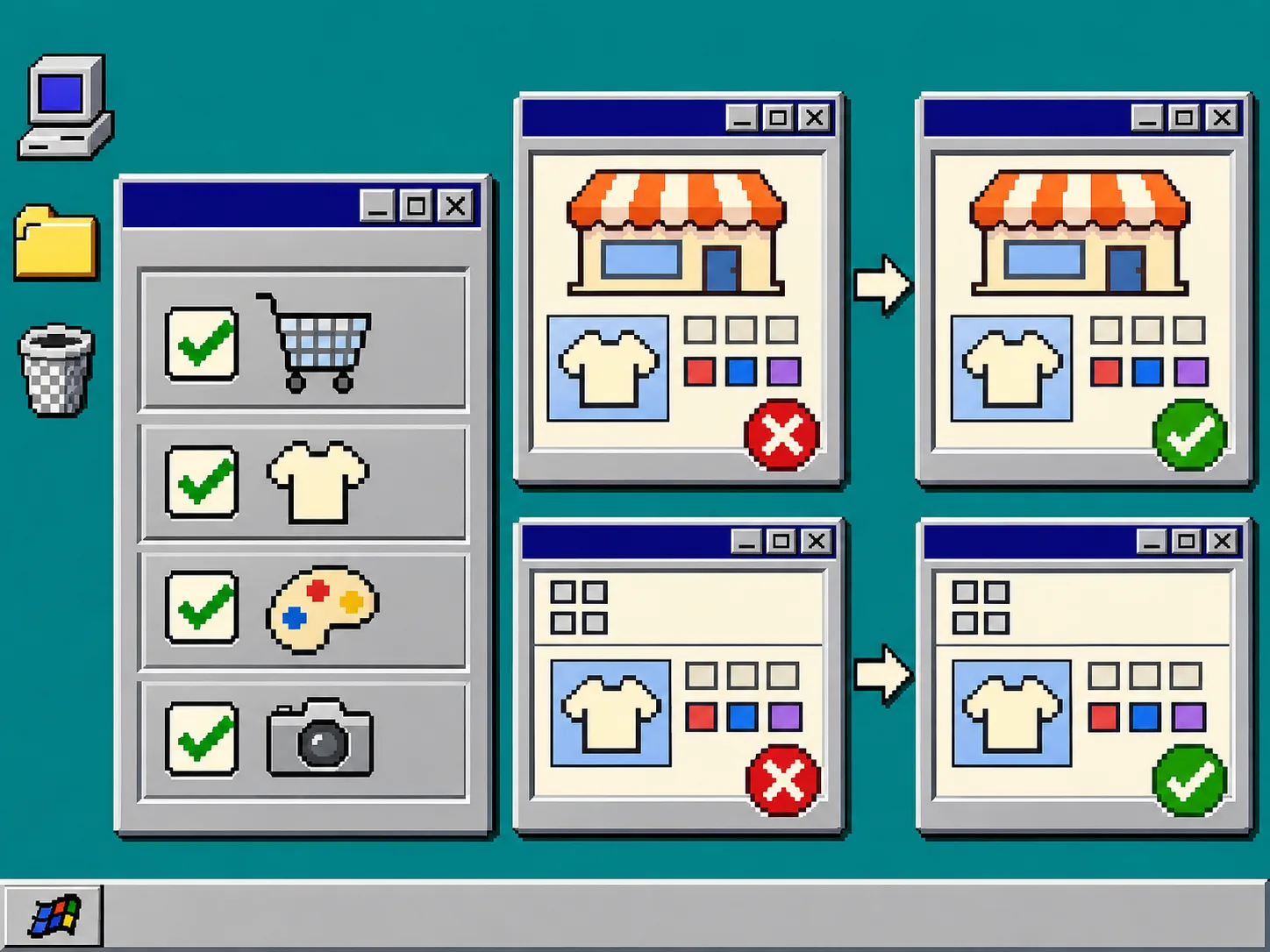
The listing appears, but not the color or size. Recheck whether that exact option is priced and whether variation expansion is enabled in the Catalog Generator feed configuration.
The catalog has an old price. Check the latest upload timestamp first. A scheduled feed can remain stale until its next successful fetch; avoid editing the catalog manually just to mask the delay.
The item is rejected in Meta. Use the diagnostic message to locate the source-field problem, correct it in the system that generates the feed, and let the next upload prove the fix.
The wrong shop is showing. Compare the connected Etsy shop and feed URL in Catalog Generator with the Meta data source. A valid URL for a different shop will not produce an error—it will produce the wrong catalog.
Recap
Fix a missing Etsy variation by checking the purchasable Etsy option, the Catalog Generator feed configuration, and Meta’s latest upload in that order. That keeps the catalog tied to the source of truth instead of creating a one-off manual correction.
Open Catalog Generator for Etsy next, verify the feed’s variation and personalization settings, and then run the one-variation smoke test after the next completed Meta refresh.