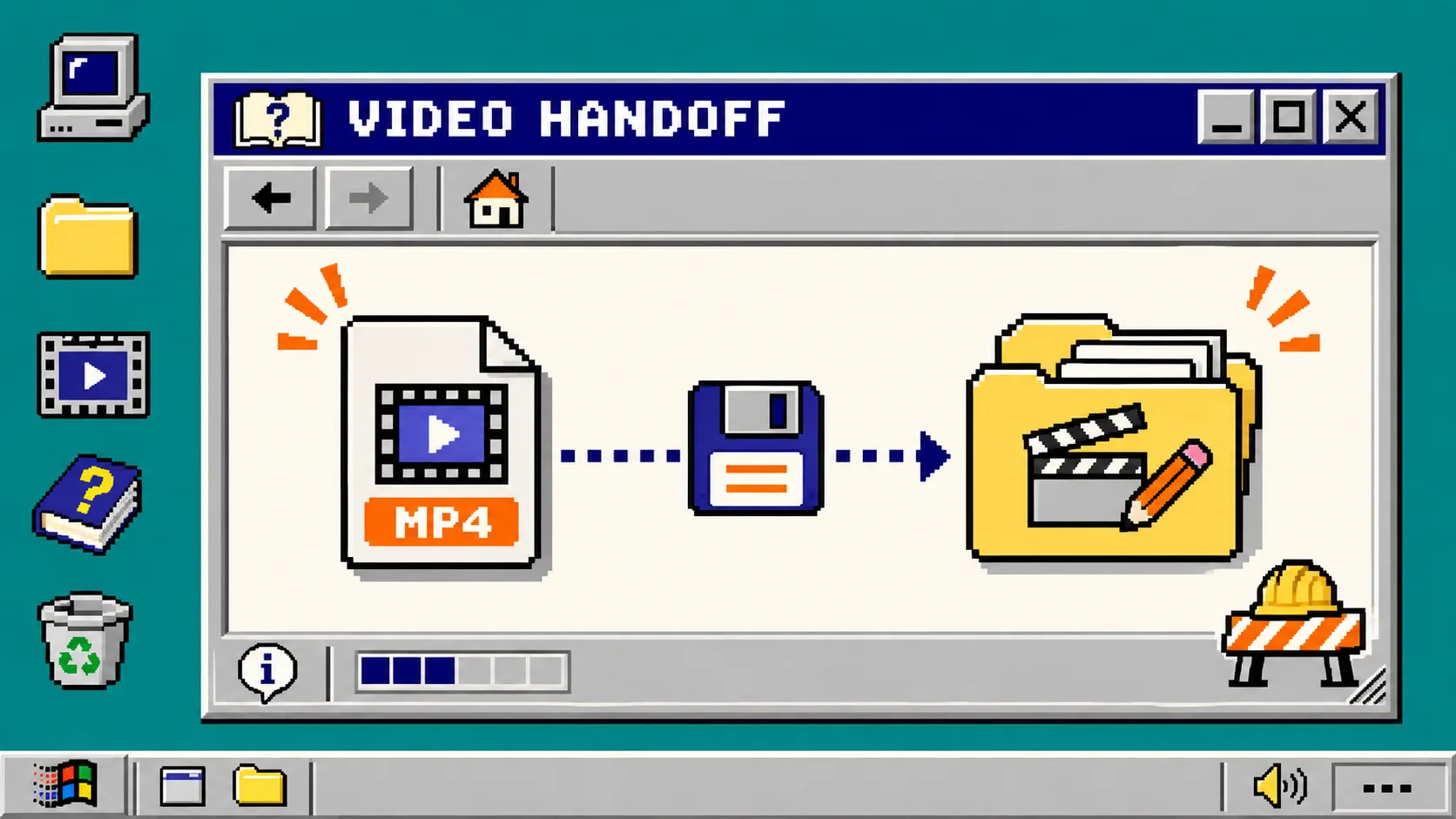
How to Keep a Launch Video Editable After You Export It
You keep a launch video editable after export by delivering the MP4 and the project that produced it, along with the few source notes someone needs to make a safe change. Do this before you share the first link—not after a founder asks to extend the end card or correct a pricing line. You need a final approved render, access to the project, and a short delivery folder.
An MP4 is a delivery format, not a working format. It is excellent for a landing page, social post, or product launch. It is a poor place to change timing, text, or a single scene. VideoFlow Studio is useful here because its finished film remains an editable project: the Studio site says the agent and built-in editor work on the same film rather than requiring a separate export and reconnection.
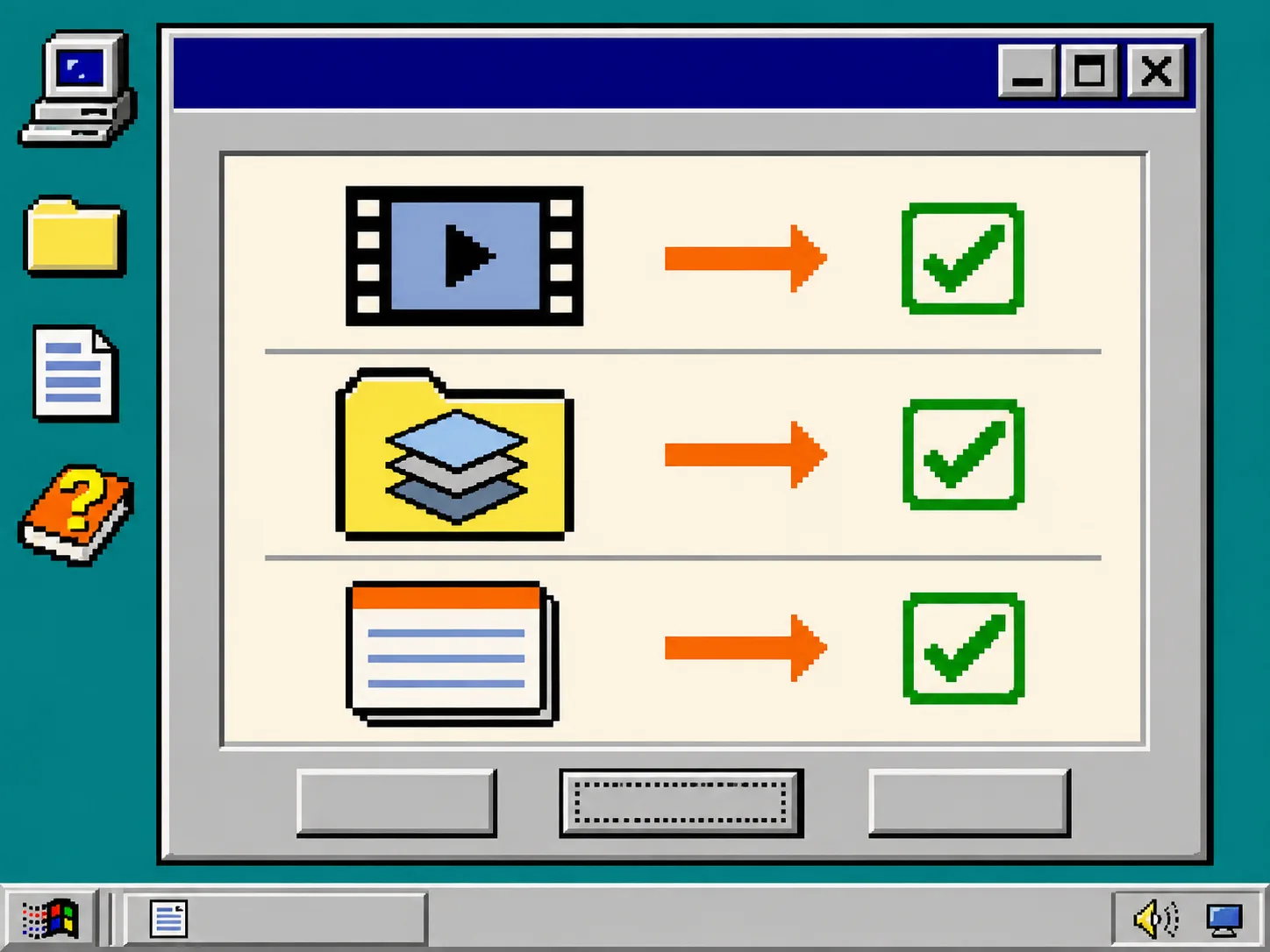
1. Save the approved render as a release, not as the only asset
Export the approved MP4 and give it a specific release name such as launch-video-v1-approved.mp4. Keep it separate from experiments and preview files. Then write down three facts beside it:
- The approved date.
- The destination, such as homepage hero, Product Hunt, or social.
- The exact claim, price, or screenshot that could go stale.
This is deliberately small. You are making it possible to answer “what did we ship?” without opening every old draft. If you are still choosing what belongs in the cut, use the four-part input check from Startup Launch Video Input Pack before treating any render as approved.
2. Keep the editable project next to the MP4
Create one delivery folder with the render and the editable project together. With Studio, that means retaining the project the agent built and opening it in the browser editor when a manual adjustment is quicker. Studio documents that its layers, timing, colors, and text can be changed after the first render; the underlying VideoFlow engine describes the video as portable JSON that can be rendered and edited across its supported surfaces.
Use this plain folder layout:
launch-video-release/
├── launch-video-v1-approved.mp4
├── editable-project/
├── source-notes.md
└── change-log.md
Do not claim that a project folder is a universal archive. Fonts, third-party media, voice assets, or a linked website can introduce their own access and licensing requirements. The point is narrower: preserve the working project that holds scene structure before you hand off only the flattened movie.
3. Record the source facts that can invalidate a scene
Open source-notes.md and list only the facts the video actually shows: the product URL, screenshots, plan names, feature wording, and CTA destination. Add the page or owner that can confirm each fact. This avoids the common mistake of treating a pretty frame as evidence that a launch claim is still current.
For a website-led video, make a quick pass over the live site before every meaningful revision. A product page can change between first render and launch day. If the video came from a changelog, keep the change source too; this changelog-to-video workflow is a useful companion for narrowing the update to one concrete release.
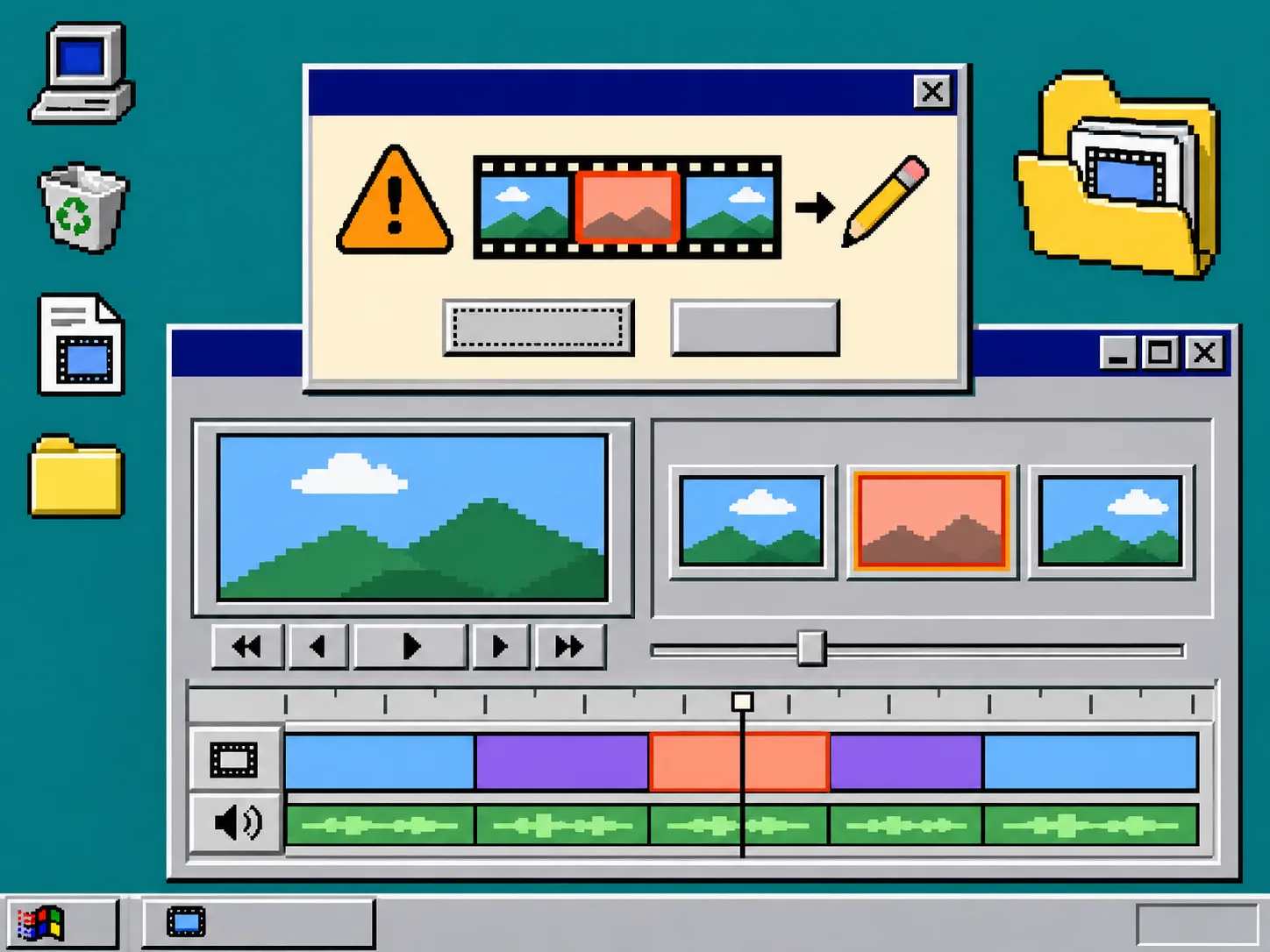
4. Make a one-line change request before you re-render
When someone asks for an edit, do not start with “make it better.” Add one line to change-log.md in this format:
Scene / change / source checked / owner / required output
For example: End card / replace old plan name / pricing page / product marketing / new MP4 plus editable project.
This line gives the operator a bounded request and gives the reviewer something to approve. In Studio, you can direct a change in natural language and re-render, or adjust the scene in the editor. Either route is safer when the requested outcome and source are explicit. For a request affecting only one shot, see How to Revise One Launch Video Scene Without Losing Your Editable Project.
5. Review the rendered result, not only the edit request
A correct request can still produce a poor frame. Watch the changed scene in context, then check the beginning, transition into it, and end card. Confirm that the product name, visible text, logo treatment, CTA, and contrast still make sense at the destination size. Studio says its review pass measures encoded frames rather than only inspecting the code that made them; that is a useful model even when you do the final check yourself.
Use this decision table before you replace the approved file:
| If the change affects… | Check this before shipping |
|---|---|
| Copy or price | live source, spelling, and the CTA URL |
| One scene | neighboring transitions and scene duration |
| Brand colors or logo | contrast, clear space, and current brand asset |
| Format or crop | headline placement and essential detail at final size |
If the review finds a problem, keep the earlier approved MP4. Fix the editable project, create a new release number, and repeat the short check. That is more dependable than overwriting the only file people can find.
6. Hand off a compact release receipt
Before sharing the video, send the recipient four links or files: the approved MP4, the editable project location, the source notes, and the one-line change record. State which asset is safe to publish today. The handoff is complete when another person can identify the current render and request a correction without reverse-engineering it.
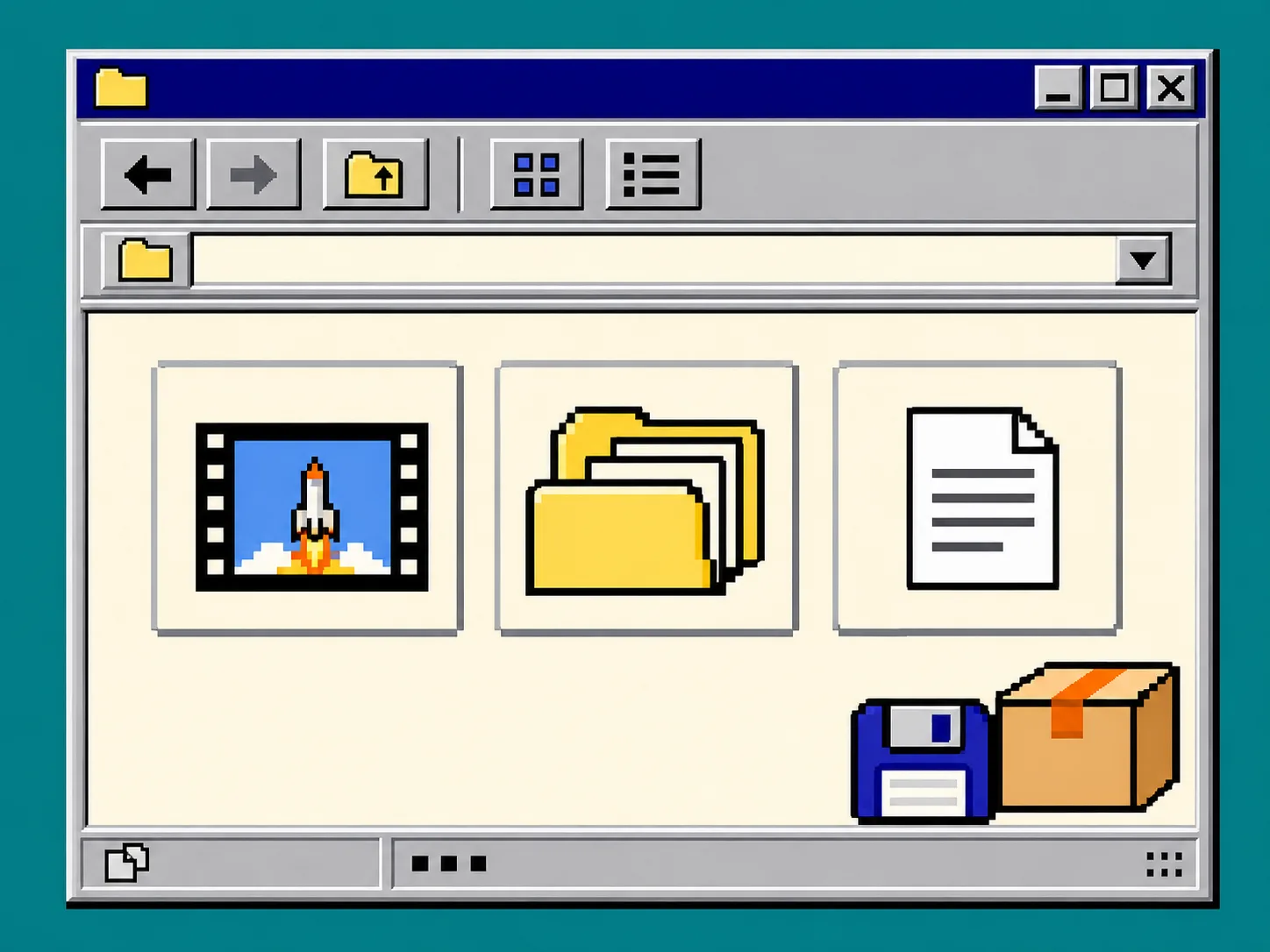
Troubleshooting: the MP4 is all you can find
If the team has only an MP4, first look for the Studio project, render workspace, original brief, and source assets before rebuilding. If the project is gone, do not pretend the MP4 can be edited like a timeline: document the missing inputs and treat the next version as a new controlled build. For future work, add the folder layout above to the definition of done.
If the project is present but the message changed, do not revise the film from memory. Confirm the current source, make the one-line request, and inspect the rendered frames. That small loop is the difference between a quick correction and a quiet launch inconsistency.
Next action
Open your most recent launch-video folder now. If it contains only an MP4, create editable-project, source-notes.md, and change-log.md before the next request arrives. Then try VideoFlow Studio with one bounded change so the editable project—not the exported file—stays the source of truth.