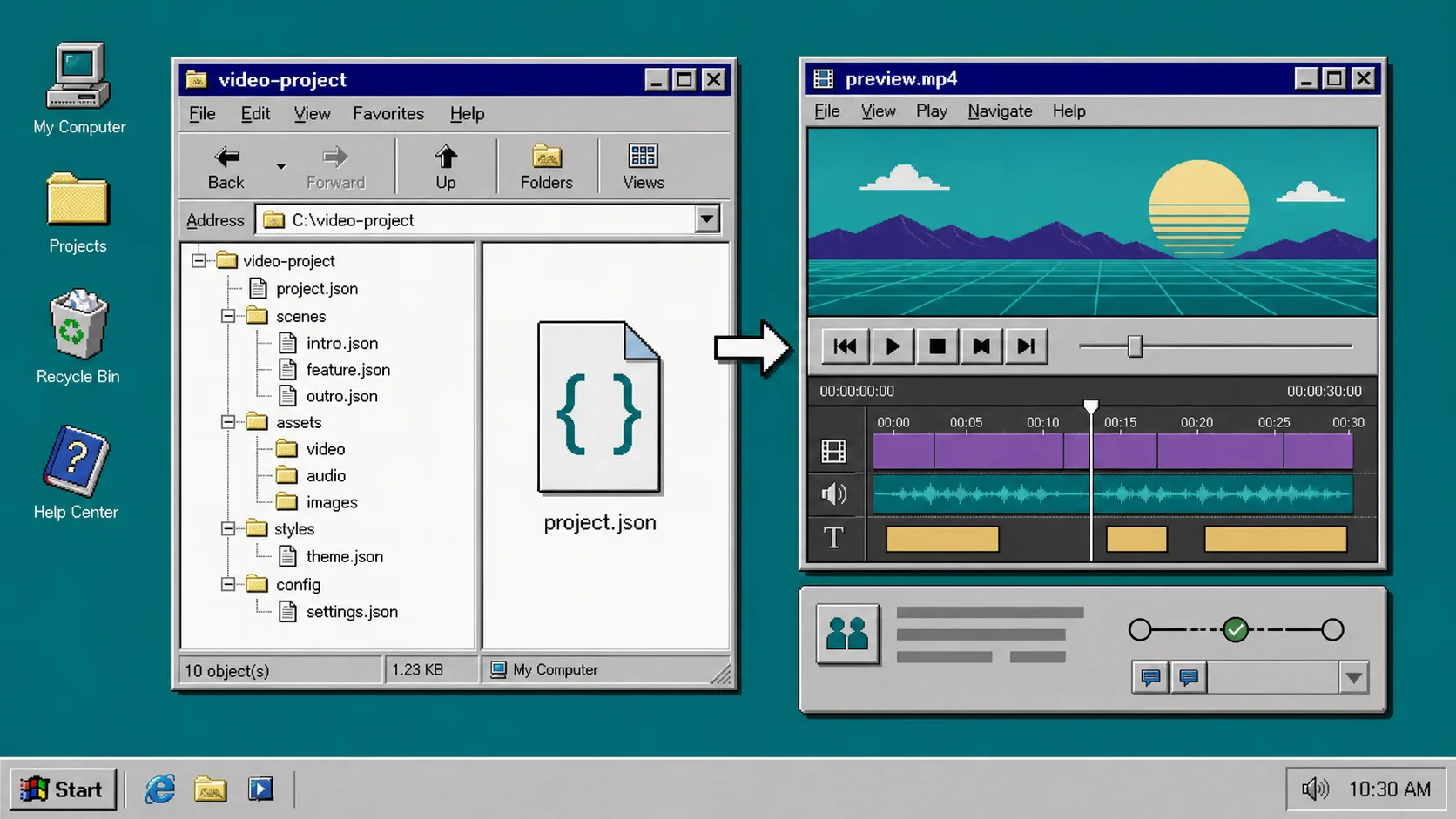
I used to treat video work like a binary asset problem: export an MP4, drop it in the repo, and hope nobody asked for one more text change. That falls apart the first time a teammate wants a new caption, a different crop, or a faster review cycle.
VideoFlow handles that better by keeping the source as portable VideoJSON while you preview, review, and export from the same project. If you want the official docs first, start with the core docs, the renderer docs, and the React video editor. The GitHub repo is here: https://github.com/ybouane/VideoFlow.
What I’m Building
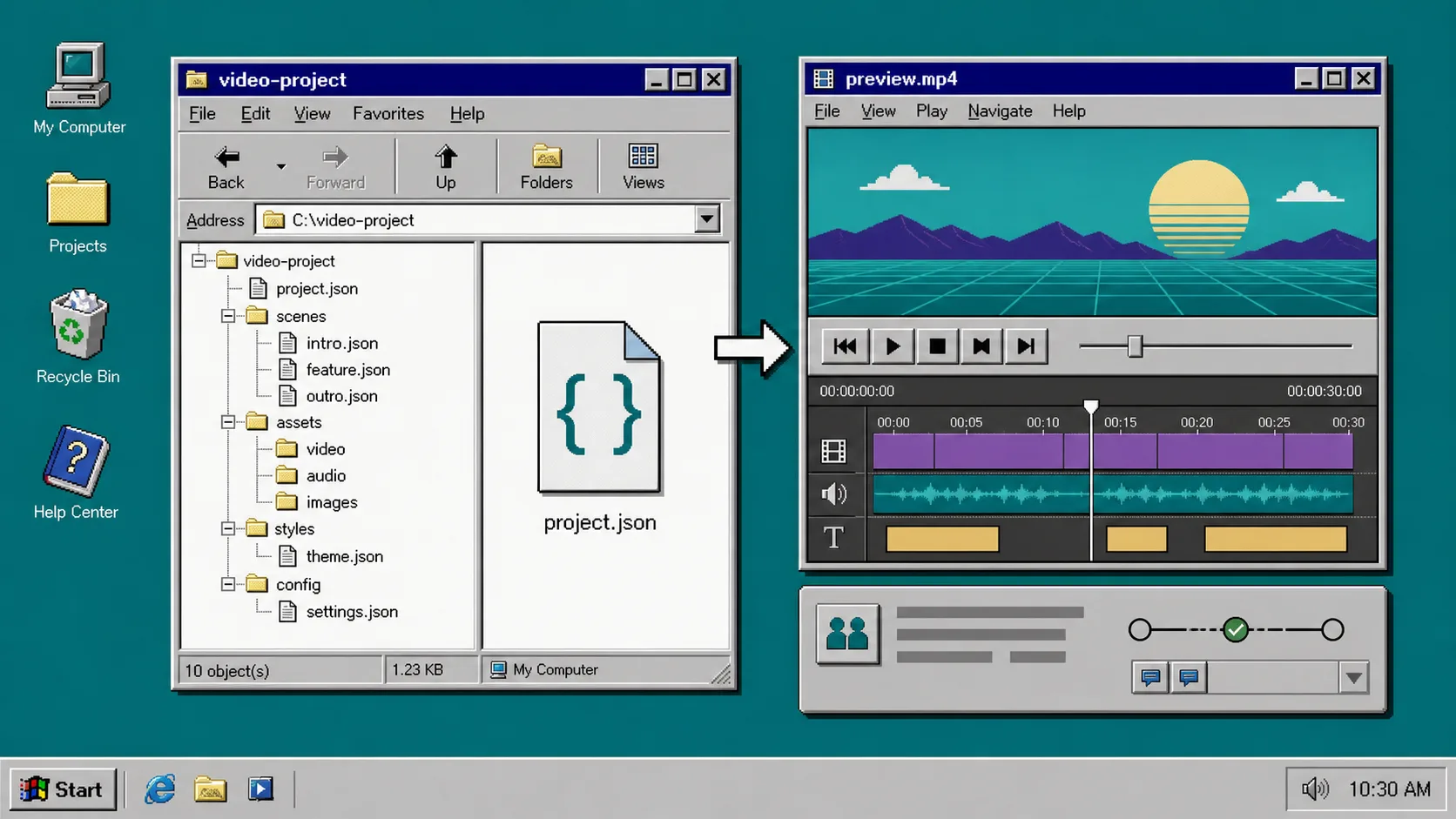
I am not trying to replace a full editor. I am trying to make video changes behave like code changes:
- the video source lives in GitLab
- the preview is repeatable
- the export step is separate from review
- the merge request shows exactly what changed
If you want another angle on the renderer split, I covered it in How I Pick the Right VideoFlow Renderer for the Job and How I Keep One Video JSON Working Across Three Renderers.
1. Put the Source of Truth in One Small Folder
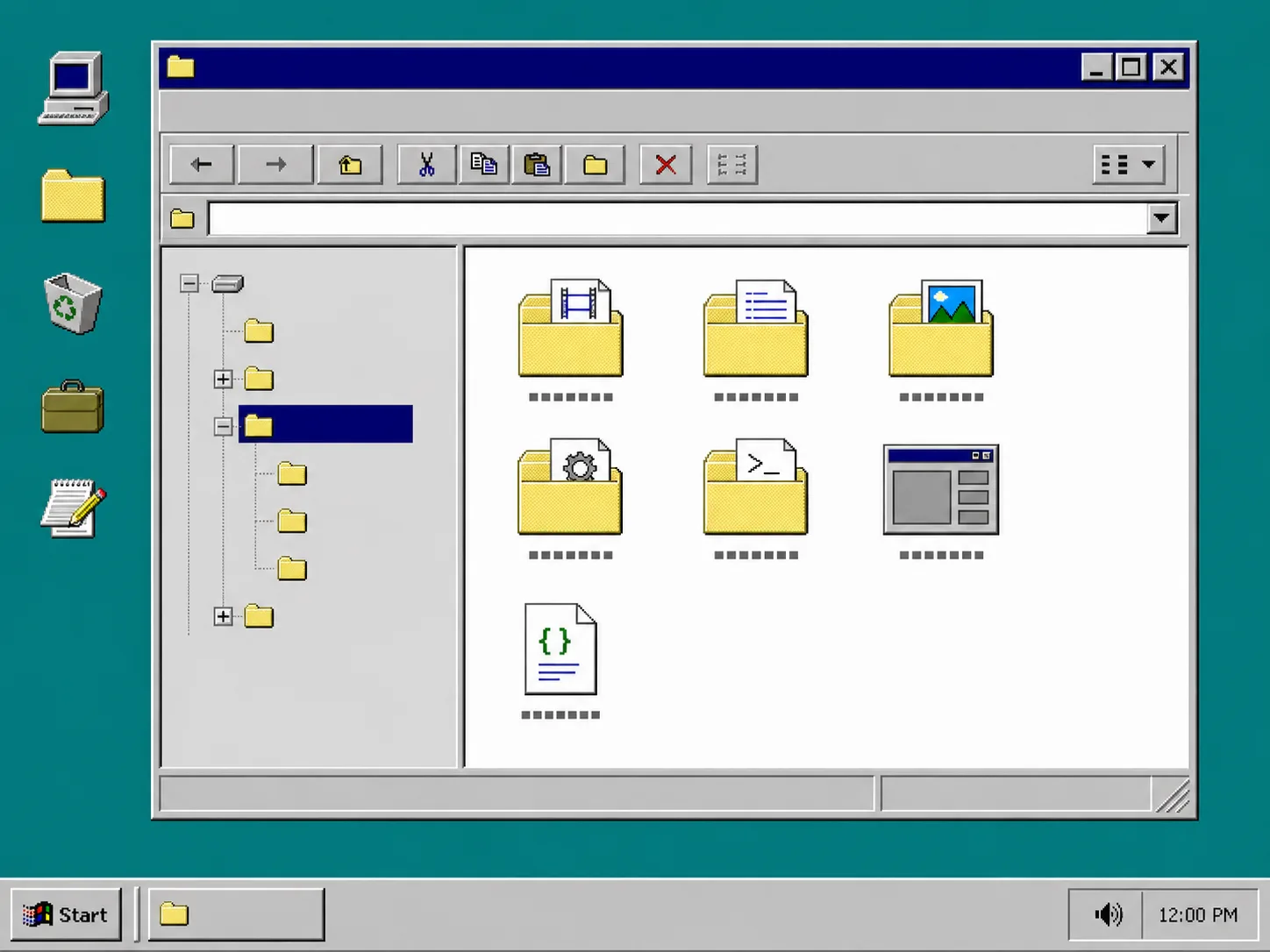
I keep the project in a plain folder that is easy to review:
src/video/template.ts
src/video/data.ts
src/video/render-dom.ts
src/video/render-server.ts
src/video/editor.tsx
assets/
Install the packages you need first:
npm install @videoflow/core @videoflow/renderer-dom @videoflow/renderer-browser @videoflow/renderer-server @videoflow/react-video-editor
Make the builder the thing you diff, not the exported MP4.
Keep the builder boring. The point is not clever code. The point is that someone can open a merge request and understand what changed before they ever hit render.
Here is the shape I like for the template:
import VideoFlow from "@videoflow/core";

export function buildTemplate(input: { title: string; subtitle: string }) {
  const $ = new VideoFlow({
    name: "GitLab MR Preview",
    width: 1920,
    height: 1080,
    fps: 30,
  });

  $.addText({ text: input.title, fontSize: 8, fontWeight: 800 });
  $.addText({ text: input.subtitle, fontSize: 4.2 });

  return $;
}

const project = buildTemplate({
  title: "New Product Demo",
  subtitle: "Review before merge",
});

const videoJSON = await project.compile();
2. Separate Preview From Export
Use one path for review and another for final output.
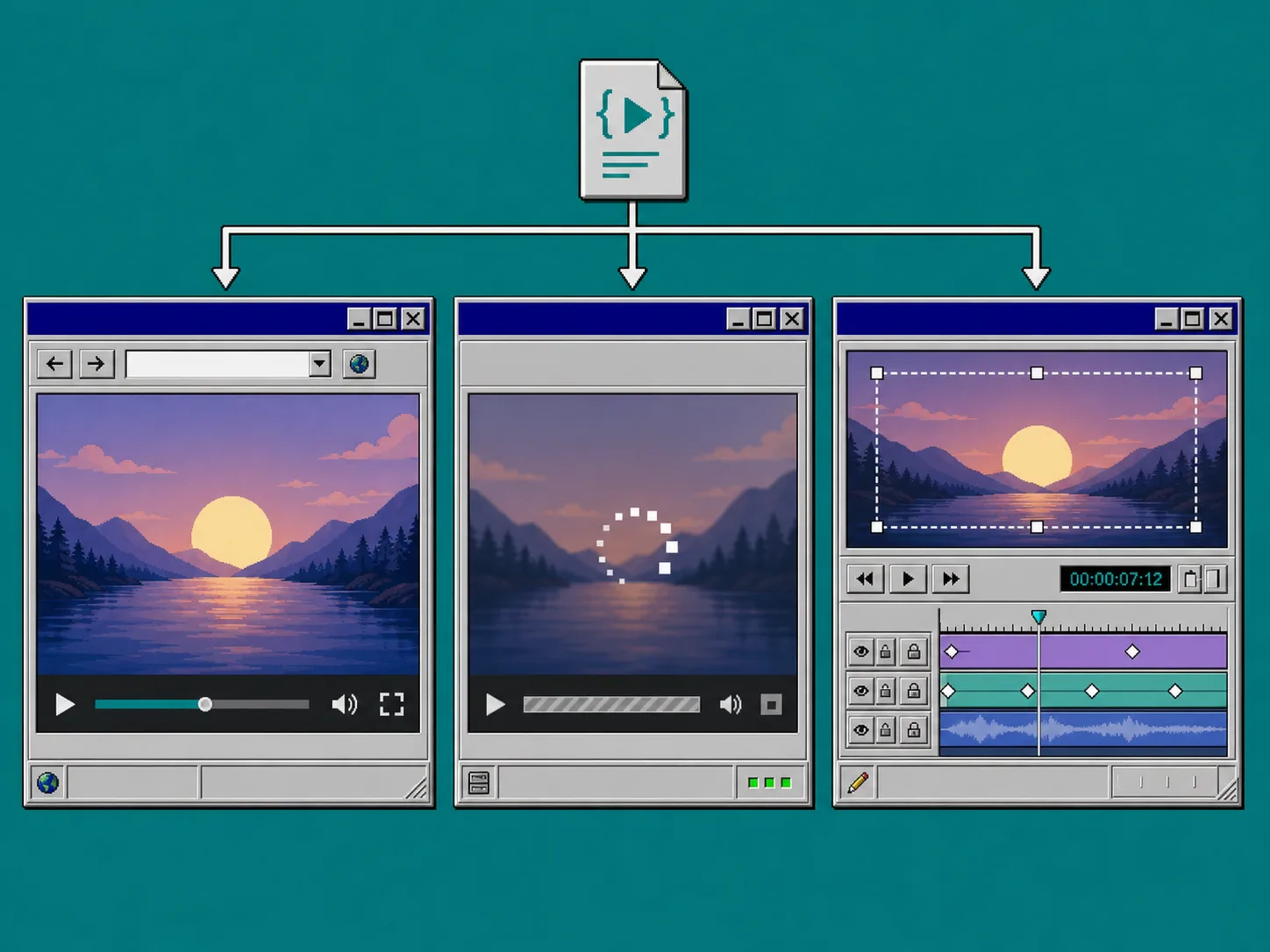
In practice, that means:
- DOM renderer for live preview
- browser renderer for quick local export when the app stays in the browser
- server renderer for queued jobs, CI, or long-running renders
VideoFlow is useful here because the same VideoJSON can drive all three. The render target changes, but the project does not.
If you want the decision tree behind that split, I would read How I Pick the Right VideoFlow Renderer for the Job and How to Build a Browser-Based MP4 Export Workflow With VideoFlow.
3. Attach a Review Preview to Every Merge Request
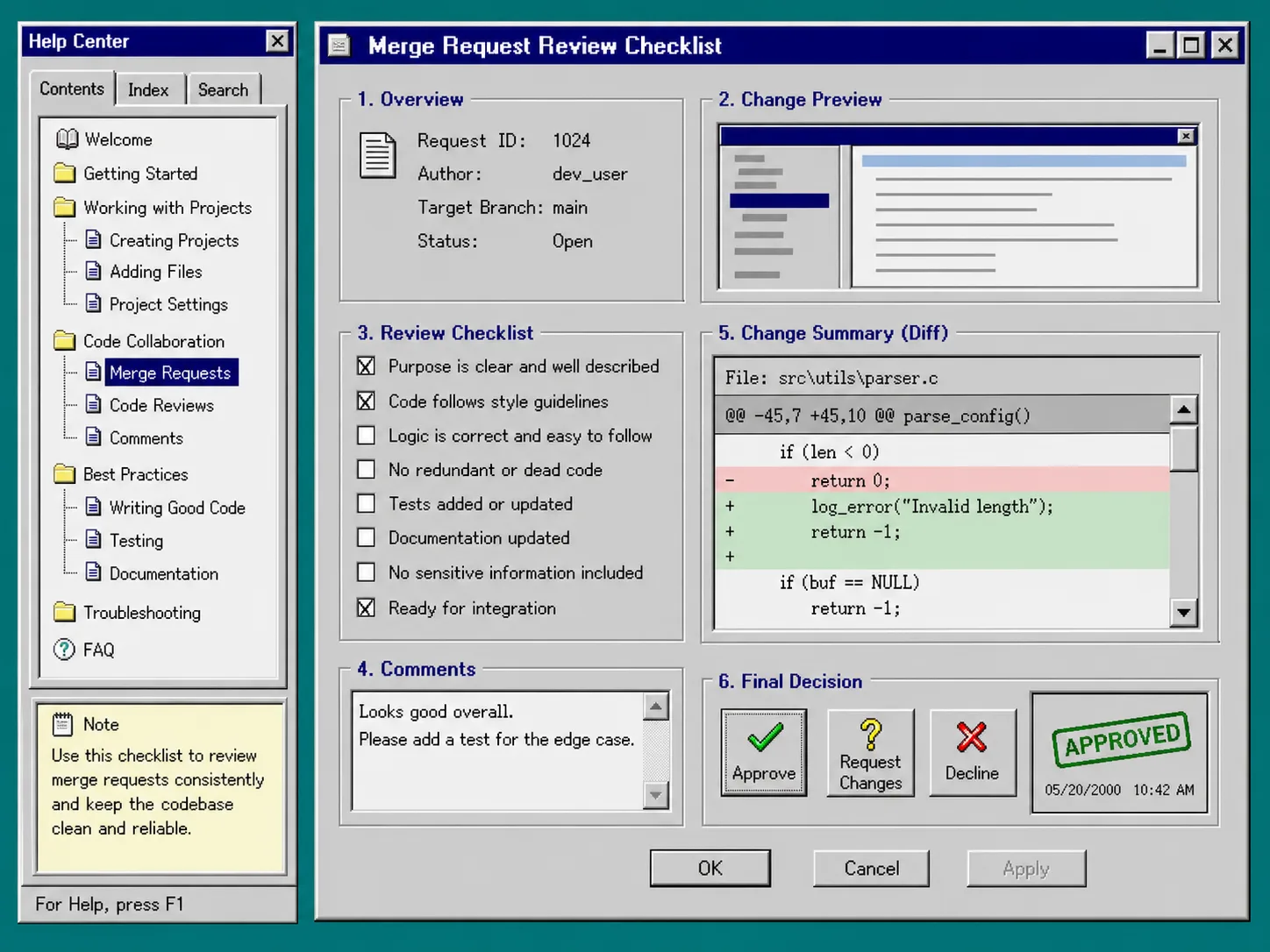
I want reviewers to look at a preview before they look at the final MP4. A merge request should answer three questions:
- Did the scene composition change in the way we expected?
- Did any text, crop, or timing move?
- Did we accidentally break an asset path or renderer setting?
This is where the React video editor helps if someone on the team needs a visual control surface instead of editing JSON by hand. VideoFlow’s React video editor gives you a multi-track timeline, keyframes, and MP4 export without forcing you to rewrite the template layer.
I would also link the last good preview in the merge request description. That keeps feedback in one place instead of scattering it across comments and screenshots.
For a stricter version of this process, see How to Build a Reviewable JSON-to-Video Pipeline With VideoFlow.
4. Keep the Final Render on Merge, Not on Guesswork
Once the merge request is approved, do the final render from the same source that was reviewed.
The rule I use is simple:
- review the template and preview first
- merge only after the preview looks correct
- export the final MP4 from the merged source, not from a hand-edited copy
That keeps the Git history honest. If somebody asks where a frame came from, the answer should be “that commit,” not “a local export I forgot to document.”
If the template is too awkward for non-developers, the React video editor gives them a controlled place to adjust text, timing, and layers without breaking the code path.
5. Decide What Counts as Done Before You Open the Merge Request
I keep a short checklist in the merge request template:
- preview opens and matches the current branch
- text fits at the target resolution
- any external asset URLs resolve
- compile succeeds with the current data
- the final export matches the reviewed preview
That last one matters. If the exported MP4 does not match the preview, the workflow is lying to you.
When I need another reminder about keeping the render path stable, I send people to How I Keep One Video JSON Working Across Three Renderers and How to Add a React Video Editor Without Rewriting Your Render Pipeline.
Troubleshooting
The preview looks fine, but export changed
Check the canvas size, fonts, and any asset path that depends on the browser environment. This is usually a renderer mismatch, not a design problem.
CI renders fail but local preview works
Move the job to the server renderer. Browser-only assumptions are the usual cause. If the job has to run in a queue or on a build agent, treat the server renderer as the source of truth.
Reviewers cannot tell what changed
Add the preview link and a short diff summary to the merge request body. Do not make people reconstruct the change from screenshots alone.
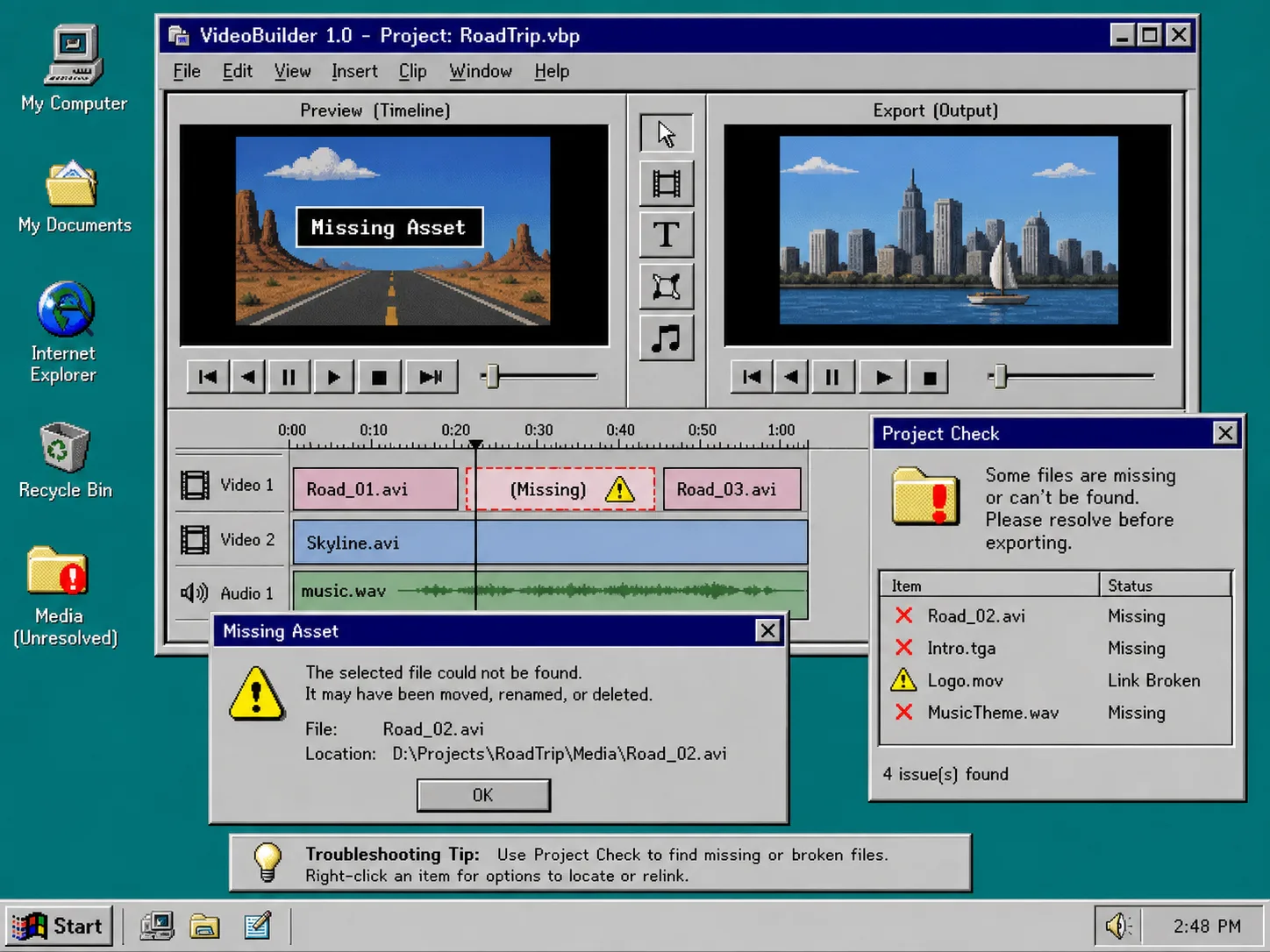
Missing image or video assets
Keep assets in a stable repo path or a public URL. If a file lives only on someone’s machine, the workflow is not reviewable.
What I Would Do First
If I were starting over, I would build one template, one preview command, and one merge request checklist before I tried to scale the rest of the system. That gives you a stable loop quickly, and VideoFlow fits that loop well because the same JSON can support preview, edit, and export without forking the project.
Start with the docs, wire up the renderer you actually need, and keep the merge request boring.