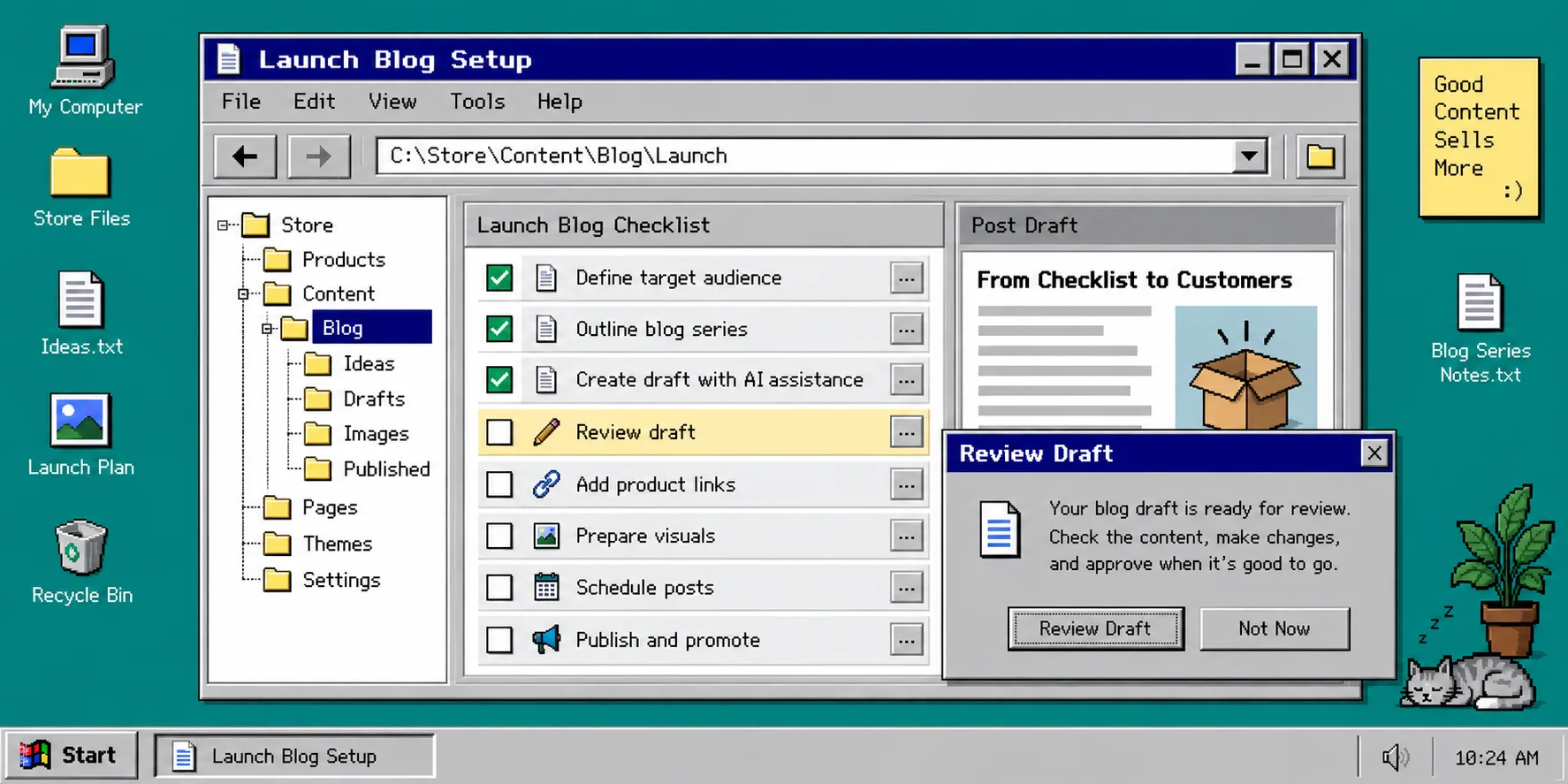
How to Turn a Shopify Product Launch Checklist Into a Blog Series
A product launch checklist is usually full of useful customer questions: what changed, who the product is for, how to choose it, and how to use it. The problem is that those answers often live in a spreadsheet, a launch doc, or someone’s head—then disappear after launch week.
You can turn that one checklist into a small Shopify blog series without writing every post from scratch. The safe version is not ‘press publish on everything.’ It is: give an automation good product context, create a few focused drafts, then review the details that only your team can verify. Supra Blog Automation is built for this kind of workflow: it can generate a post on demand or on a schedule, use product context and visuals, and save a post as a draft instead of publishing it immediately.
Before you begin, collect your launch checklist, the product or collection URLs you want to support, and a person who can confirm product claims. If your inputs are scattered, start by turning one Shopify collection into a useful blog queue.
1. Sort the Checklist Into Reader Questions
Open the launch checklist and mark every item that a shopper might search for. A useful first pass usually produces three to five groups:
- Choosing: who should buy this, sizes, variants, bundles, or compatibility.
- Using: setup, care, first-use tips, or common mistakes.
- Comparing: differences between models, collections, or materials.
- Timing: gift deadlines, seasonal use, restocks, or launch-specific advice.
Do not make one giant ‘everything about our launch’ post. Give each article one job. For example, a new coffee-grinder collection might become a buyer’s guide, a grind-size setup guide, and a cleaning guide. This keeps the search intent clear and gives your internal links somewhere useful to go.
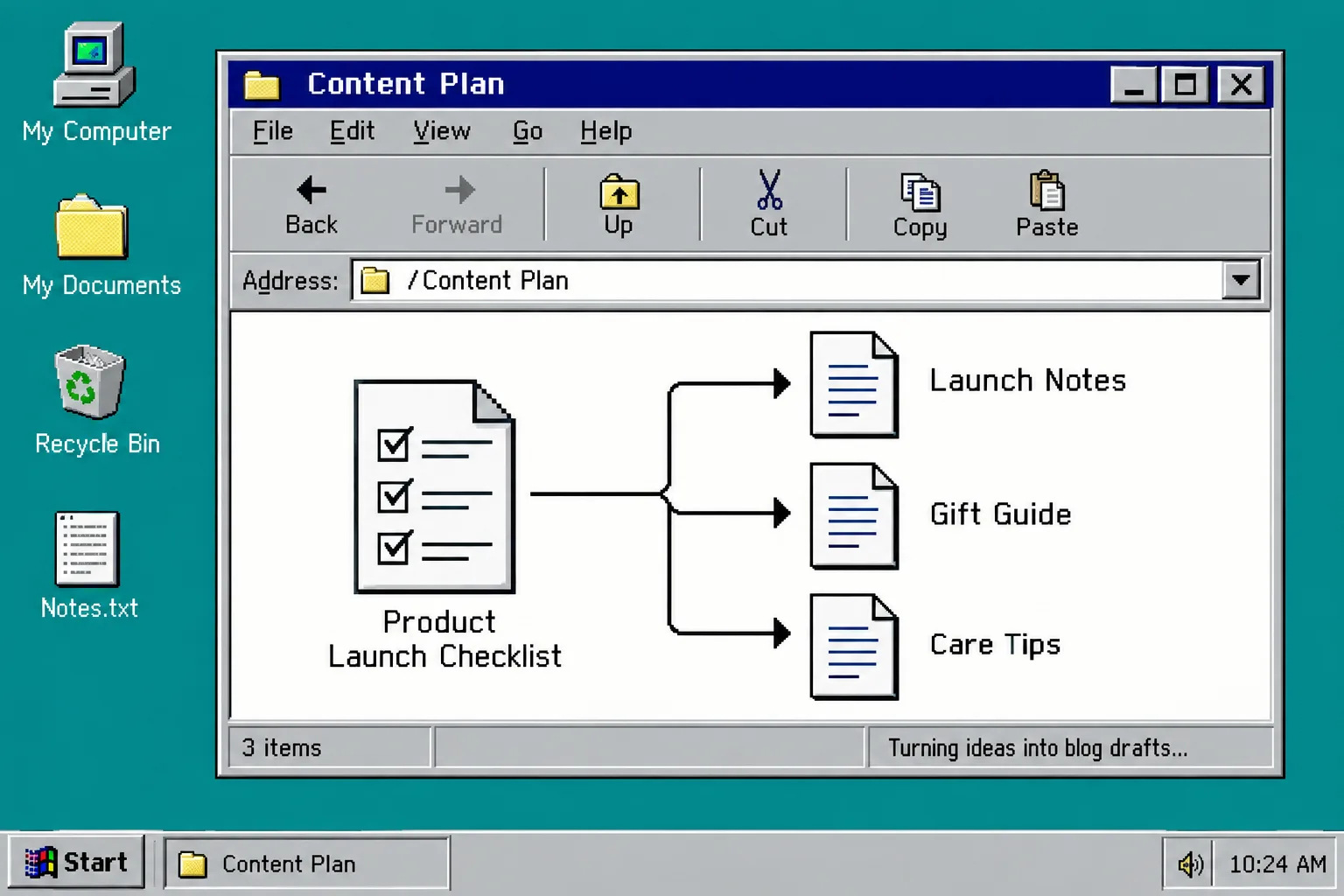
What you should see: a short list of article questions, each tied to a real product, collection, or customer task. If you have only feature bullets, rewrite them as questions before continuing.
2. Create a Small Launch Folder of Source Facts
Make a simple source folder or document for the series. Add the approved product description, collection link, variant details, shipping promises, care instructions, and the exact claims your team is willing to make. Separate confirmed facts from ideas.
This step matters because product-aware content is more useful than a generic prompt. In Supra Blog Automation, choose the products or collections to promote, set the post goal, tone, and permitted image sources. The app can include SEO structure, internal links, product mentions, and visuals, but it cannot know whether a launch detail changed this morning. Your source facts are the guardrail.
For a model of keeping product information structured before writing, see how to organize Shopify product information with tabs and accordions.
What you should see: a compact list of approved links and facts that a reviewer can check in a few minutes. Remove internal launch notes, unconfirmed pricing, and claims that require legal approval.
3. Generate One Draft Per Customer Job
In the app, create a single post first. Set the topic to one reader question, select an informational or solution-led goal, add the product or collection context, and choose a tone that matches your store. Start with draft mode.
Use a repeatable prompt pattern: ‘Help [customer] solve [specific job] while naturally referencing [collection]. Include only the facts in this source note.’ For a series, repeat that pattern with a different job each time.
This is faster than recycling the launch announcement because each draft has a different purpose. It also makes it easier to build a relevant publishing sequence rather than a pile of overlapping posts. If your planning is calendar-shaped, this launch-supporting Shopify blog calendar guide is a good companion.
4. Review the Four Things Automation Cannot Safely Guess
Open each generated draft and check four items before it goes live:
- Product truth: verify specifications, availability, fit claims, and instructions against the current product page.
- Brand voice: replace generic phrases with the way your store actually explains the product.
- Links and visuals: confirm every product link points to the intended page and every image is allowed and useful.
- Publish timing: keep launch-sensitive posts as drafts until inventory, prices, and campaign dates are final.
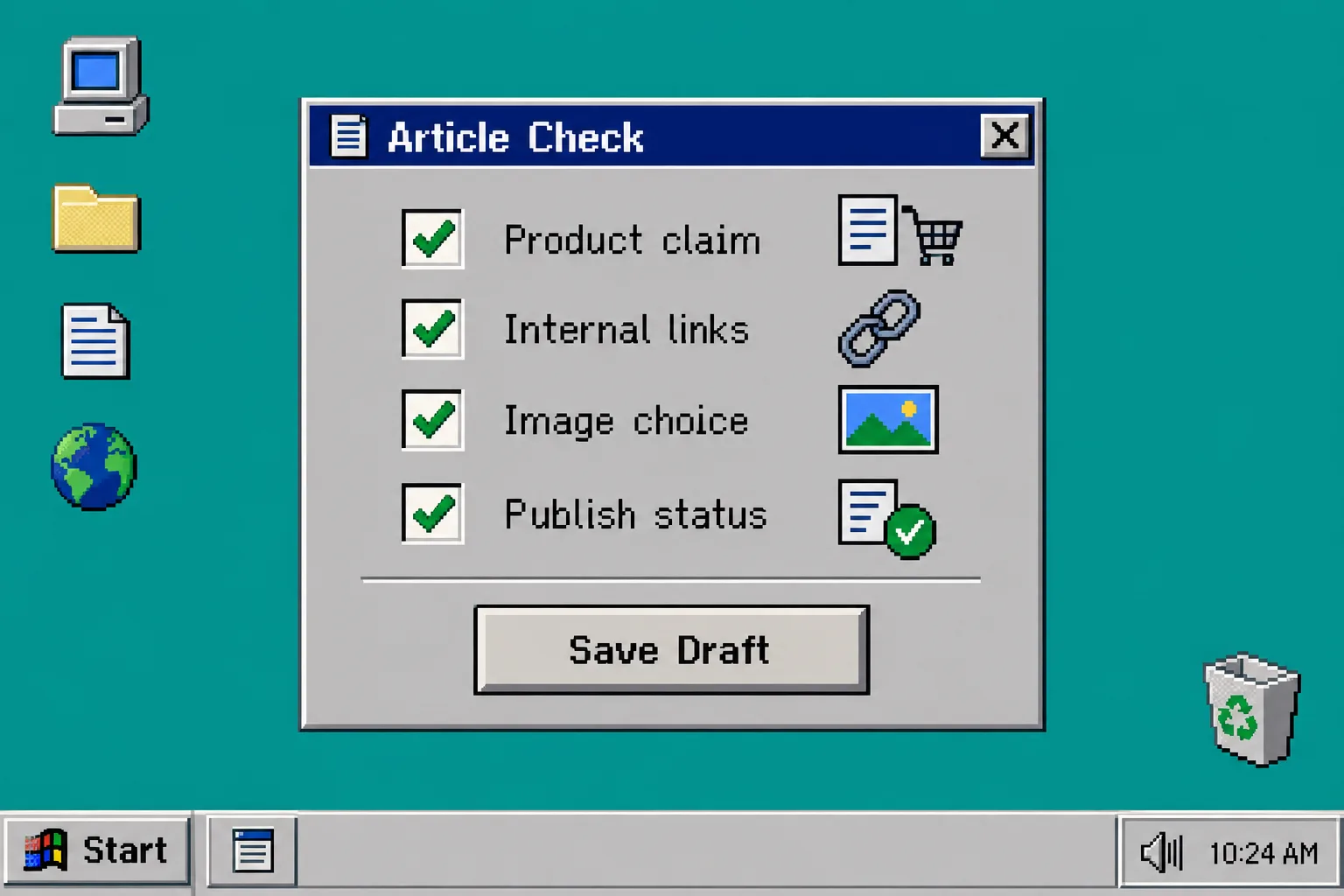
What you should see: a draft that a teammate can approve without rewriting it. This is where draft-first automation earns its keep: it removes blank-page work while leaving the important decisions with your team. For a practical voice check, read how to automate a Shopify blog without losing your brand voice.
5. Schedule the Series With Gaps Between Posts
Once the first draft is approved, set a realistic cadence. Three launch articles do not need to publish on the same day. Start with the buyer’s guide when the collection launches, follow with the use or care guide a few days later, and publish a comparison or FAQ when customers begin asking the same questions.
Supra Blog Automation supports recurring daily, weekly, or monthly schedules, and it can publish automatically or keep work in draft mode. For a launch series, draft mode is the calmer default until the workflow has proved itself. A queue that waits for review is still useful; this guide to a Shopify blog review queue explains how to keep it moving.
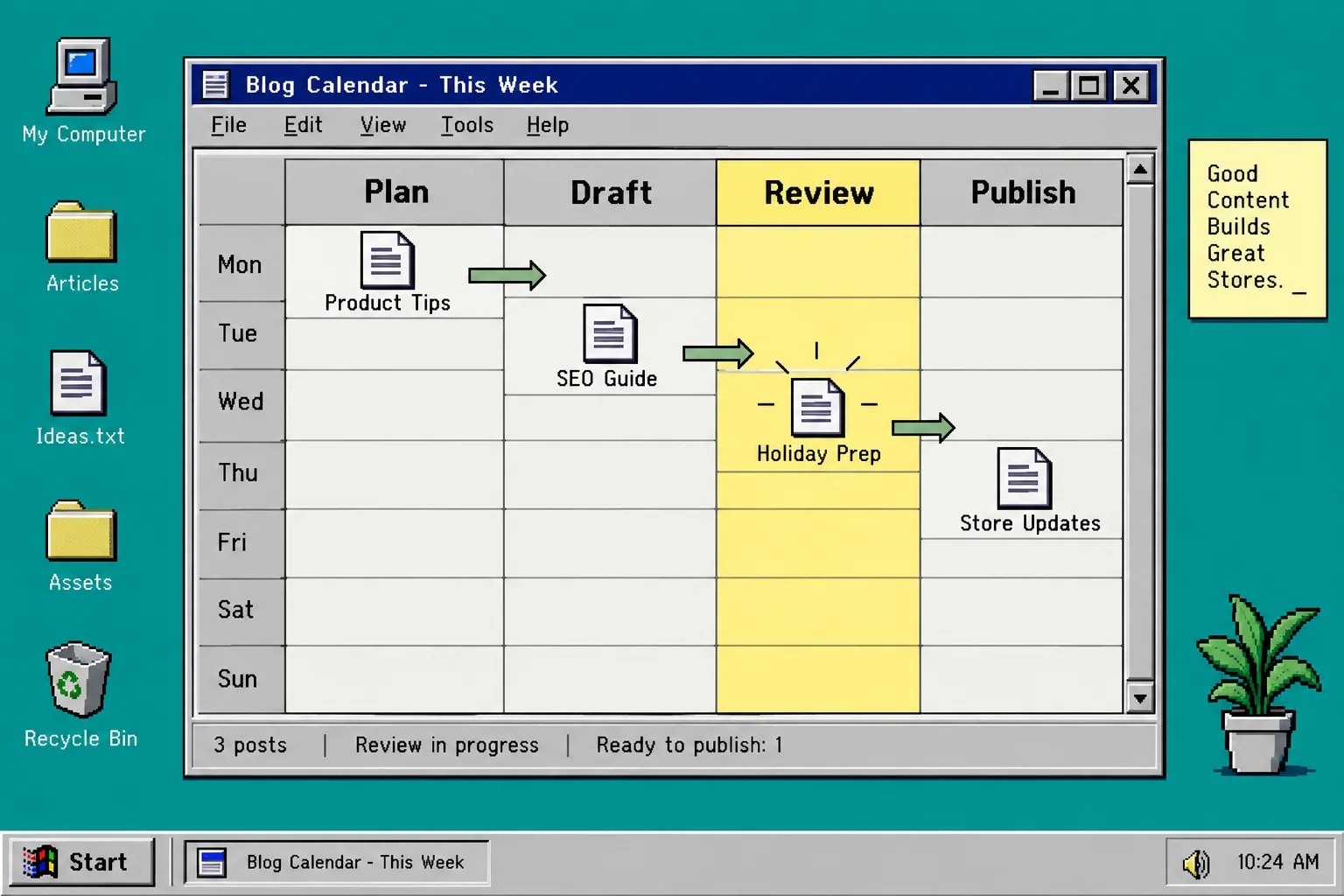
What you should see: one series with a clear next article, not a content calendar full of mystery topics. After the launch, keep the best-performing questions in your source folder and turn new support questions into future drafts.
Troubleshooting
Every draft sounds like the announcement. Narrow the topic to one customer job and give each post its own primary question.
A draft includes an outdated product detail. Fix the source facts, regenerate or edit the affected section, then recheck links. Automation should not be the source of truth for changing inventory, prices, or compliance claims.
The queue stops after launch week. Add one recurring review slot to the calendar. A 20-minute weekly check is enough to approve, revise, or discard the next draft.
Keep the Launch Useful After the Launch
A good launch checklist already contains the raw material for useful Shopify SEO blog posts. Sort it into customer questions, supply approved facts, create focused drafts, and review the details that matter. Then schedule the series at a pace your team can maintain.
Start with one product or collection and create a single draft in Supra Blog Automation. If the review is quick and the post helps a real shopper, you have a workflow worth repeating.