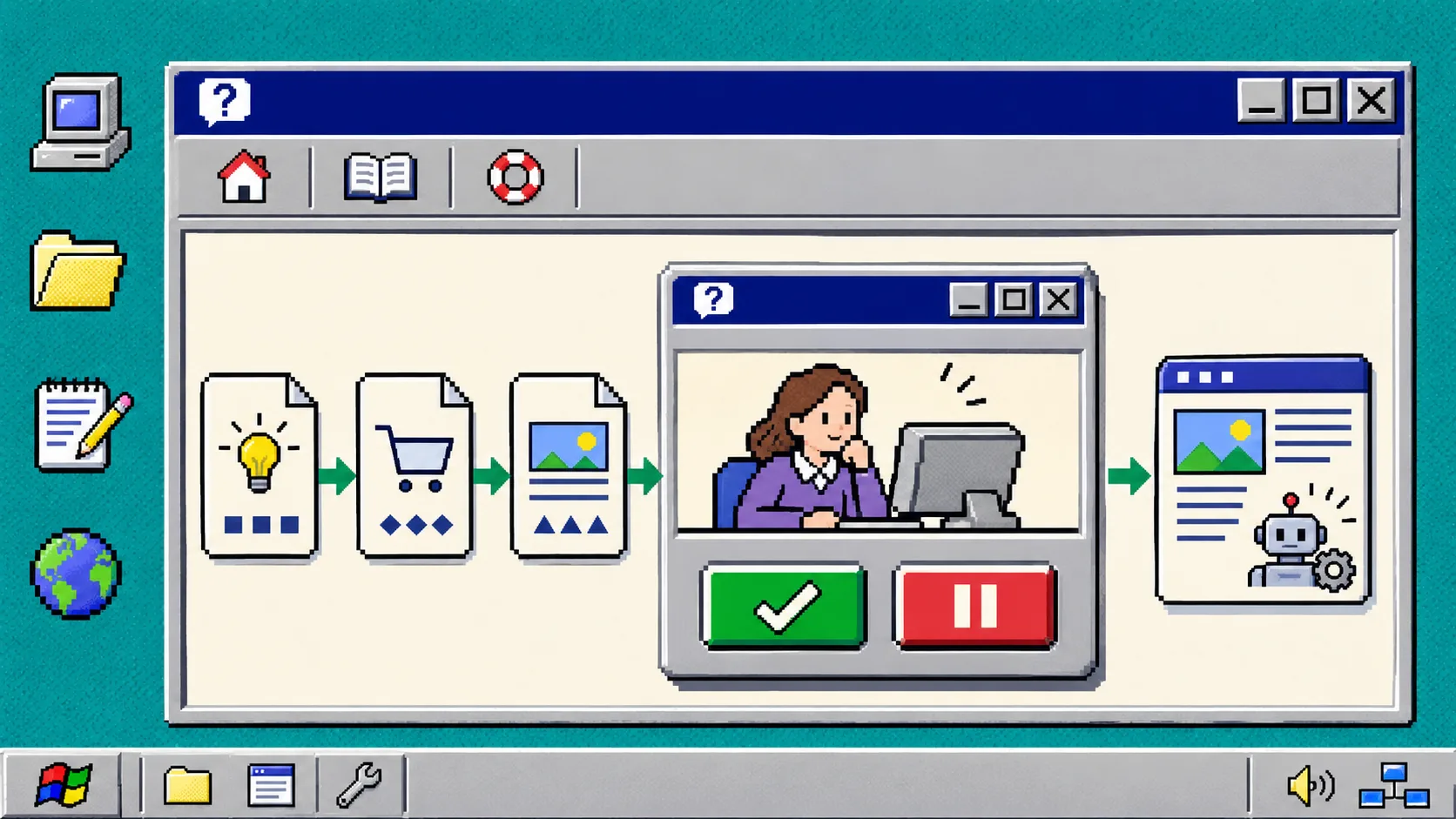
If you use Shopify blog automation, set the first run to draft and review four things before you publish: the reader promise, product facts, links, and image fit. That small gate gives you the time-saving part of automation without treating every generated sentence as approved store copy.
Supra Blog Automation can generate a post on demand or on a recurring schedule, with keyword targeting, internal links, images, and product integration. Shopify’s own blog tools can support SEO, audience building, and traffic; the useful part is still publishing material that accurately represents your store. A draft review gate is the handoff between those two jobs.
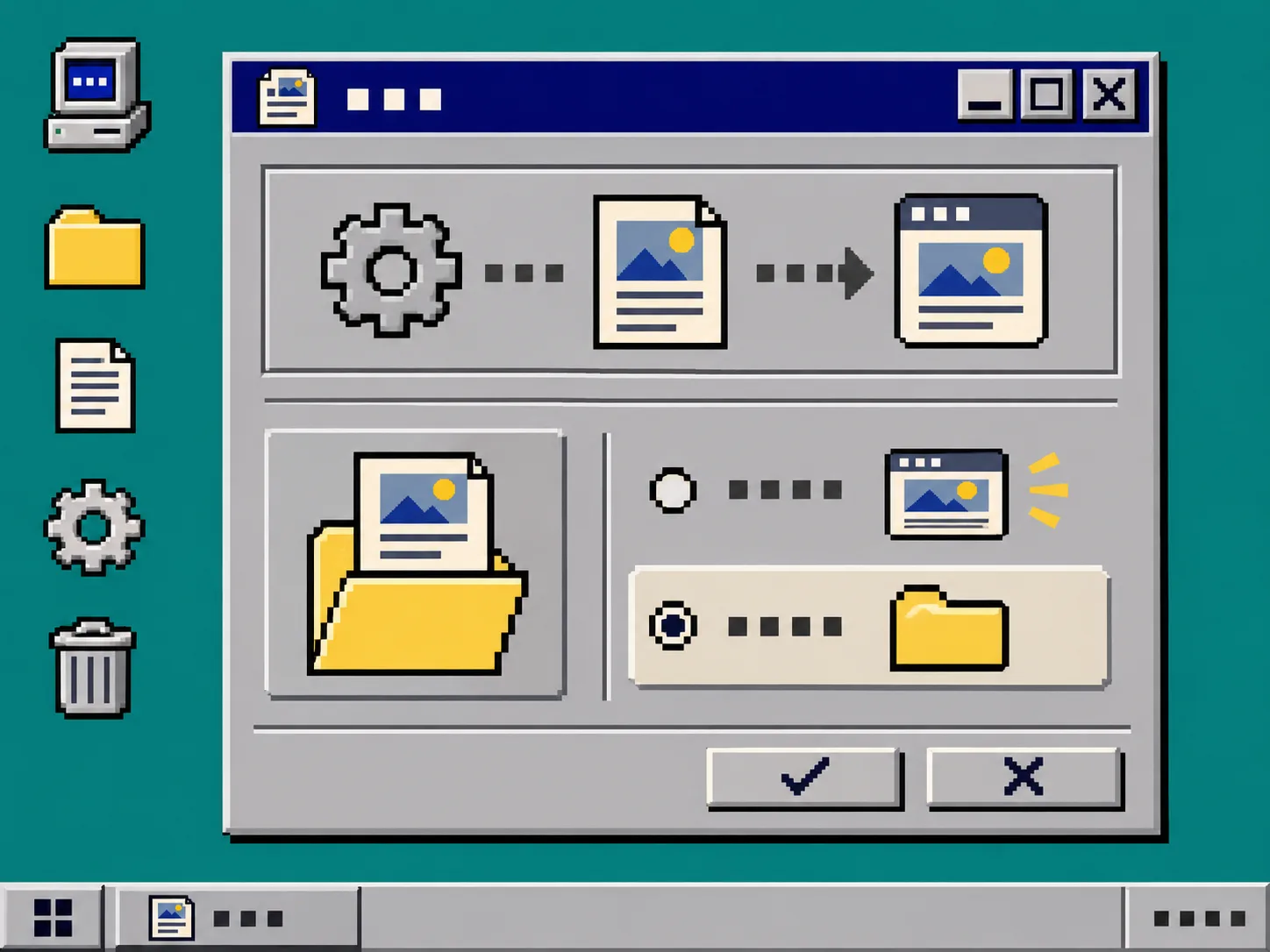
1. Set the first automation to draft-only
Open the app and create one post or one recurring automation. In the content settings, choose the topic, tone, goal, and the product or collection context that the post may mention. In the publishing setting, choose save as draft for the first run instead of immediate publishing.
What you should see: a generated Shopify blog draft that a store editor can inspect before it reaches customers. Keep this setting while you learn how the store voice, product catalog, and image choices behave together.
This is not a vote against scheduling. Supra Blog Automation supports daily, weekly, or monthly schedules; it is a reason to establish a known-good review path before an unattended schedule starts. The earlier Shopify Blog Automation risk map is a useful companion when deciding which campaigns deserve a stricter hold.
2. Write a one-line publish rule
Put a plain rule where the person reviewing drafts can find it. For example:
Publish only when the post answers one shopper question, names only current products or collections, and every click leads somewhere useful.
This rule prevents a review from becoming a vague reread. It also distinguishes a routine educational post from a launch, regulated claim, price comparison, or availability announcement. Those higher-risk posts should remain drafts until the owner of the underlying information confirms them.
For the automation, provide specific product context rather than a generic instruction such as “write about our store.” A product-aware brief might say: “Explain how to choose a winter running layer; reference the current merino collection; do not promise warmth ratings or stock.” The app can use the product context; the review gate catches any details that went stale after generation.
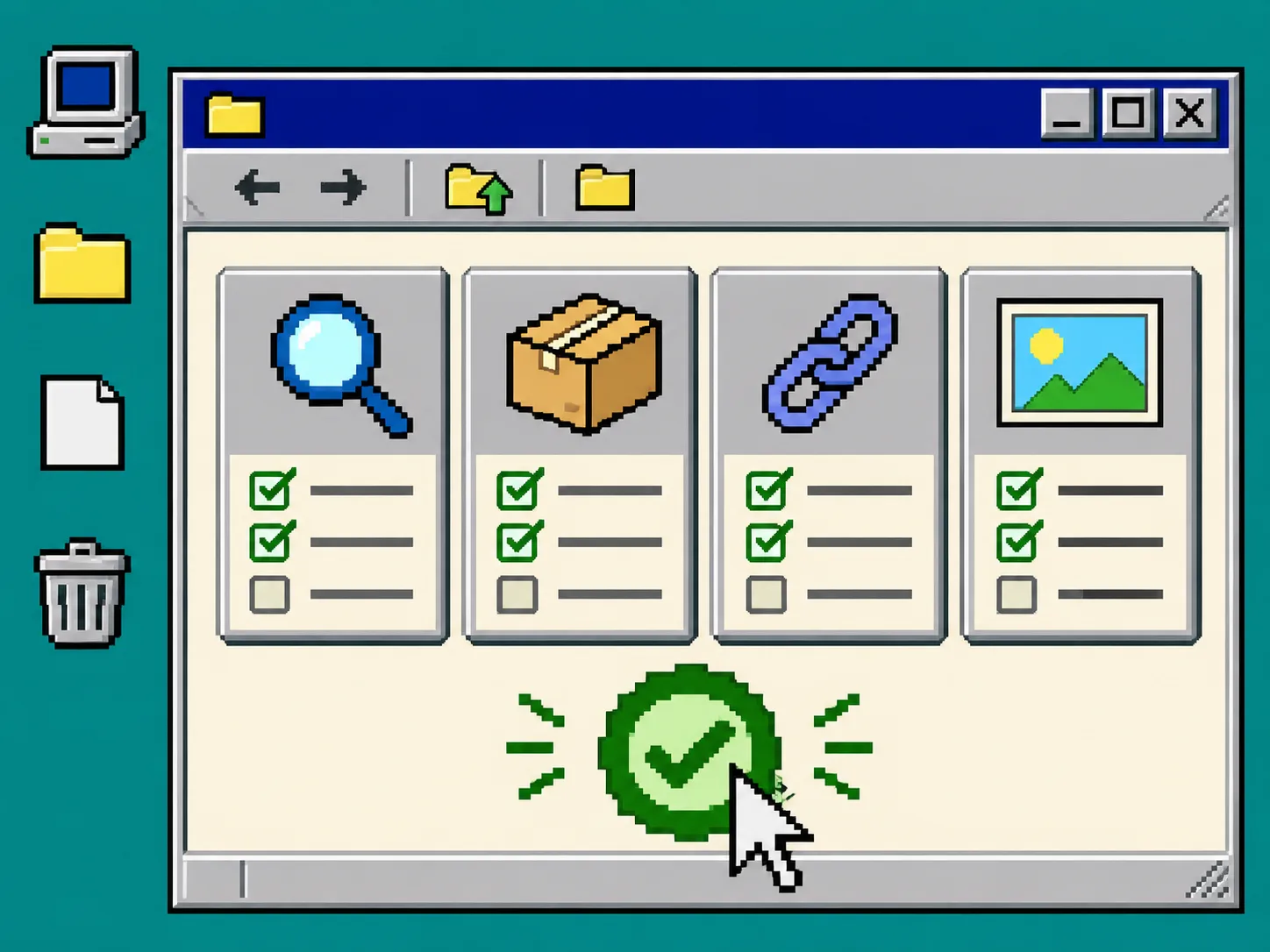
3. Check the four cards before you publish
Use this small checklist. It should take minutes for a normal post, not a second writing project.
| Card | Check | Hold the draft when |
|---|---|---|
| Reader | The opening gives a direct answer and the heading matches the question. | The post is generic, changes audience, or buries the answer. |
| Product | Names, variants, prices, availability, and claims match the live store. | A detail cannot be confirmed on the product page or by its owner. |
| Links | Internal links go to relevant, live pages; external sources support consequential claims. | A URL is broken, redirects strangely, or is only decorative. |
| Images | The image explains the section and shows no misleading product detail. | A generated visual invents a feature, label, or use case. |
The product card matters even for a soft promotion. An automated draft can be structurally sound while referring to a retired variant or simplifying an important condition. Treat catalog facts like you would treat a storefront edit: confirm them against the live source. The same habit appears in this guide on separating product and variant changes before a Shopify bulk edit.
For links, open the destination rather than trusting the anchor text. Internal linking is helpful only when it gives the reader a sensible next step. You can use the same inspection mindset from checking a static export before changing hosting: a successful-looking control is not proof that the underlying destination is ready.
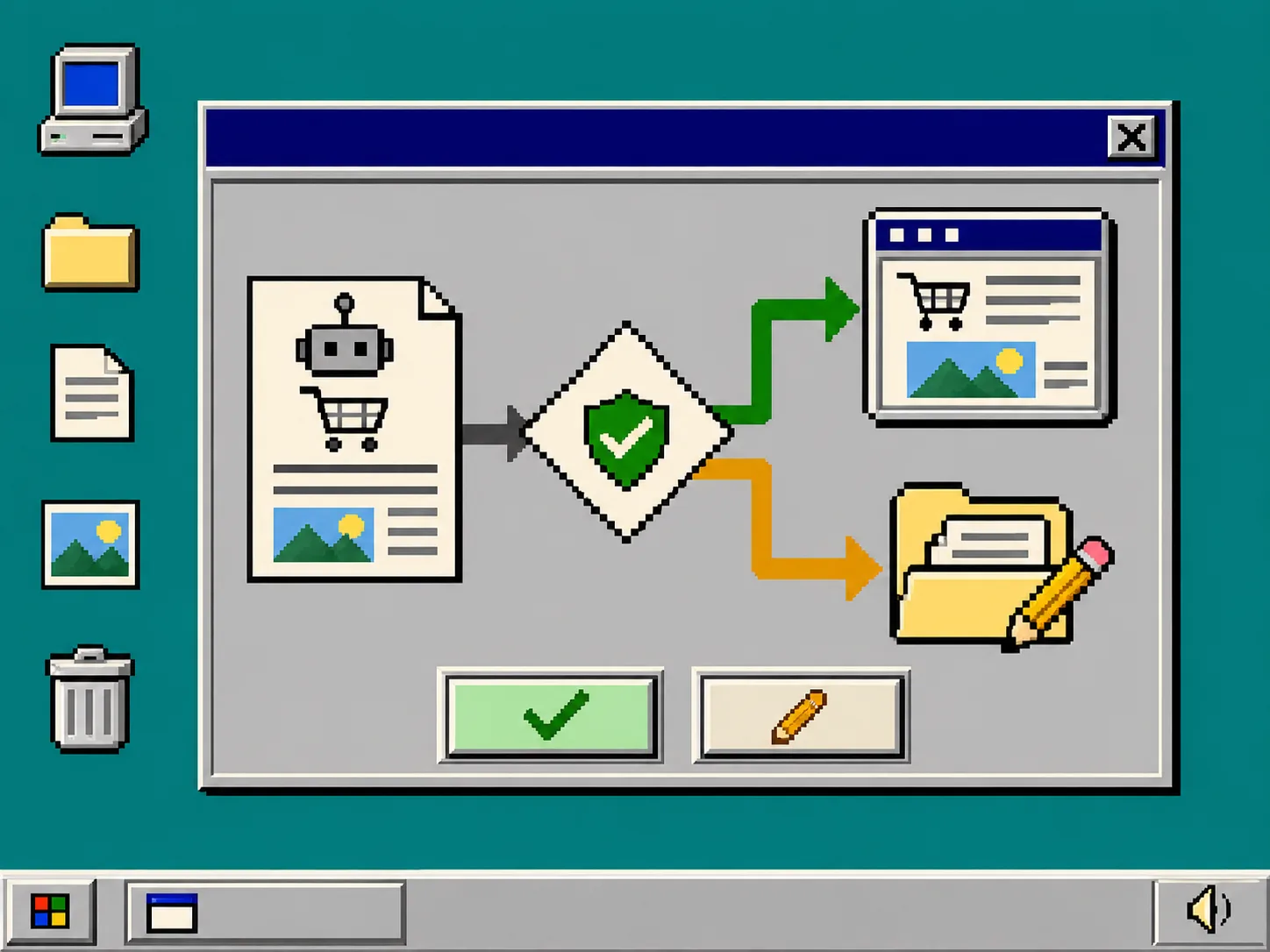
4. Use a simple publish-or-hold branch
After the four cards, make one decision.
- Publish: the answer is useful, factual product context is current, links work, and visuals fit the story.
- Hold for a named owner: a product claim, promotion, legal statement, or inventory detail needs confirmation. Leave a note stating the exact line and the person or source needed.
- Regenerate or rewrite: the draft has the wrong reader job, repeats itself, or cannot be fixed with a small edit. Update the topic and product context first, then generate another draft.
A hold is useful output, not a failure. It records that an automation encountered a fact it cannot safely decide. For a practical parallel, see how to find why an Etsy catalog feed is missing items in Meta: narrowing the unknown is progress.
5. Promote the gate from manual to routine
Review the first three to five drafts manually. Keep a short note for each held post: what was caught, where the correct source lives, and whether the prompt needs a new constraint. If all of them pass cleanly for the same low-risk topic, you can shorten the gate or allow that narrow workflow to publish on schedule.
Do not expand the automatic path simply because the prose sounds polished. Expand it when the review record shows stable inputs: current product context, a predictable post type, approved image behavior, and a person responsible for exceptions. This is the practical difference between letting a tool write unattended and operating a repeatable content system.
Troubleshooting
The draft sounds like every other AI article. Replace a broad topic with a shopper question, a collection, and one constraint. “Gift ideas” becomes “How to choose a carry-on gift for a frequent traveler; feature the travel-accessories collection; avoid price claims.”
A product link is correct but the statement is not. Correct or remove the statement. A link is evidence only for what the destination actually confirms.
The reviewer is spending too long on every draft. Keep the four cards, but route only high-risk statements to a product owner. Routine copy should have a clear publish rule and a short review window.
Images look attractive but not trustworthy. Replace the image or use a product image when it is the more accurate choice. Do not let decorative art imply a feature that the product page does not support.
Make the next post easy to approve
Start with one draft-only automation, one publish rule, and the four-card check. Then use Supra Blog Automation to generate a real post for a current collection and record what the gate catches. Once the same workflow passes repeatedly, scheduling becomes a controlled handoff instead of a blind publish button.